Loading video…
All breakouts
77.5App DemoDirect Question hookEducation
Hook
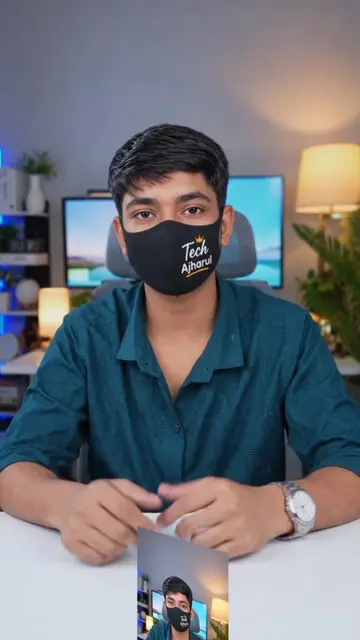
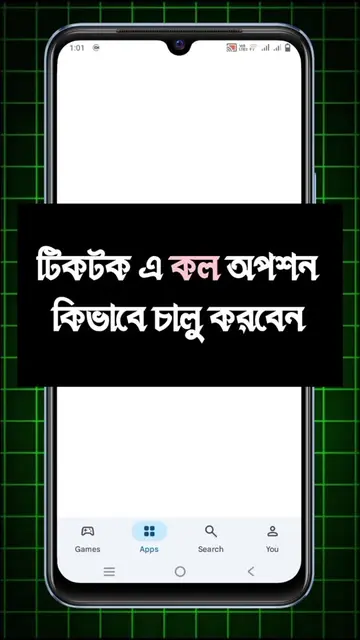
টিকটকে ব্যানার অপশন কাদের আসে নাই?
@tech_ajharul
14.5K followers · usually 2.6K views a post
Views
193.7K
Likes
3.2K
Comments
392
Shares
372
Why it worked
The video addresses a specific, common user frustration regarding a missing platform feature and provides a clear, actionable workaround that viewers can immediately replicate.
Summary
The creator provides a tutorial on how to request the profile banner feature on TikTok by contacting support through the app's settings. The video guides the viewer through the navigation steps and provides a template message to send to the support team.
Structure
- 1Identify the problem of missing profile banner
- 2Navigate to TikTok settings and help center
- 3Open the chat support interface
- 4Submit a request for the banner feature
- 5Confirm the expected wait time for activation
Product placement
TikTok (a) ACTS: the creator demonstrates navigating its settings, accessing the help center, and using its support chat interface to request a feature. Removing it would make the video impossible as it is the subject of the tutorial. Tech Ajharul (b) APPEARS: the creator's handle and name appear in the profile view, which is attribution.
On-screen text
টিকটকে ব্যানার অপশন কাদের আসে নাই?
টিকটকে ব্যানার অপশন কাদের আসে নাই?
টিকটক
Settings and privacy
Help Center
Chat with us
Account
I want to request access to the new Profile Banner feature on my TikTok account.
১২ থেকে ২৪ ঘণ্টার মধ্যে চালু হয়ে যাবে
Original caption
tiktok cover photo tutorial #trending #coverphoto #tiktoktrend #banner #tutorial
More from @tech_ajharul
More breakout videos from this creator.