Loading video…
Sound

Finger Snap(1080388)
Voltage Tametaro
0:00–:––
- Videos using it
- 32
- Views on those videos
- 46.2M
The video provides a highly actionable, step-by-step tutorial for a common pain point (video editing) using a built-in, accessible tool, which encourages high save and share rates.
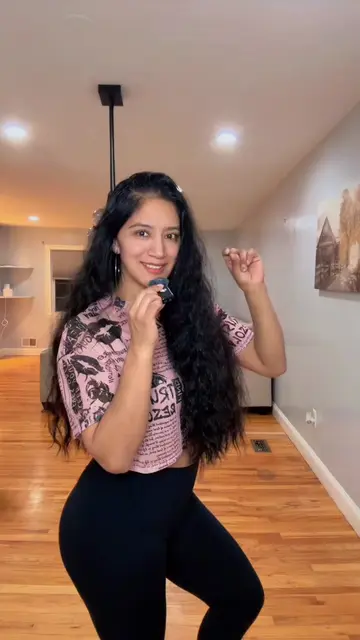
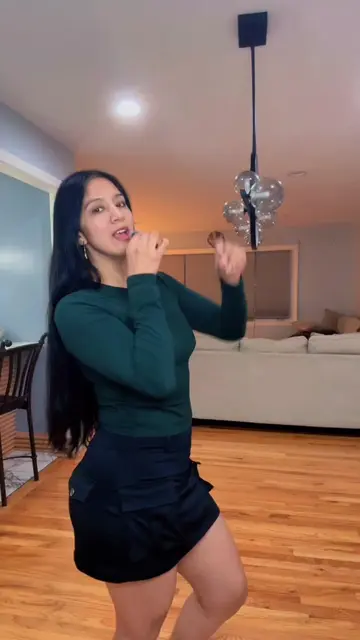
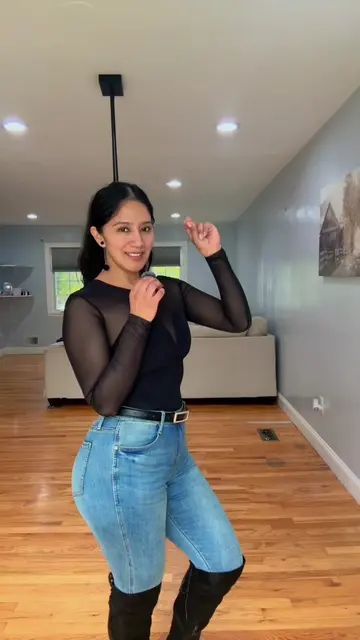
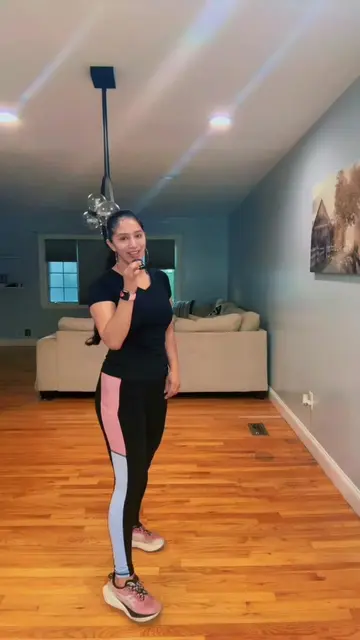
The creator demonstrates how to use the 'AutoCut' feature within the TikTok app, which is powered by CapCut, to automatically generate edited videos from photos and clips. She guides the viewer through the interface to select media and apply templates to create content quickly.
Deja que tik tok edite los videos por ti , utilizando autocut #autocut #creadoresdecontenido #tendencias #tips #AprendeEnTikTok
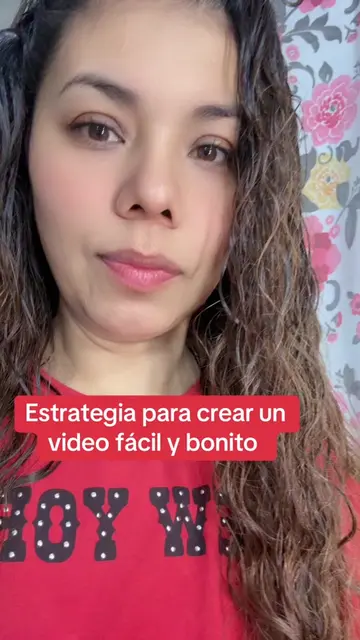
Deja que tik tok edite los videos por ti
Introduction to the AutoCut feature
Navigating to the creation menu in TikTok
Selecting media from the gallery
Demonstrating the template selection process
Explaining the benefits for the algorithm
Call to action for engagement
(a) CapCut: The creator explicitly names it as the tool to edit videos, shows its interface within TikTok, and demonstrates its "AutoCut" feature to automatically edit a video from photos/videos. This is the primary subject. (b) TikTok: The platform itself, appears as the interface where the editing is performed. It is substrate.
Regálame un like si te gusta mi contenido, sígueme si te nace seguirme, compartan para que todo mundo aprenda, déjame en los comentarios qué más te gustaría aprender.
Video editing app for creators making social media videos
Views and creators: posted in the last 30 days (English videos). Videos: all time.
Promotes 3 products. Create free account to see more.
Outliers and viral hits: their videos on Overshot, all time.