Loading video…
All breakouts
3.7KTalking HeadCuriosity Gap hookCreator Economy
Hook
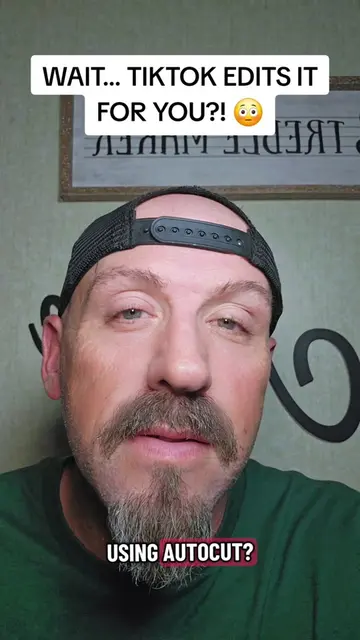
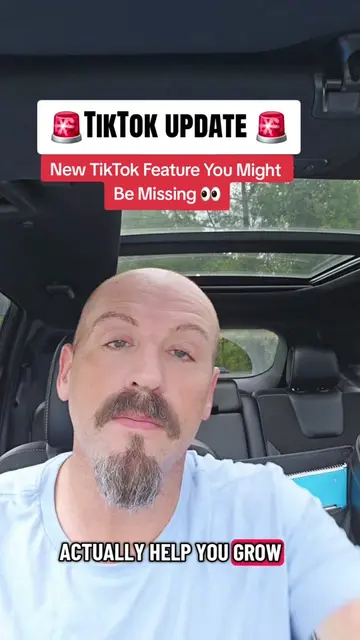
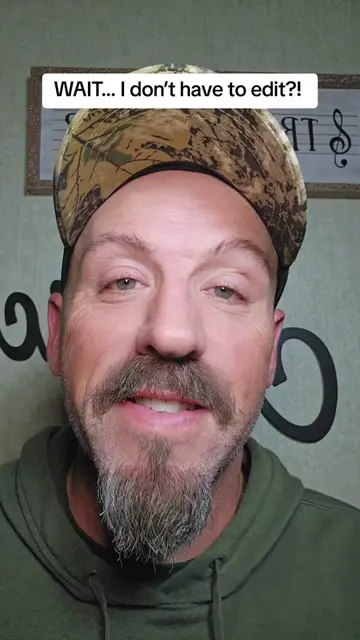
YOU CAN TURN RANDOM CAMERA ROLL STUFF INTO A VIDEO?! 🤯
@pames.jawl
217.7K followers · usually 1.6K views a post
Views
5.6M
Likes
92.5K
Comments
472
Shares
2.2K
Why it worked
The video addresses a common pain point for creators—the difficulty of editing—by showcasing a built-in, easy-to-use solution, which provides immediate value to the viewer.
Summary
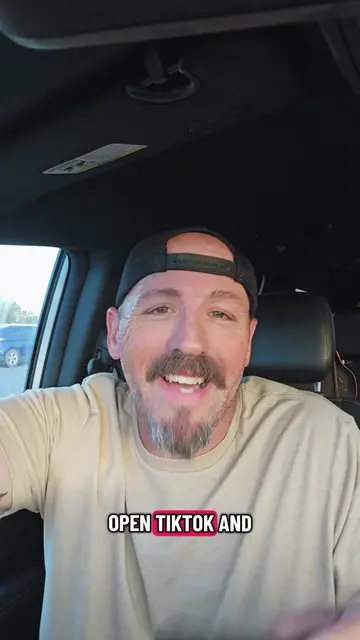
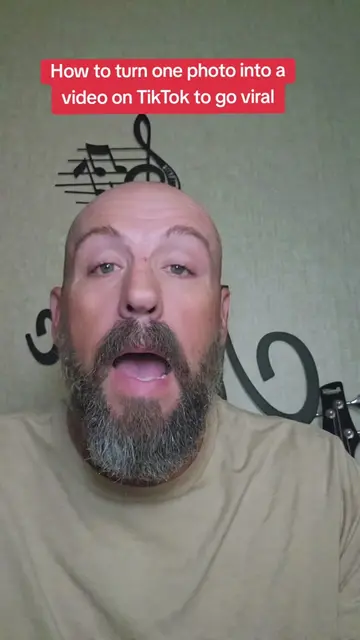
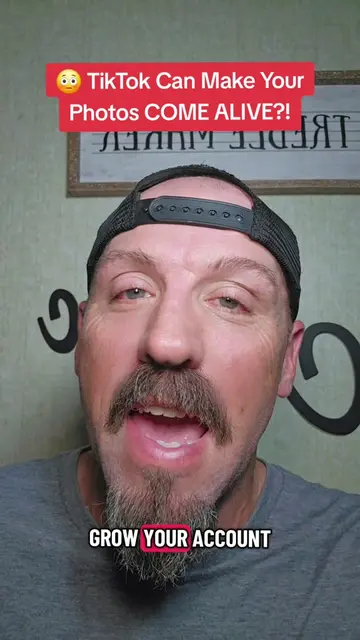
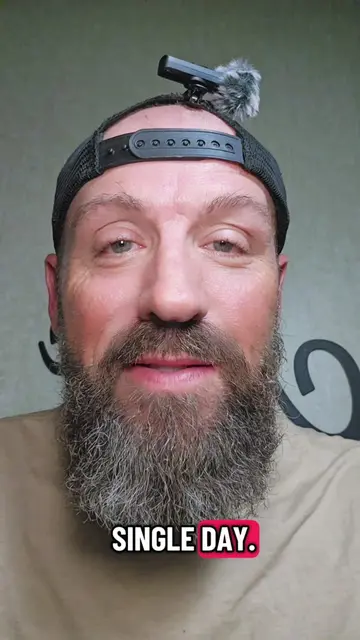
The creator provides a tutorial on how to use the 'Auto Cut' feature within the TikTok app to automatically edit photos and videos. He guides the viewer through the steps of accessing the feature, selecting media, and choosing templates.
Structure
- 1Introduction to the Auto Cut feature
- 2Step-by-step tutorial on accessing the tool
- 3Demonstration of selecting media
- 4Advice on choosing templates and sound
- 5Call to action to save the video and follow for more tips
Product placement
TikTok (a) ACTS — the video demonstrates the use of the 'Auto Cut' feature within the TikTok app to automatically edit photos and videos. Removing this would change the video entirely as it is the subject of the tutorial.
Call to action
Save this now so you can find Auto Cut later and follow me for more tips, TikTok features and ways that you can grow your account. And let me know in the comments! Have you used Auto Cut before or you just now hearing about it?
On-screen text
YOU CAN TURN RANDOM CAMERA ROLL STUFF INTO A VIDEO?! 🤯
YOU CAN TURN
RANDOM STUFF FROM
YOUR CAMERA ROLL
INTO A FINISHED VIDEO
AND YOU DON'T
EVEN HAVE TO
KNOW HOW TO EDIT.
LET ME SHOW
YOU EXACTLY WHERE
TO FIND THIS FEATURE.
FIRST, TAP THE
PLUS SIGN LIKE
YOU'RE GONNA CREATE
A VIDEO.
THEN, AT THE
BOTTOM TAP CREATE.
NOW LOOK AT
THE TOP OF
YOUR SCREEN AND
FIND AUTO CUT.
TAP IT, THEN
START SELECTING PHOTOS
AND VIDEOS FROM
YOUR CAMERA ROLL.
AND DON'T EVER
THINK THIS PART:
GRAB PICTURES, VIDEO
CLIPS, SCREENSHOTS,
WHATEVER YOU
HAVE SAVED.
THEY DON'T HAVE
TO BE PERFECT,
AND THEY DON'T
EVEN HAVE TO MATCH.
ONCE YOU'VE PICKED
EVERYTHING,
TAP NEXT. NOW
WATCH WHAT HAPPENS.
TIKTOK TAKES THOSE
RANDOM PHOTOS AND CLIPS
AND AUTOMATICALLY TURNS
THEM INTO AN
EDITED VIDEO.
IT CAN HANDLE
THE TIMING, TRANSITIONS,
EFFECTS, AND EVEN
THE SOUND.
SO INSTEAD OF SPENDING
FOREVER TRYING TO
FIGURE OUT HOW
TO PUT EVERYTHING TOGETHER,
TIKTOK DOES ALL
THE WORK FOR YOU.
BUT HERE'S SOMETHING
YOU DON'T WANT TO SKIP.
DON'T AUTOMATICALLY USE
THE FIRST ONE
IT GIVES YOU.
TAKE A LOOK
THROUGH THE DIFFERENT TEMPLATES
AND SEE WHICH
ONE FITS YOUR
CONTENT THE BEST.
AND DON'T BE
SO QUICK TO
CHANGE THE SOUND.
IF THE TEMPLATE
GIVES YOU A
SOUND THAT WORKS
FOR YOUR VIDEO,
GIVE IT A
CHANCE BEFORE YOU
SWAP IT OUT.
ONCE YOU LIKE
THE RESULT,
YOU CAN POST
IT TO YOUR
MAIN FEED OR
SHARE IT STRAIGHT
TO YOUR STORY.
SAVE THIS NOW
SO YOU CAN
FIND AUTO CUT
LATER AND FOLLOW
ME FOR MORE TIPS,
TIKTOK FEATURES AND
WAYS THAT YOU
CAN GROW YOUR ACCOUNT
AND LET ME KNOW
IN THE COMMENTS!
HAVE YOU USED
AUTO CUT BEFORE
OR YOU JUST
NOW HEARING
ABOUT IT?
Original caption
Turn random photos and videos into a TikTok with Autocut #tiktokfeature #autocut #tiktoktips #tiktokgrowth
More from @pames.jawl
More breakout videos from this creator.