Loading video…
All breakouts
601Talking HeadCuriosity Gap hookCreator Economy
Hook
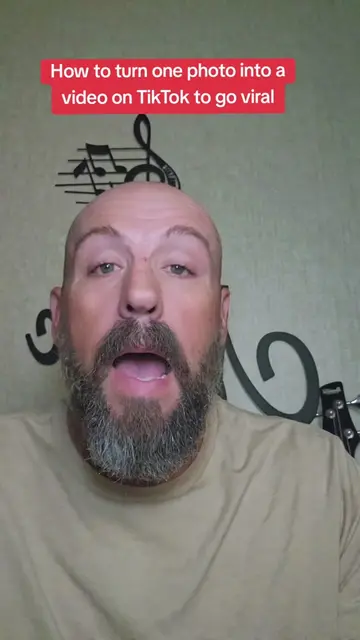
TikTok Can Make Your Photos COME ALIVE?!
@pames.jawl
217.7K followers · usually 1.6K views a post
Views
813.0K
Likes
5.5K
Comments
238
Shares
974
Why it worked
The video provides immediate, actionable value by teaching a specific, high-interest AI feature within a platform the audience is already using, making the content highly shareable and useful.
Summary
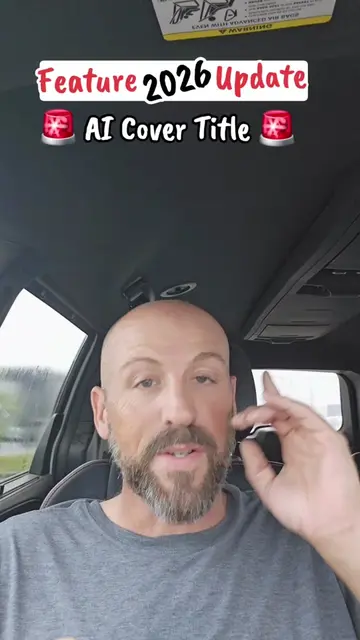
The creator provides a tutorial on how to use the 'AI Video' feature within the TikTok app to animate still photos. He explains the step-by-step process of accessing the tool, uploading an image, and using text prompts to generate movement and sound.
Structure
- 1Hook: TikTok can animate photos
- 2Step 1: Accessing the AI Video feature
- 3Step 2: Managing feature availability
- 4Step 3: Uploading and prompting the AI
- 5Step 4: Generating and posting the result
- 6CTA: Save and follow for more tips
Product placement
TikTok: (a) ACTS — the creator demonstrates its interface, specifically the 'AI Video' feature, and explains how to use it to generate video from a photo. Removing this would change the entire video as it is the subject of the tutorial.
Call to action
Save this video so you can follow the steps when you're ready to try it and follow me for more TikTok features, creator tips and simple ways to grow your account.
On-screen text
Original caption
Learn how to use TikTok’s AI Video feature to turn one photo into an AI-generated video with movement and sound! #tiktokfeature #AIVideo #TikTokAI #TikTokTips #TikTokTutorial
More from @pames.jawl
More breakout videos from this creator.