Loading video…
Sound

original sound - coritoksecrets
Empress Cori 👑|CoriTokSecrets · Original audio
0:00–:––
Playing this video’s own audio, so you’ll hear the creator over the sound.
This video promotes it, but we haven’t matched it to a product page yet, so there are no product figures.
The video provides a practical, step-by-step tutorial on a specific TikTok feature ('Auto Cut') that directly addresses a common creator goal: increasing visibility and creating viral content. The creator's use of French and clear demonstration makes it accessible to a relevant audience.
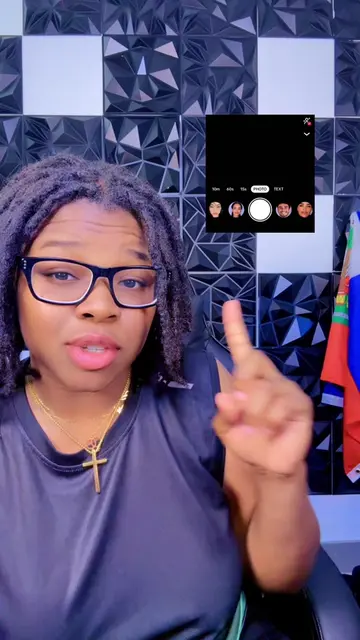
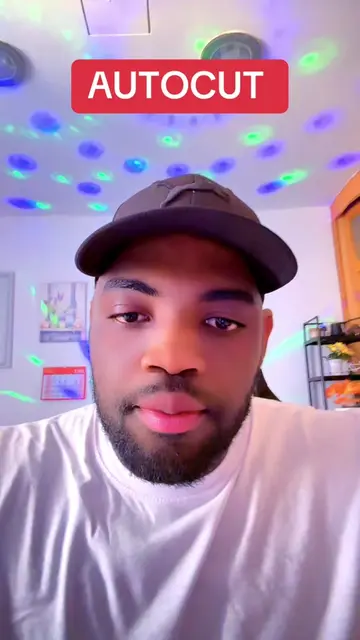
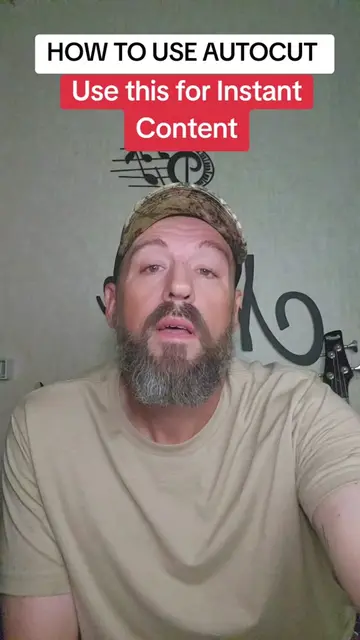
The creator demonstrates how to use TikTok's 'Auto Cut' feature to create viral content from photos, aiming to increase visibility on the platform. The tutorial guides viewers through selecting photos, using the Auto Cut tool, choosing a template, and posting the content.
Post 5 | Tutorial utiliser les photos pour creer du contenu de qualité sur TikTok #astucetiktok #tiktoktips #tiktoktools #autocut #coritoksecrets✨💫
Auto Cut FEATURE
Introduction to the 'Auto Cut' feature for viral TikTok content
Demonstration of selecting photos and using the Auto Cut tool
Explanation of choosing a template for the video
Guidance on posting the content to increase visibility
Call to action for likes, saves, shares, and comments
TikTok (app): a social media platform for creating and sharing short-form videos. It ACTS as the platform where the tutorial is shown and the feature is used. Removing it would change what happens in the video. Auto Cut (feature): a feature within TikTok used to automatically edit videos. It ACTS as the tool being demonstrated. Removing it would change what happens in the video.
Playing this video’s own audio, so you’ll hear the creator over the sound.
Outliers and viral hits: their videos on Overshot, all time.