Loading video…
Sound

original sound - justicetg1
Justice || Ai & Tech · Original audio
0:00–:––
Playing this video’s own audio, so you’ll hear the creator over the sound.
The video addresses a common, high-friction pain point (needing a file while away from home) and provides a clear, step-by-step solution that demonstrates the product's utility in real-time.
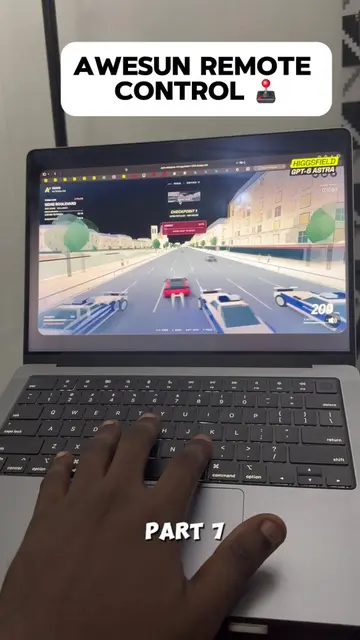
The creator demonstrates how to use the AweSun Remote Desktop app to access and control a PC from a smartphone. The video highlights the app's ability to transfer files and run applications remotely.
Control your PC from anywhere with AweSun! 💻📱 Access your files remotely without rushing back home. #PCTips #TechTips #RemoteAccess #AweSun #Tech
PC tips you need to know, part 6.
Identify the problem of needing remote PC access
Introduce AweSun Remote Desktop
Walkthrough of the installation and connection process
Demonstrate remote control and file transfer capabilities
Highlight the free version and call to action
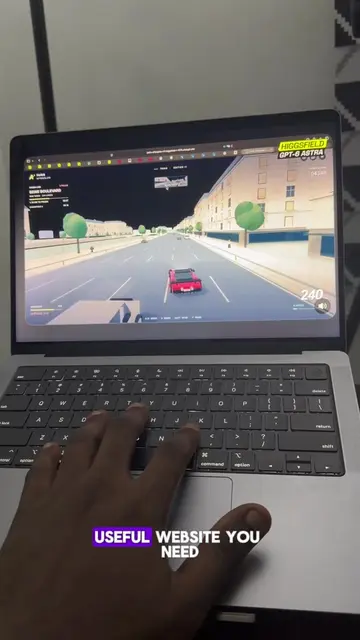
(a) AweSun Remote Desktop: The app is operated on both a PC and a smartphone to demonstrate remote access, file transfer, and control. It is the central subject of the video. Removing it would make the video impossible. (b) Higgsfield: Appears as a watermark on the laptop screen. Removing it would not change the video. (c) TikTok: Appears as an app being accessed on the remote PC. It is substrate for demonstrating the remote control capability. (d) Exness: Appears as a logo on a presentation being viewed on the remote PC. It is incidental. (e) Linktr.ee: Appears in the creator's bio link. It is a link aggregator and not the product.
Like and follow for more PC tips.
Playing this video’s own audio, so you’ll hear the creator over the sound.
Promotes 7 products. Create free account to see more.
Outliers and viral hits: their videos on Overshot, all time.
Remote desktop software for accessing and controlling computers from other devices
All time.