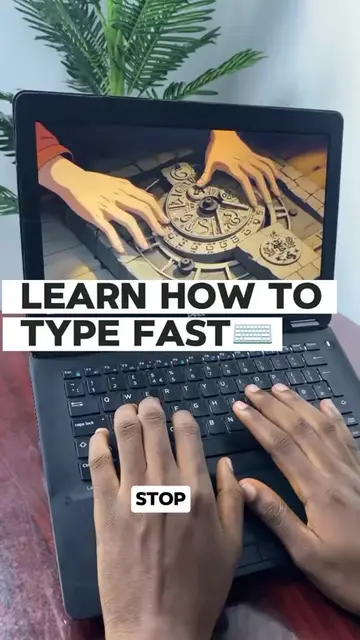
Loading video…
All breakouts
61.7Talking HeadListicle hookAI Tools
Hook
PC TIPS EVERYONE SHOULD KNOW PART(3) 🤓🤓
@justicetg1
4.8K followers · usually 557 views a post
Views
34.0K
Likes
244
Comments
12
Shares
5
Why it worked
The video provides a high-utility, 'secret' technical trick that feels like a life-hack, which encourages viewers to save and share the content for future reference.
Summary
The creator demonstrates a hidden Windows command that opens a folder containing all installed applications on a PC. This tip is presented as a quick way to manage or rediscover software.
Structure
- 1Introduce PC tip series
- 2Explain the Windows+R shortcut
- 3Demonstrate the shell:AppsFolder command
- 4Show the resulting hidden folder
- 5Explain the benefits of the folder
Product placement
Windows (operating system) — ACTS: The video demonstrates the use of the 'Run' command and the 'shell:AppsFolder' command within the Windows interface to reveal a hidden folder of installed applications. Removing this would change the video entirely as it is the subject of the tutorial. none
On-screen text
PC TIPS EVERYONE SHOULD KNOW PART(3) 🤓🤓
DISCOVER APPS YOU FORGOT YOU EVEN HAD
PRESS WINDOWS+R
SHELL:APPSFOLDER
Original caption
PC tips everyone should know 💻🔥 #PCTips #TechTips #Windows10 #TechTok #FYP
More from @justicetg1
More breakout videos from this creator.