Loading video…
Sound

original sound - x_four_iv
x_four_iv · Original audio
0:00–:––
Playing this video’s own audio, so you’ll hear the creator over the sound.
Hook
Posted Oct 15, 2026Video · 0:53by @x_four_iv
The video provides a clear, actionable framework for a complex task, positioning the AI tool as an essential component of a modern, efficient creative workflow.
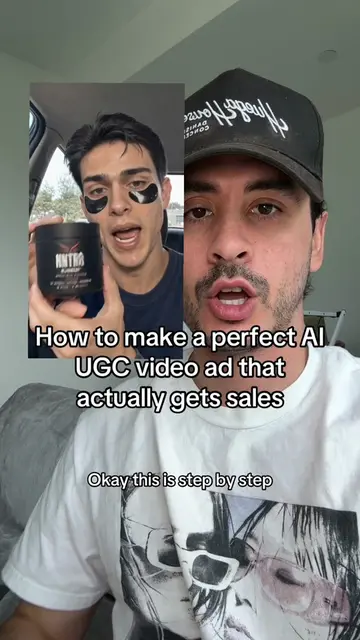
The creator explains a three-step workflow for using AI to convert text into video content. He demonstrates the process of describing a scene, generating clips with an AI tool, and refining the output for a final video.
Turn Text into Video in 3 Click Steps If you are still spending hours editing videos, setting up cameras, or paying expensive production fees, your workflow is officially outdated! 🛑 Modern 2026 text-to-video AI generation tools let you convert raw scripts or articles into fully rendered, high-definition videos in just 3 simple clicks. Here is the exact 3-step engine to automate your video output: 1️⃣ Input Your Script & Prompt: Feed your text or market breakdown into the AI engine using structured visual prompts (Subject + Environment + Camera Motion). 2️⃣ Select Style & Voice Settings: Choose your video aspect ratio (9:16 for Reels/TikTok), visual aesthetic, and realistic AI voiceover clone in one click. 3️⃣ Generate & Export: Hit render to generate full 4K scenes with auto-synchronized captions, transitions, and dynamic sound design ready to post. Stop letting slow video production limit your reach—master AI text-to-video workflows and scale your content engine on autopilot! Save this post to test this 3-step video creation hack today! #AITools #ArtificialIntelligence #TextToVideo #AIVideo #FutureOfWork #CryptoAI #TechTrends
Everything you've seen on this channel started as a sentence.
Introduction to text-to-video workflow
Step 1: Describing the scene for AI
Step 2: Generating clips
Step 3: Refining and editing the output
Encouragement to try the process
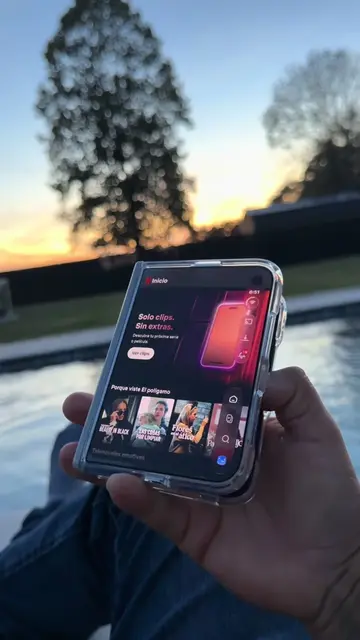
The video demonstrates an AI text-to-video tool. The interface shown at 0:24 and 0:31 is for the tool 'Invideo'. It ACTS: the creator demonstrates inputting a description, hitting a generate button, and the tool produces video clips. Removing the tool's interface would remove the entire premise of the video. The creator's hat and shirt feature an 'A' logo, which merely APPEARS as branding for the creator's channel.
Subscribe
Playing this video’s own audio, so you’ll hear the creator over the sound.
Promotes 1 product. Create free account to see more.
Outliers and viral hits: their videos on Overshot, all time.
AI video editor that turns text prompts into videos for creators
All time.