Loading video…
All breakouts
18.0Talking HeadResult / Flex hookCreator Economy
Hook
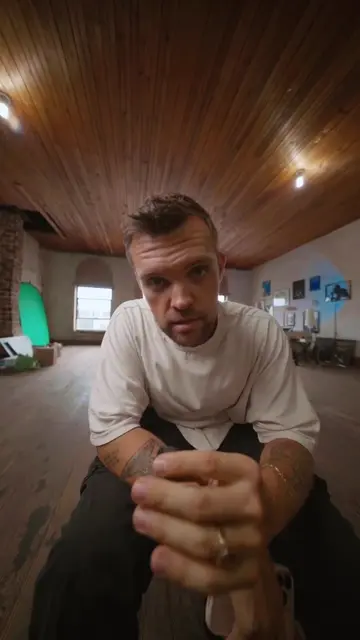
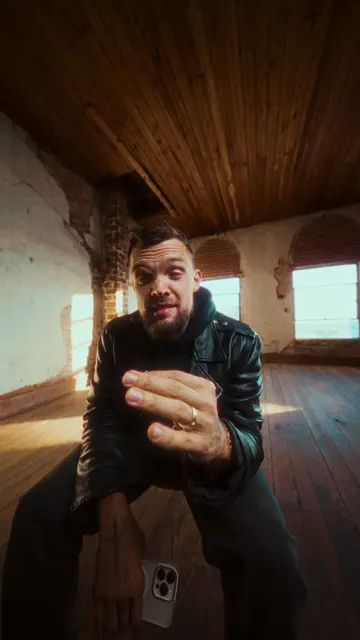
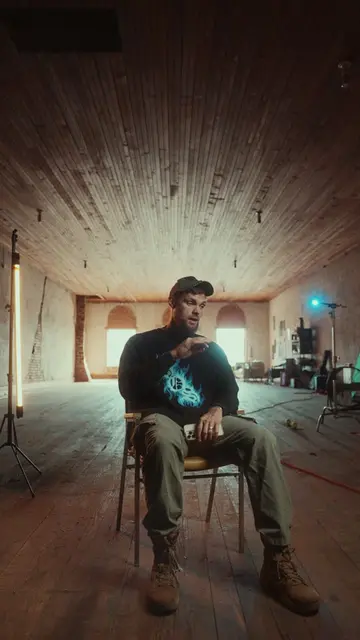
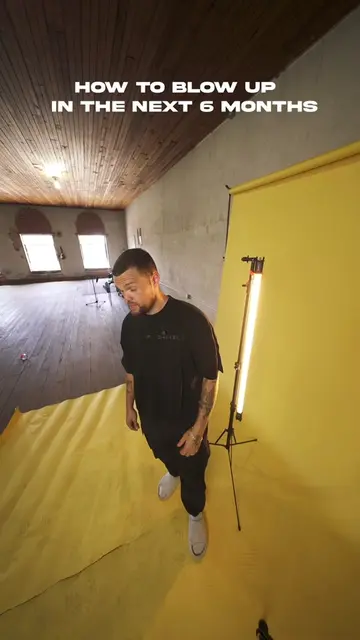
Yo, it's wild, bro. I'm literally directing entire music videos using nothing but my laptop while chilling in my living room with my dogs.
@brand__development
46.0K followers · usually 3.6K views a post
Views
79.5K
Likes
2.7K
Comments
448
Shares
508
Why it worked
The video provides high-value, actionable technical knowledge while using a 'comment for link' mechanic to boost engagement and algorithm performance.
Summary
The creator demonstrates a seven-step workflow for creating cinematic music videos using AI tools like Higgsfield and Veo 3. He offers a free guide to viewers who comment a specific keyword on the post.
Structure
- 1Introduction to AI music video workflow
- 2Step 1-3: Cloning, moodboarding, and prompting
- 3Step 4: Generating reference images
- 4
Original caption
AI music videos are going to be a game changer for your career 🫠
More from @brand__development
More breakout videos from this creator.