Loading video…
Sound

Finger Snap(1080388)
Voltage Tametaro
0:00–:––
- Videos using it
- 32
- Views on those videos
- 46.2M
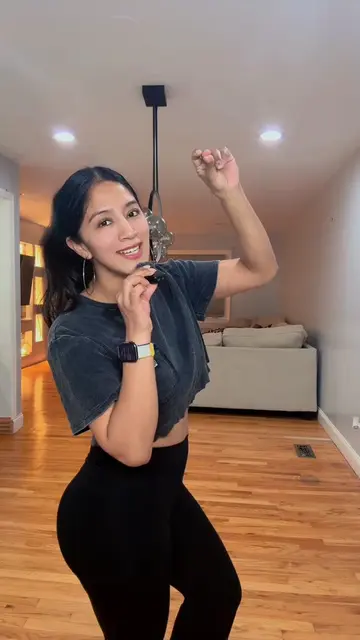
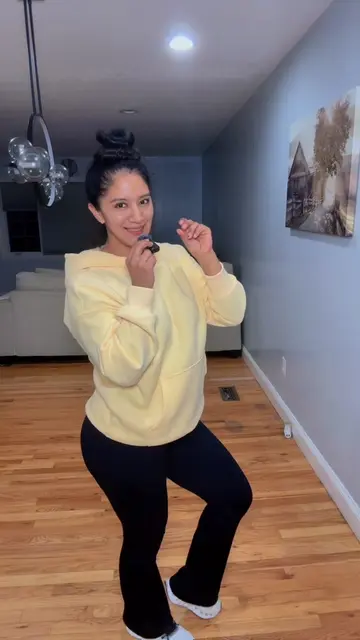
This video promotes it, but we haven’t matched it to a product page yet, so there are no product figures.
The video provides high-utility, actionable advice that solves a common pain point for creators—how to make engaging content quickly—using the platform's own native tools.
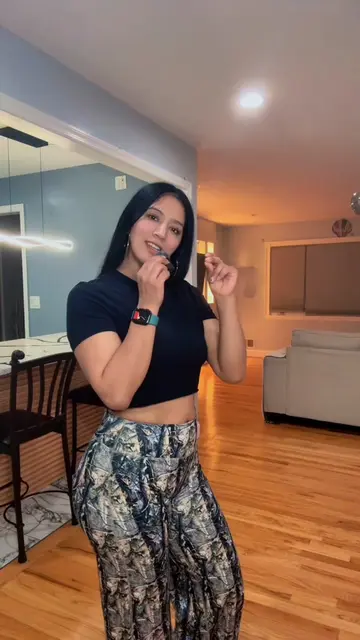
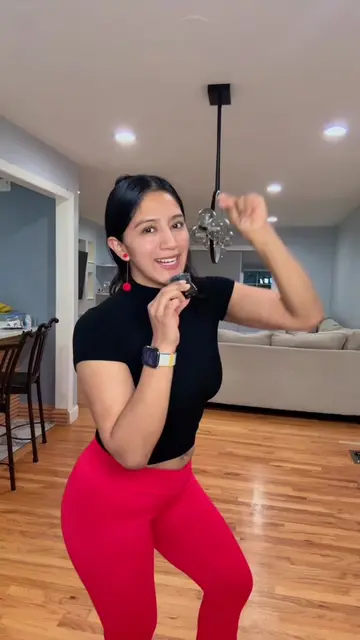
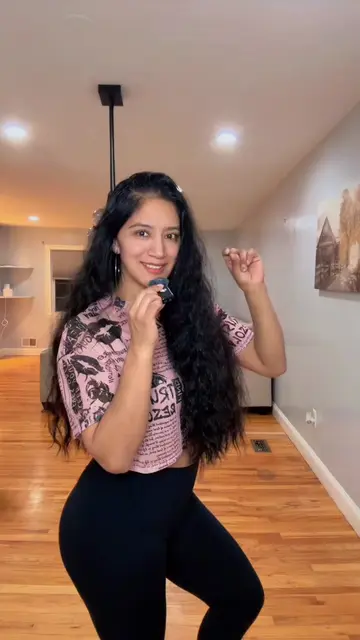
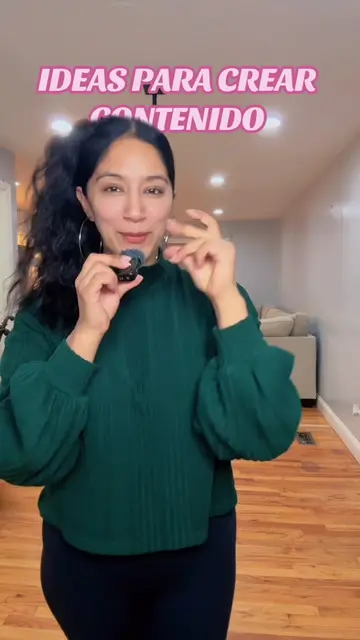
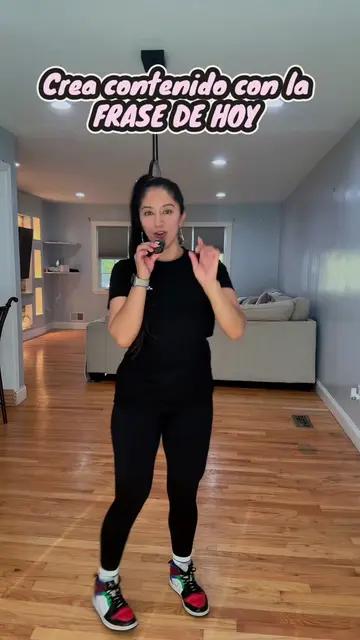
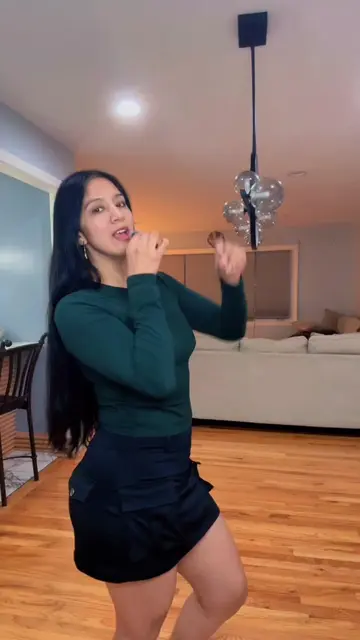
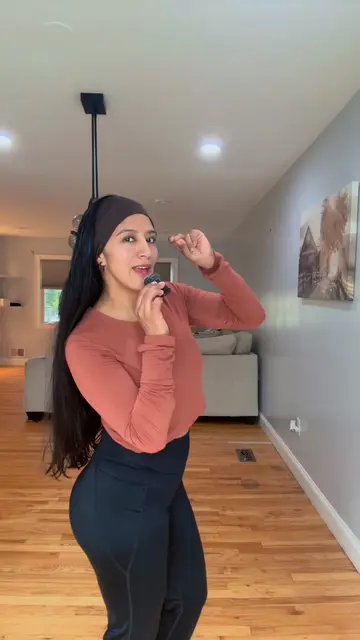
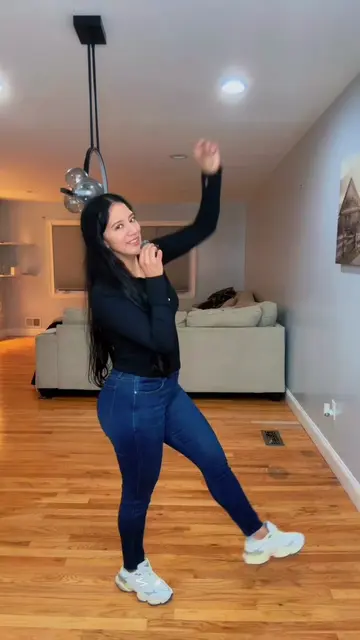
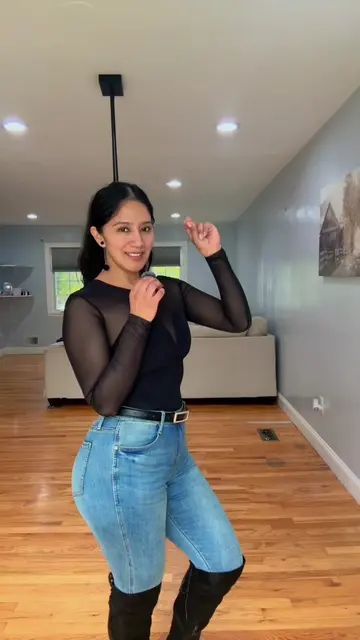
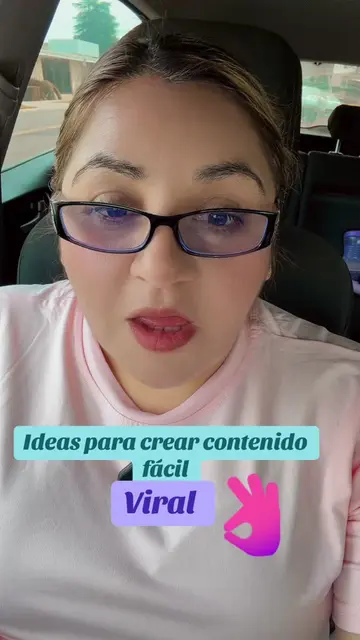
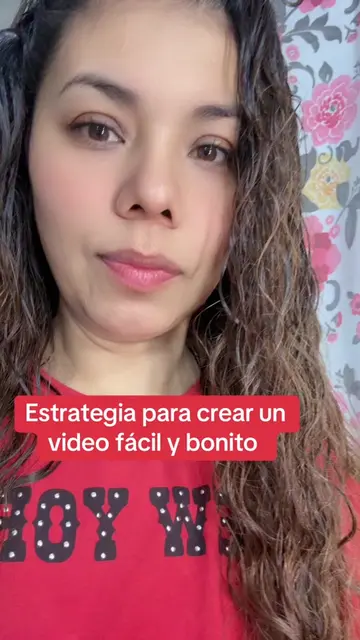
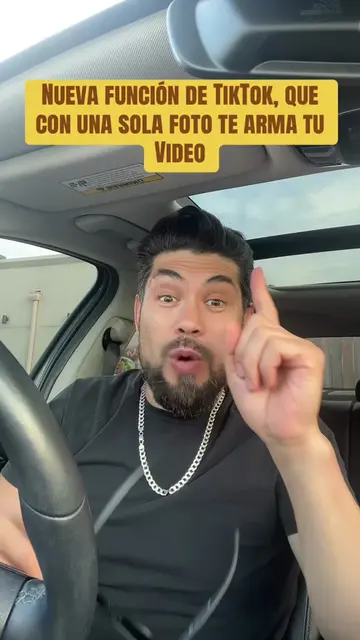
The creator provides a step-by-step tutorial on how to use TikTok's built-in 'Create' feature and templates to quickly edit and post content. She guides the viewer through selecting a template, adding a video clip, inserting text, and adjusting elements within the app's editor.
Crea contenido rápido fácil y sencillo #creator #creadoresdecontenido #tendencias #creatorsearchinsights #tips
Crea contenido rápido fácil y sencillo
Introduction to creating content quickly
Navigating to the TikTok Create menu
Selecting and applying a viral template
Adding and customizing a video clip
Editing text and adjusting object size
Finalizing and sharing the video
TikTok: (a) ACTS — the creator demonstrates its interface, specifically the 'Create' feature, template selection, and video editing tools to produce a final video. Removing it would change the video entirely as it is the subject of the tutorial.
Sígueme, comparte, guarda en favoritos, déjame en los comentarios qué más te gustaría aprender.
Promotes 3 products. Create free account to see more.
Outliers and viral hits: their videos on Overshot, all time.