Loading video…
Sound

Finger Snap(1080388)
Voltage Tametaro
0:00–:––
- Videos using it
- 32
- Views on those videos
- 46.2M
This video promotes it, but we haven’t matched it to a product page yet, so there are no product figures.
The video provides immediate, actionable value by teaching a specific, high-utility feature within a popular app, framed as a 'hack' for virality.
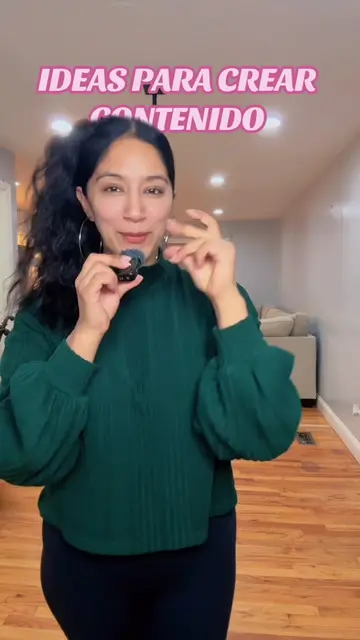
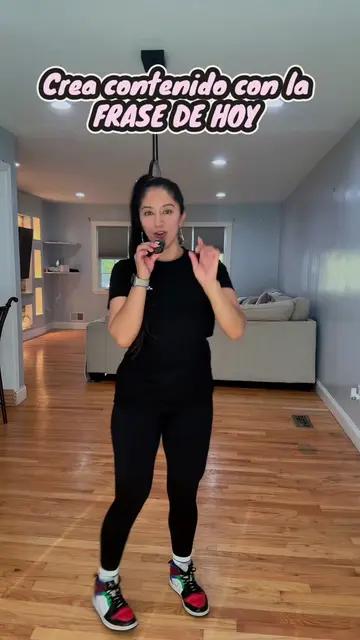
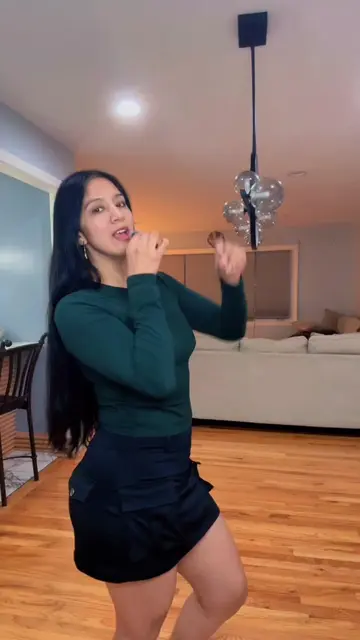
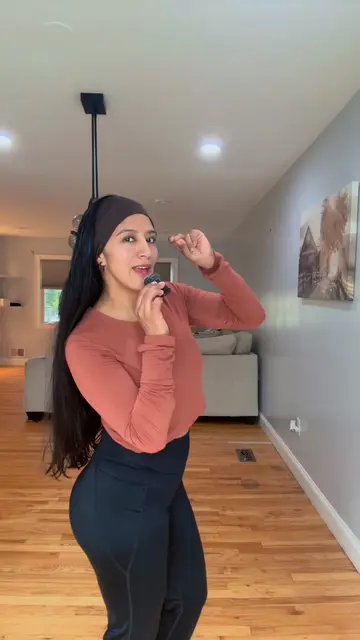
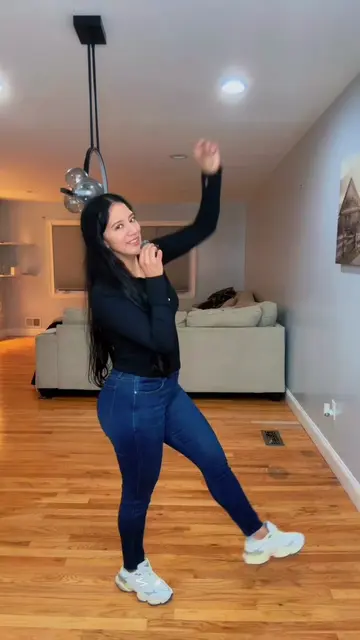
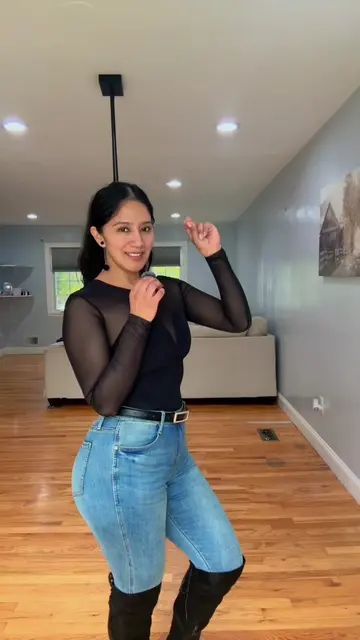
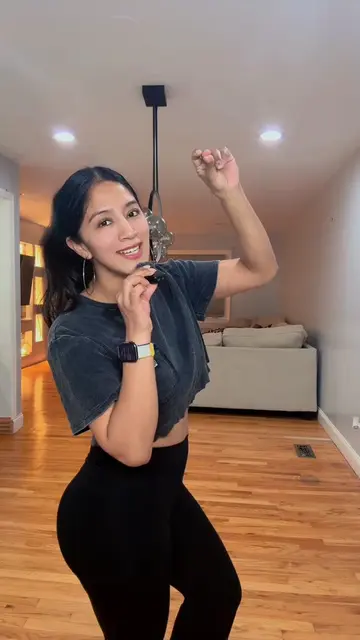
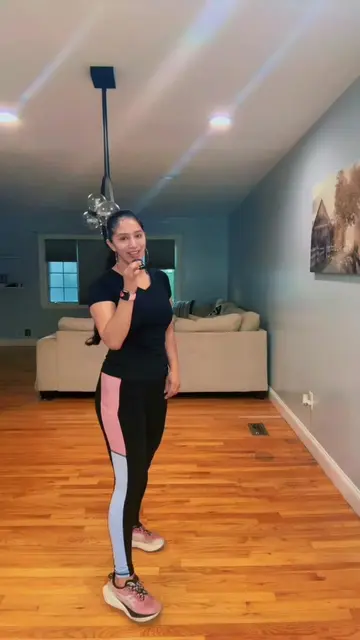
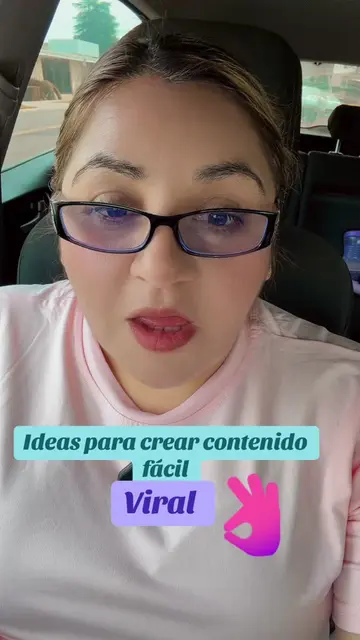
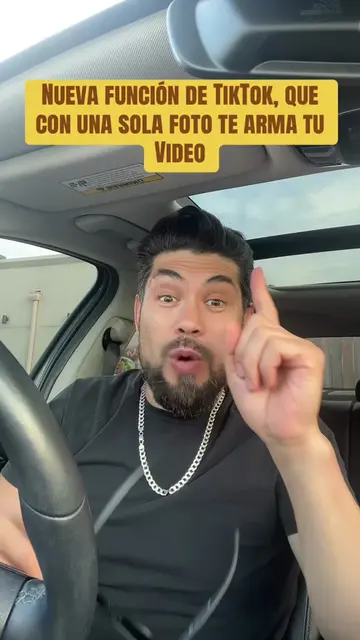
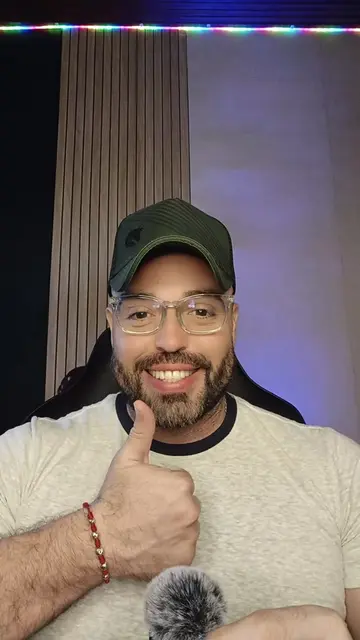
The creator provides a step-by-step tutorial on how to use the 'AutoCut' feature within the TikTok app to create viral-style video content from a single clip. She guides viewers through the interface, explaining how to select media and apply trending templates to boost engagement.
Como crear contenido con un solo clip #autocut #stepbysteptutorial #creadoresdecontenido #contentcreator #trending
Cómo crear contenido con un Solo clip
Introduction to the tutorial topic
Navigating to the TikTok creation menu
Selecting media and activating AutoCut
Choosing and customizing a viral template
Publishing the content and using stories for algorithm growth
TikTok: (a) ACTS — the creator demonstrates its interface, specifically the 'AutoCut' feature, to edit a video. Removing it would change the video entirely as it is the subject of the tutorial. AutoCut: (a) ACTS — it is the specific tool within TikTok being operated to generate a video edit. Removing it would change the video entirely.
Regálame un like si te gusta mi contenido, sígueme si te da ganas de seguirme, comparte para que todo el mundo aprenda, déjame en los comentarios que más te gustaría aprender.
Promotes 3 products. Create free account to see more.
Outliers and viral hits: their videos on Overshot, all time.