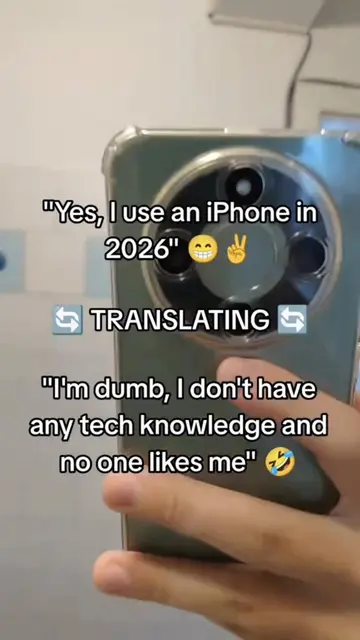
Loading video…
All breakouts
248App DemoOther hookConsumer Apps
Hook
Android apps on iOS
@defrostyyy
1.1K followers · usually 669 views a post
Views
160.1K
Likes
5.3K
Comments
291
Shares
571
Promoted product
Husk
Run Android on iOS. Natively or Emulated. Contribute to Leviidev/Husk development by creating an account on GitHub.
Why it worked
The video addresses a highly specific and sought-after technical capability (running Android apps on iOS) with a direct, no-nonsense demonstration of the tool that makes it possible.
Summary
The video demonstrates the Husk app on iOS, showing how it enables the user to run Android applications like Telegram by managing JIT and proxy settings. The creator navigates through the Husk interface to launch the app and configure its network settings.
Structure
- 1Opening the Husk app on an iPhone
- 2Enabling JIT to launch an Android app
- 3Launching the Telegram Android app
- 4Configuring proxy settings within the app
Product placement
Husk (a) ACTS: the interface is operated to launch an Android app on iOS, it manages JIT and proxy settings. Removing it would change the video entirely. Telegram (a) ACTS: it is the Android app being launched and operated within the Husk interface. Removing it would change the video. Claude (a) ACTS: it is the source of a pasted proxy configuration. Removing it would change the video.
Original caption
#husk #ios #apk #iphone #jit
More from @defrostyyy
More breakout videos from this creator.