Loading video…
All breakouts
~136Talking HeadHow-To hookEcommerce
Hook
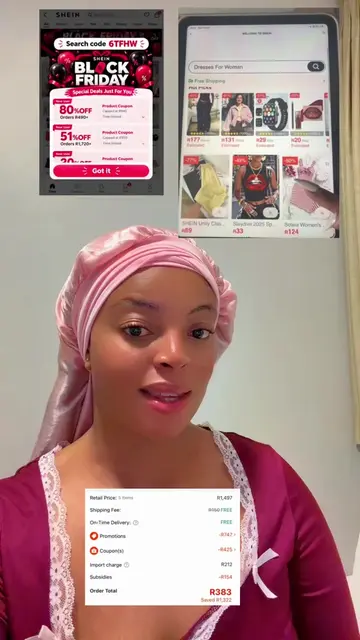
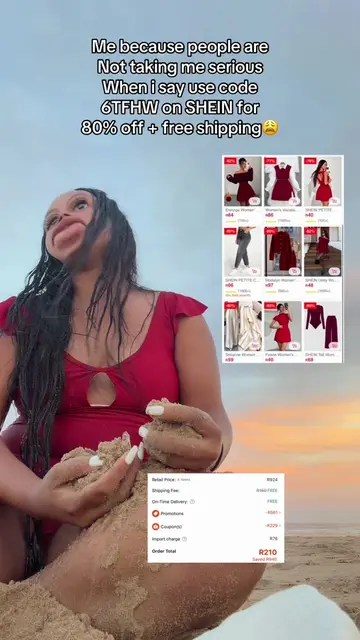
Hey guys. So if you have been trying to use the SHEIN discount codes, but you are only getting discount that is up to 30 to 32 percent, well here is what you can do in order for you to get up to 80 to 90 percent off.
@female_rose02
13.6K followers · usually 2.8K views a post
Views
380.6K
Likes
373
Comments
0
Shares
46
Why it worked
The video addresses a common user frustration (low discount codes) with a specific, actionable workaround, positioning the creator as a helpful insider.
Summary
The creator provides a step-by-step tutorial on how to use a specific discount code within the SHEIN app to achieve higher savings. The process involves using the Brave browser to register a new account before applying the code in the main SHEIN app.
Structure
- 1Identify the problem of low discount percentages
- 2Instruct viewers to download the Brave browser
- 3Explain the process of registering a new SHEIN account
Original caption
Replying to @Wabatho STEPS TO GET 90% OFF 1️⃣ Download this Brave app 2️⃣ Search Shein, log in/register using a new number or email 3️⃣ Go to the search bar and search this code: G776433 N.B: Search the code before you start shopping. 4️⃣ You will receive a pop-up message that shows you have successfully claimed. 5️⃣ Then go back to your SHEIN app and log in using those details. 6️⃣ Go and search the code G776433 again before you start shopping. N.B: Only shop on your SHEIN app. You only use your Brave app to claim. #sheincode #discountcode #viral #shein #fyp
More from @female_rose02
More breakout videos from this creator.