Loading video…
Sound

original sound - appiphonation
Appiphonation · Original audio
0:00–:––
Playing this video’s own audio, so you’ll hear the creator over the sound.
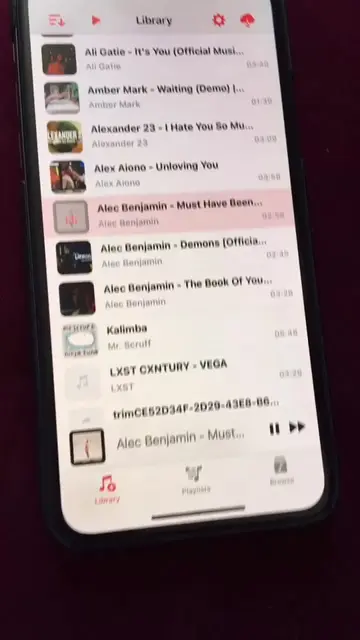
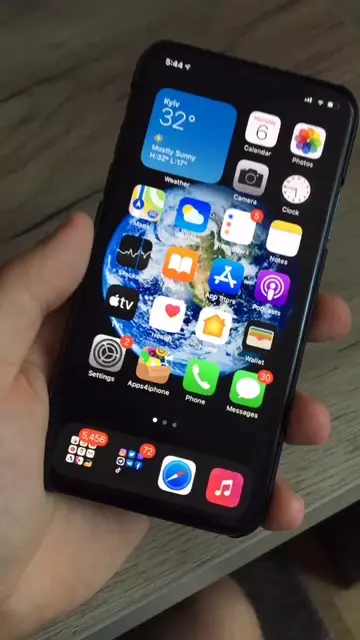
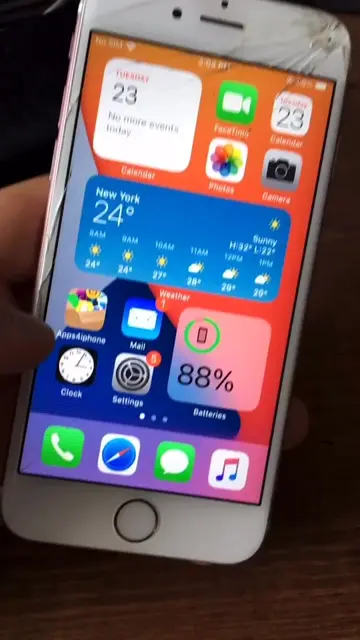
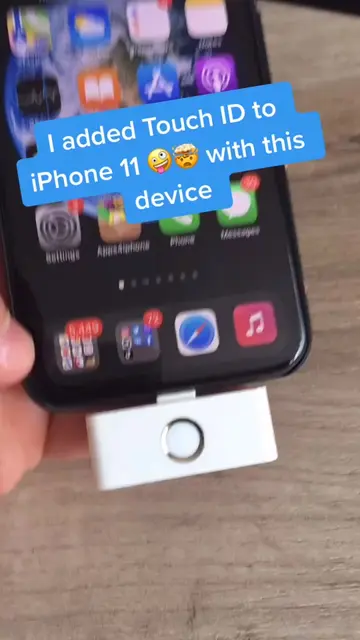
The video leverages curiosity by showcasing a visually interesting "crazy iPhone check" and then provides a clear, albeit indirect, path to achieving similar results by directing viewers to a specific website and YouTube channel that offer tutorials on iPhone customization.
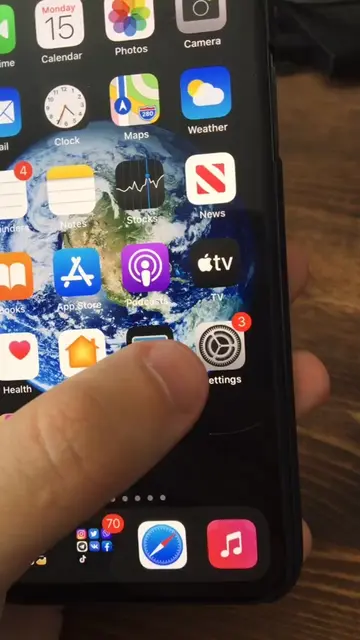
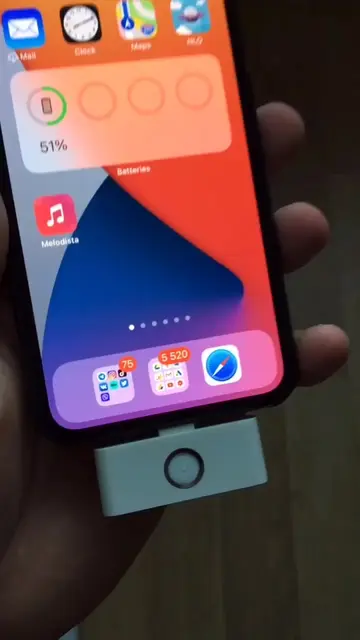
This video demonstrates a "crazy iPhone check" tutorial, guiding viewers to visit appledigger.com to find an article explaining how to achieve custom animations on their iPhone. It suggests that if the article is difficult to understand, viewers can find the "Tech Labs" YouTube channel for further assistance.
You all asked for it, I’m giving it to you) #iphonecheck #iphone #airpods #apple
Crazy iPhone check 😎 Tutorial
Introduction to the iPhone check tutorial
Directing viewers to appledigger.com
Explaining the article's content
Suggesting the Tech Labs YouTube channel for help
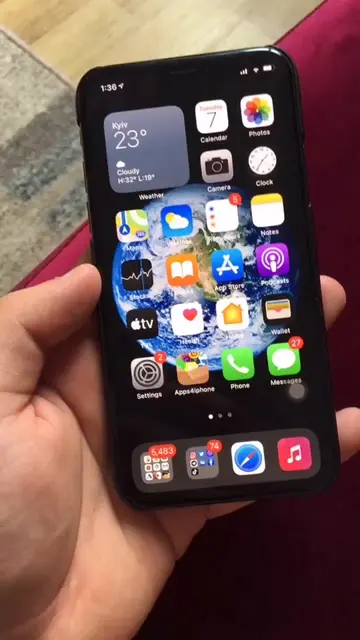
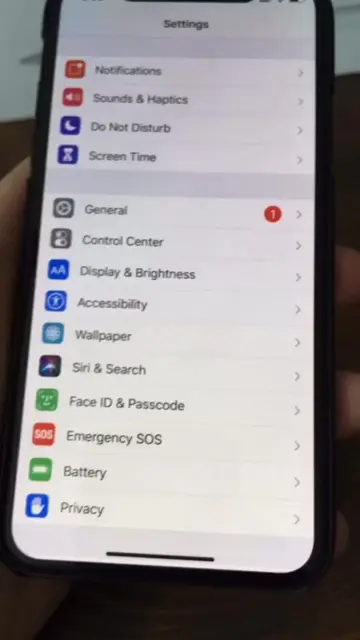
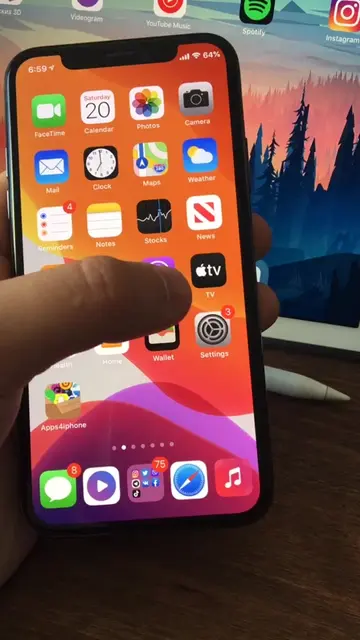
The video shows a phone screen with various apps and then navigates to a website called appledigger.com, which discusses "Amazing iPhone animations on iOS 13". The "Cylinder tweak" is mentioned as a tool for customizing device animations.
Visit appledigger.com and find the article.
Playing this video’s own audio, so you’ll hear the creator over the sound.
IPhone customization tweak that adds animated transitions between home-screen pages
All time.
Promotes 4 products. Create free account to see more.
Outliers and viral hits: their videos on Overshot, all time.