Loading video…
All breakouts
201App DemoProblem Callout hookAI Tools
Hook
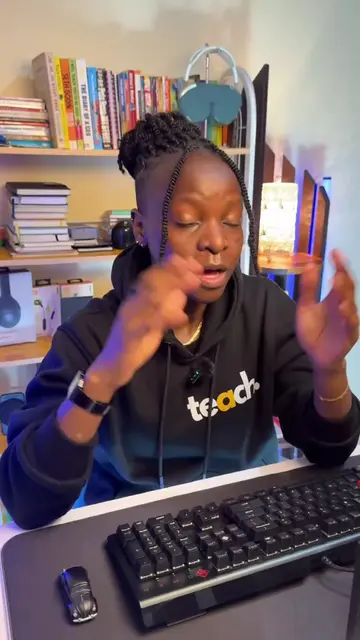
Sometimes the symbols that are on the keyboard do not appear on the screen
@nabwirwa.wandera
7.7K followers · usually 2.3K views a post
Views
450.0K
Likes
3.3K
Comments
184
Shares
463
Why it worked
The video solves a common, frustrating technical issue with a clear, concise, and actionable screen recording, making it highly shareable and useful for a broad audience.
Summary
The video provides a quick tutorial on how to change Windows keyboard language settings to ensure the physical keys match the symbols appearing on the screen. It demonstrates navigating to language settings and toggling between UK and US layouts.
Structure
- 1Identify the problem of mismatched keyboard symbols
- 2Navigate to Windows language settings
- 3Add and select the correct keyboard language
- 4Toggle between language layouts in the taskbar
- 5Verify the fix with a keyboard test
On-screen text
Sometimes the symbols that are on the keyboard do not appear on the screen
And this is how you correct it.
Search for keyboard, select edit language and keyboard options.
Add language type English
It can either be UK or US, depending on your keyboard layout.
Just download both options
On the bottom right corner of your screen you'll see ENG, which stands for English.
Tap on it and you can toggle between the UK and US options again, depending on your keyboard layout.
And now when you press shift and number 2, it brings the @ symbol which matches what is on the keyboard.
Original caption
How to change your keyboard layout so that the symbols that are on the keyboard appear as they are on the screen. (Applies to UK and US keyboards) . Use same method to change to other keyboard languages. . #Tech#techkenya#techtok#TechTips#techtricks#keyboard#keyboardtips#keyboardlayout#nabwirwawandera
More from @nabwirwa.wandera
More breakout videos from this creator.