Loading video…
All videos
Views
16.3K
Likes
660
Comments
3
Shares
4
Engagement
4.1%
of views
4.3xthis account’s usual viewsOutlier
This video16.3KUsual views3.8K
The product
The creator
Why it worked
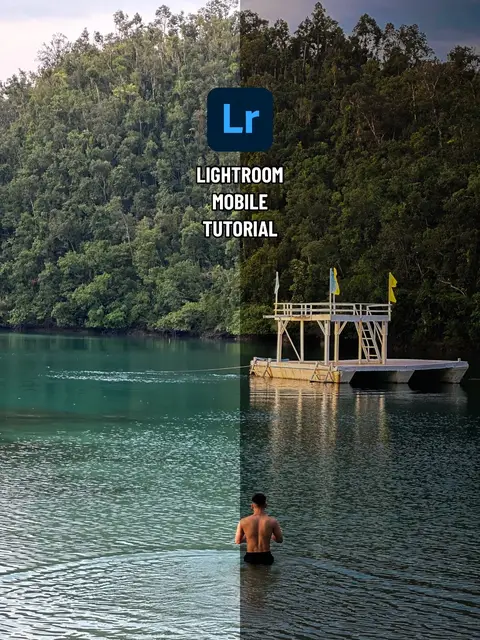
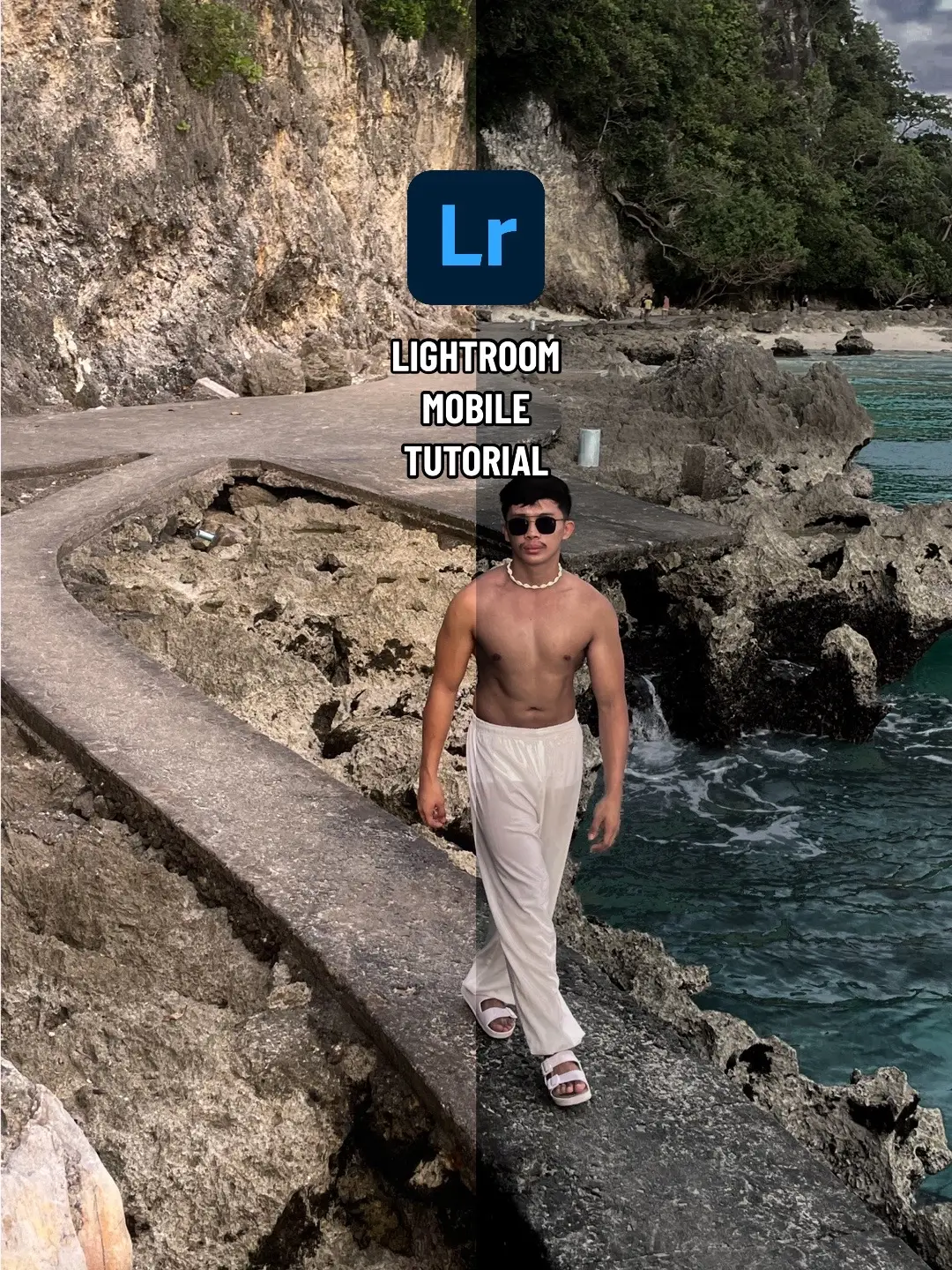
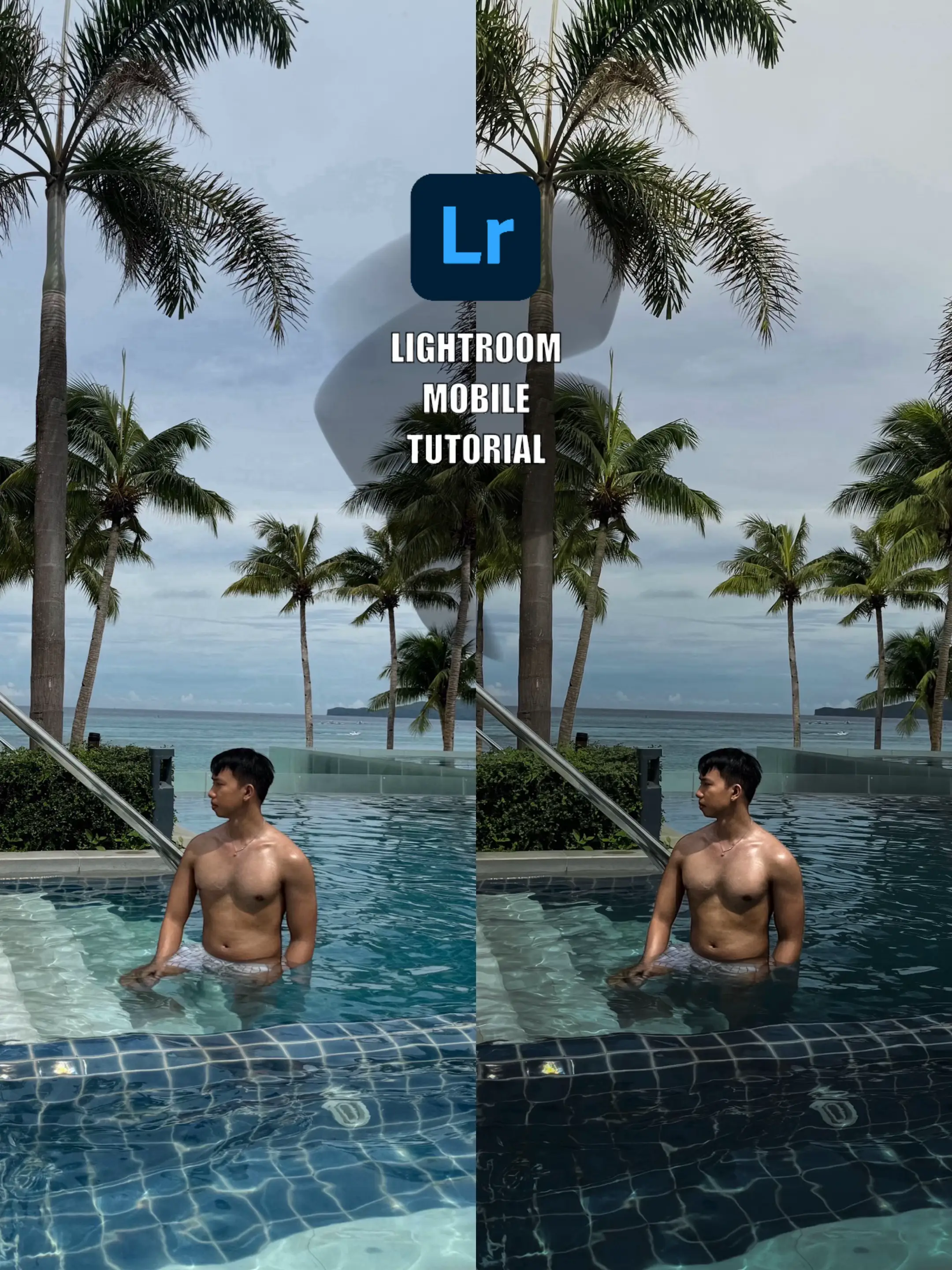
The video effectively uses a before-and-after comparison combined with clear, step-by-step visual instructions to demonstrate the capabilities of Lightroom Mobile. This format appeals to users looking for practical editing tips and showcases the product's value in transforming an image.
What happens
This is a photo editing tutorial demonstrating how to enhance a raw image using Adobe Lightroom Mobile. The slides break down the editing process, showing adjustments to exposure, shadows, colors, and sharpness to achieve a desired final look.
The breakdown
Original caption
Color Grade with me with Adobe Lightroom Mobile #Lightroom #lightroompreset #photography #photoediting #boracay