Loading video…
Sound

original sound - smart.easy
Smart & Easy | Tech & AI · Original audio
0:00–:––
Playing this video’s own audio, so you’ll hear the creator over the sound.
We didn’t find a product being promoted in this video. Its hook, format and structure below still show why it took off.
Browse products winning on TikTokThe video addresses a common pain point for Android users (battery drain) and provides a simple, actionable solution that requires no external tools or purchases. The clear, step-by-step visual guide makes it easy to follow.
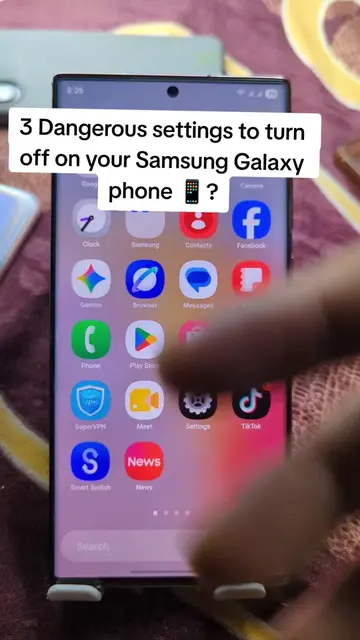
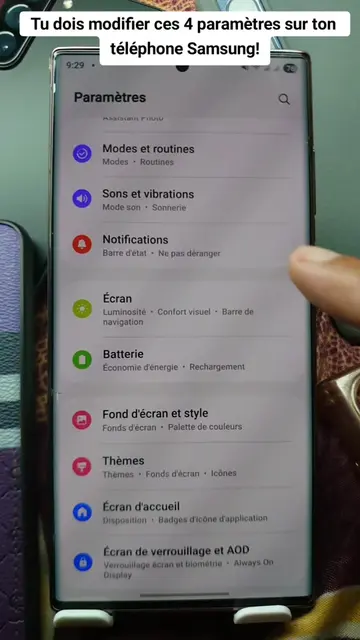
This video demonstrates how to disable the 'send diagnostic data' setting on an Android phone to improve battery life and reduce phone temperature. It guides the viewer through the settings menu to find and toggle off this specific option.
android battery draining fast? settings › security & privacy › more privacy › turn off “send diagnostic data.” phone runs cooler. battery lasts longer. like if it helped 📲 #androidusers #techlovers #batterylife #androidtips #howto
If you have an Android phone
Introduction to the problem (Android battery draining)
Navigate to Settings
Access Security & Privacy
Find and disable 'Send diagnostic data'
Conclusion and call to action (like the video)
The video shows how to navigate Android settings to disable 'send diagnostic data', which is a feature of the Android operating system.
like if it helped
Playing this video’s own audio, so you’ll hear the creator over the sound.
Promotes 7 products. Create free account to see more.
Outliers and viral hits: their videos on Overshot, all time.