Loading video…
Sound

original sound - smartphonetoolbox
Smartphone Toolbox · Original audio
0:00–:––
- Videos using it
- 3
- Views on those videos
- 2.7M
Hook
Posted Jul 7, 2026Video · 1:06by @herrytech8
This video promotes it, but we haven’t matched it to a product page yet, so there are no product figures.
The video addresses a common concern about data privacy and tracking on smartphones, offering actionable steps that viewers can easily follow on their own devices. The clear, step-by-step instructions and the focus on "dangerous" settings create a sense of urgency and value.
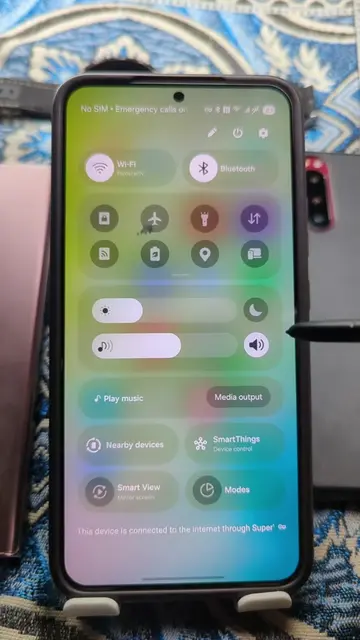
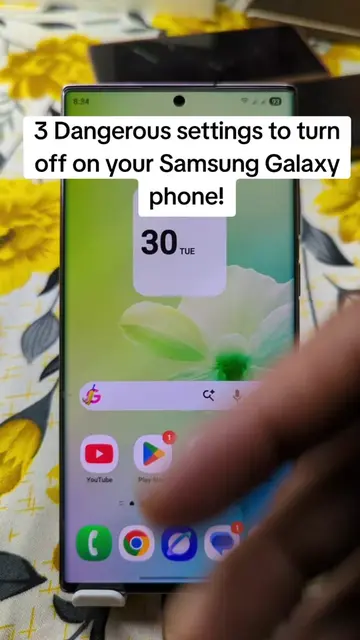
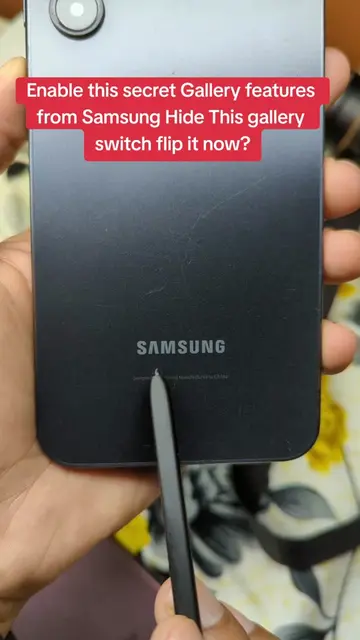
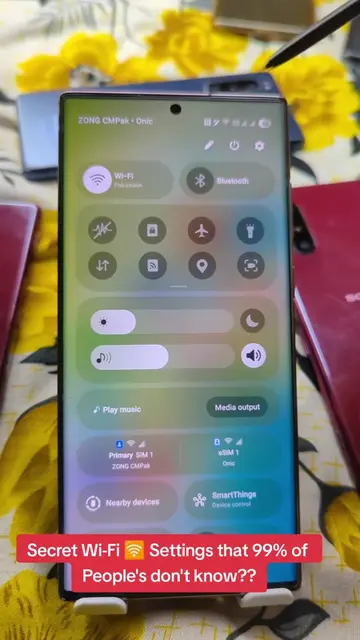
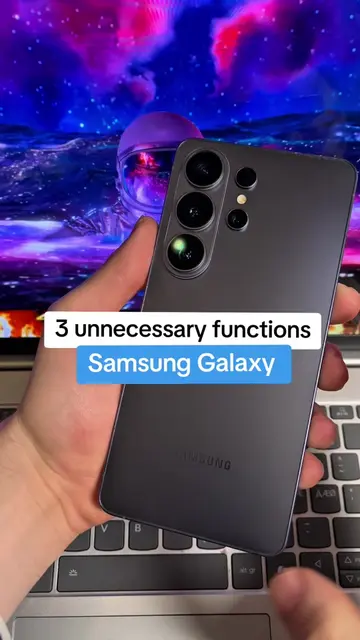
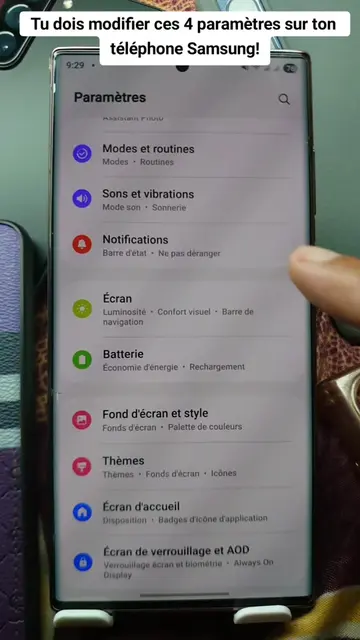
This video demonstrates three settings on a Samsung Galaxy phone that users should turn off to enhance privacy and reduce data tracking. It guides viewers through disabling Google's Usage & Diagnostics, Digital Wellbeing's Usage Data Access, and Customization Services.
3 Dangerous settings to turn off on your Samsung Galaxy phone 📱 right now!#dangerous#settings#SamsungTips#PhoneTricks#AndroidHacks
3 Dangerous settings to turn off on your Samsung Galaxy phone 📱 ?
Introduction to dangerous settings
Disable Google Usage & Diagnostics
Disable Digital Wellbeing Usage Data Access
Disable Customization Services
Conclusion
Samsung Galaxy phone: This is the device being used and demonstrated in the video. Removing it would change what happens in the video. Google: This is a service that runs on the phone and collects data. Removing it would not change what happens in the video. Samsung apps: These are applications on the phone that collect data. Removing them would not change what happens in the video.
Promotes 4 products. Create free account to see more.
Outliers and viral hits: their videos on Overshot, all time.