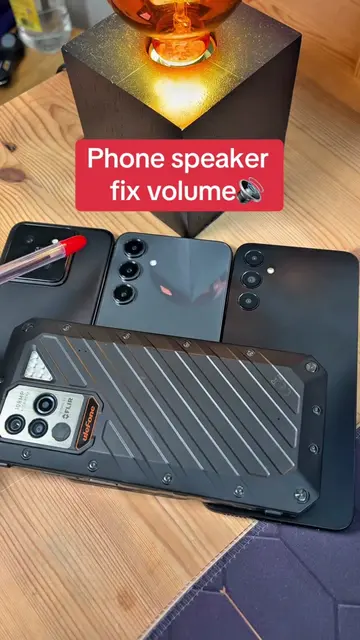
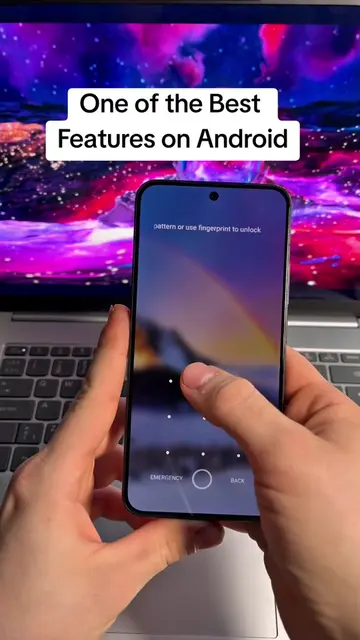
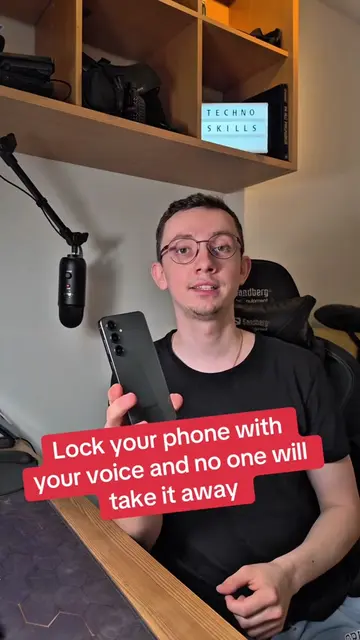
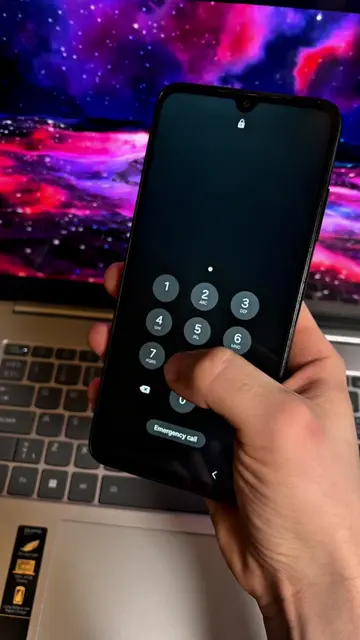
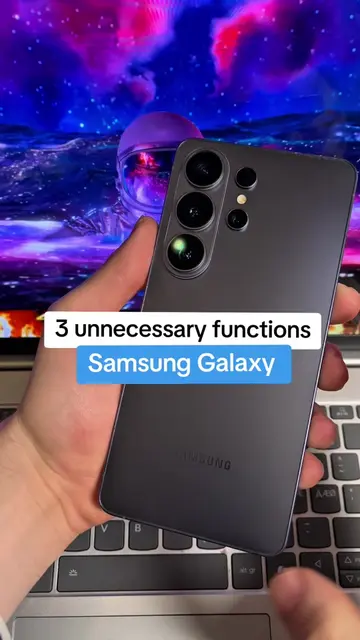
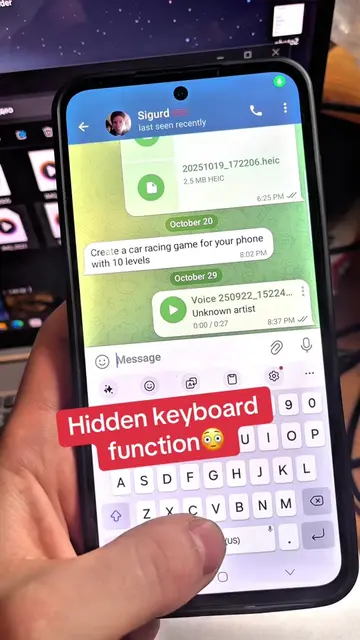
Loading video…
All breakouts
13.2Talking HeadProblem Callout hookConsumer Apps
Hook
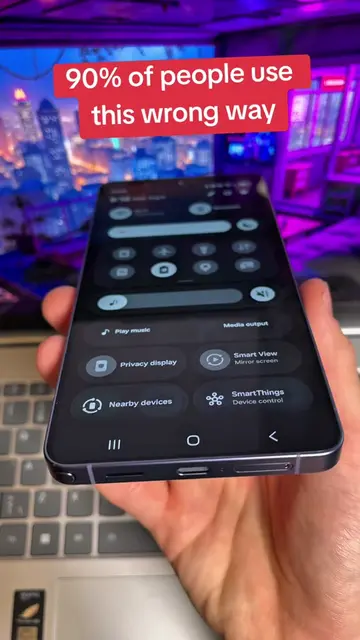
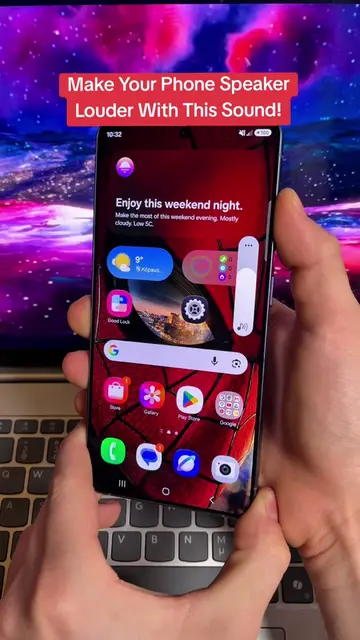
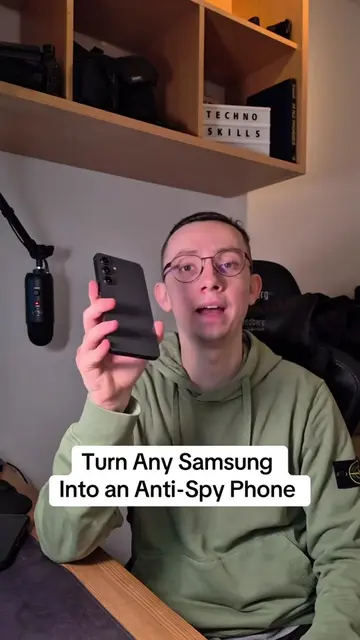
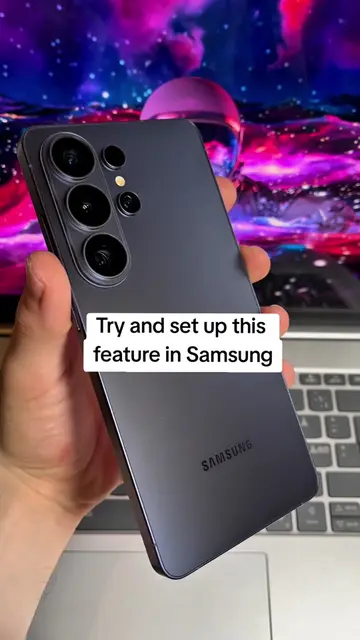
If you have a Samsung phone
@technoskil
1.1M followers · usually 119.7K views a post
Views
2.1M
Likes
32.0K
Comments
544
Shares
30.6K
Promoted product
Galaxy
Why it worked
The video taps into user curiosity by revealing 'secret' developer settings, offering practical tips to improve phone performance and unlock new features, which appeals to users looking for hidden functionalities and battery optimization.
Summary
This video demonstrates how to unlock hidden features within the Samsung Gallery app by accessing 'Gallery Labs'. It shows users how to disable background data usage, restrict battery consumption, and enable various experimental features for enhanced functionality.
Structure
- 1Introduce the hidden setting in Samsung Gallery
- 2Navigate to Gallery app settings
- 3Disable background data and restrict battery usage
- 4Access and enable Gallery Labs
- 5Explore and enable hidden features within Gallery Labs
Product placement
Samsung (phone): appears, it is the device used for the demo. Removing it would change what happens in the video.
Galaxy (app): acts, it is the app whose settings are being manipulated to reveal hidden features. Removing it would change what happens in the video.
On-screen text
Secret developers are hiding from you 🤫
Original caption
The secret the developers are hiding from you #setting #phone #android #creitorsearchinsigth
More from @technoskil
More breakout videos from this creator.