Loading video…
Sound

original sound - hot_town_
Vinny · Original audio
0:00–:––
Playing this video’s own audio, so you’ll hear the creator over the sound.
The video provides a clear, concise demonstration of a developer tool that significantly speeds up the initial setup for a SaaS project, appealing to founders looking for efficient ways to build and launch.
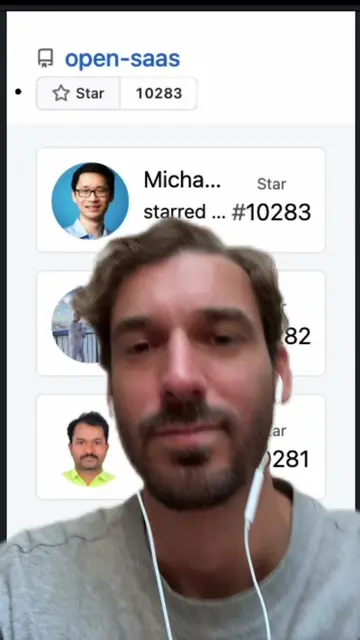
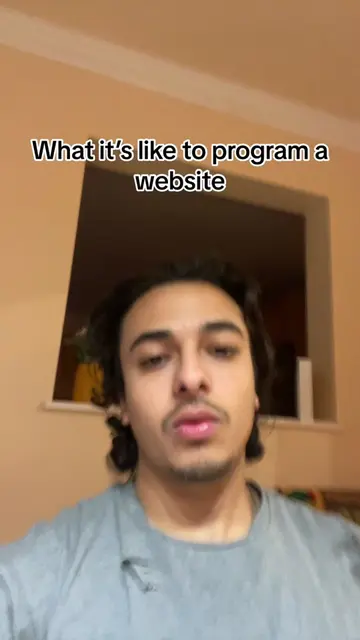
The video demonstrates how to quickly start a new SaaS project using the Wasp CLI and the Open SaaS template. It highlights that the template is free, open-source, and includes features like payment integration and AI capabilities.
Get a free SaaS boilerplate template with one command. Whenever I’m starting a new SaaS project I use open SaaS and just run wasp new -t saas and boom. %100 free and open-source. #saas #microsaas #aiapp #aiagent #sidehustle
WHENEVER I'M STARTING
Introduce Wasp CLI for new SaaS projects
Run 'wasp new -t saas' command
Enter project name
Show generated boilerplate template
Mention included features (payments, AI, file upload)
Highlight free and open-source nature
Wasp: acts - used to create a new SaaS project from a template. Removing it would change what happens in the video. Open SaaS: acts - the name of the template/project generator being used. Removing it would change what happens in the video. Stripe: appears - logo shown as an example payment provider. Removing it would not change what happens in the video. Lemon Squeezy: appears - logo shown as an example payment provider. Removing it would not change what happens in the video. OpenAI API: appears - logo shown as an example AI provider. Removing it would not change what happens in the video. S3: appears - mentioned as a file upload provider. Removing it would not change what happens in the video. OpenSaaS.sh: acts - the website/project being promoted, which provides the template. Removing it would change what happens in the video.
Playing this video’s own audio, so you’ll hear the creator over the sound.
Promotes 9 products. Create free account to see more.
Outliers and viral hits: their videos on Overshot, all time.
Open-source SaaS starter template for developers building web applications
All time.