Loading video…
All breakouts
4.9Talking HeadDirect Question hookSaaS
Hook
What's a NAS and why do I use one?
@pjsonthecloud
2.9K followers · usually 4.8K views a post
Views
22.3K
Likes
1.4K
Comments
28
Shares
38
Promoted product
Synology DiskStation
Why it worked
The video effectively explains a technical concept (NAS) in a simple, relatable way, using a common analogy (personal Google Drive) and demonstrating its practical benefits (backing up files). The use of on-screen text and clear visuals makes it easy to follow, and the creator's personal use case adds authenticity.
Summary
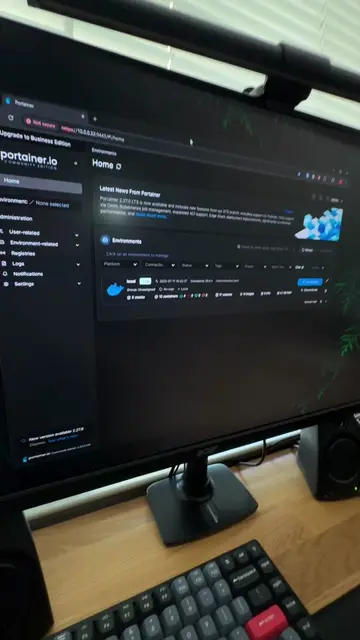
The video explains what a NAS (Network Attached Storage) is, describing it as a hard drive on your network accessible by any connected device. It highlights the creator's 4TB NAS used for backing up laptops, phones, photos, and files, emphasizing its personal and controllable nature.
Structure
- 1Introduction to NAS
- 2Explanation of NAS functionality
- 3Demonstration of NAS storage capacity
- 4Use cases for NAS (backups)
- 5
Original caption
Gotta have a NAS in your home lab! #Tech #homelab #synology #fyp
More from @pjsonthecloud
More breakout videos from this creator.