Loading video…
All breakouts
4.3Talking HeadOther hookSaaS
Hook
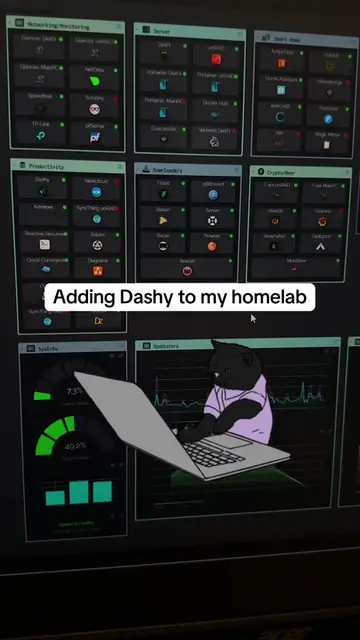
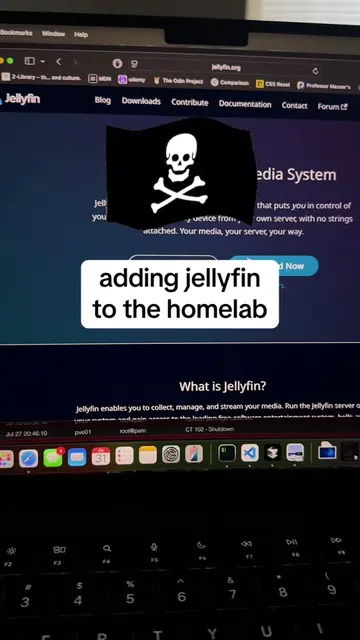
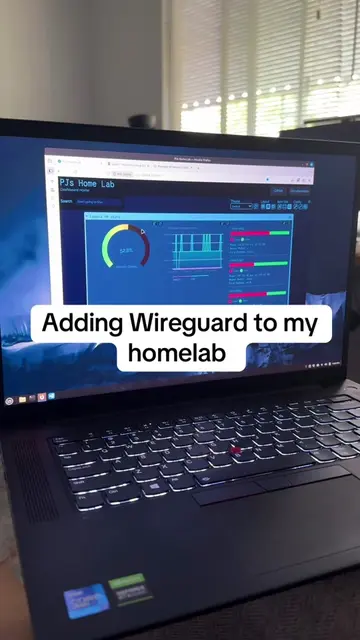
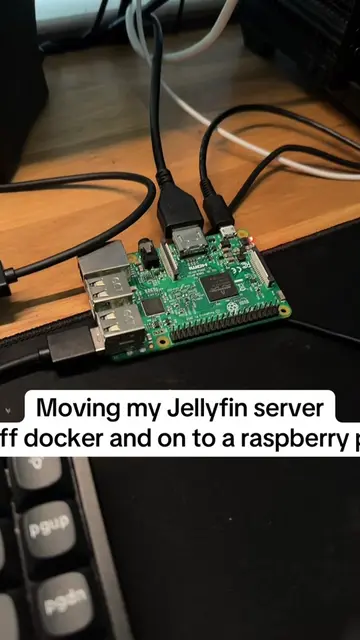
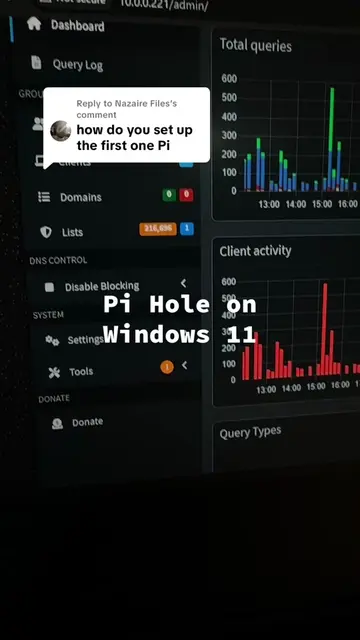
My homelab dashboard
@pjsonthecloud
2.9K followers · usually 4.8K views a post
Views
19.5K
Likes
738
Comments
7
Shares
28
Why it worked
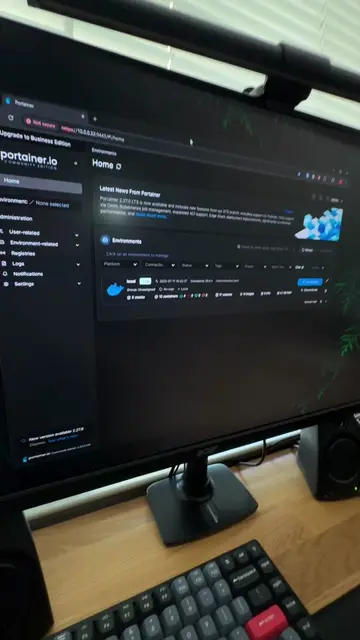
The video showcases a practical homelab setup, appealing to tech enthusiasts interested in self-hosting and customization. The creator's honest assessment and mention of future improvements create relatable content.
Summary
The creator sets up a homelab dashboard using Dashy to monitor their Docker apps and server usage. While functional, they acknowledge it's basic and plan to explore better alternatives in the future.
Structure
- 1Setting up homelab dashboard
- 2Accessing Docker apps
- 3Monitoring server usage
- 4Basic dashboard appearance
Original caption
Dashy was cool, probably gonna switch to something better. #homelab #selfhosted #techtok #docker #opensource
More from @pjsonthecloud
More breakout videos from this creator.