Loading video…
All breakouts
14.6App DemoOther hookSaaS
Hook
I want to start self-hosting my media.
@pjsonthecloud
2.9K followers · usually 4.8K views a post
Views
65.9K
Likes
2.7K
Comments
76
Shares
164
Why it worked
The video provides high-value, niche technical content that appeals to the homelab community by showing a real-world troubleshooting process rather than just a polished tutorial.
Summary
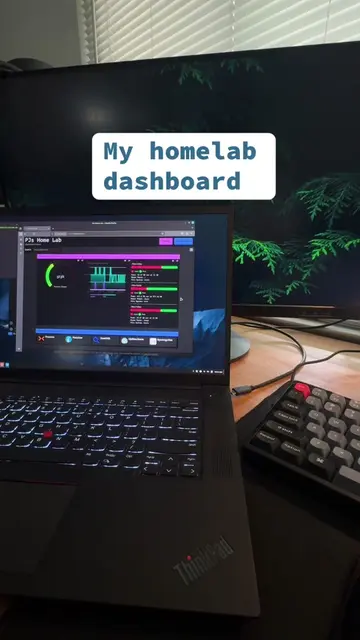
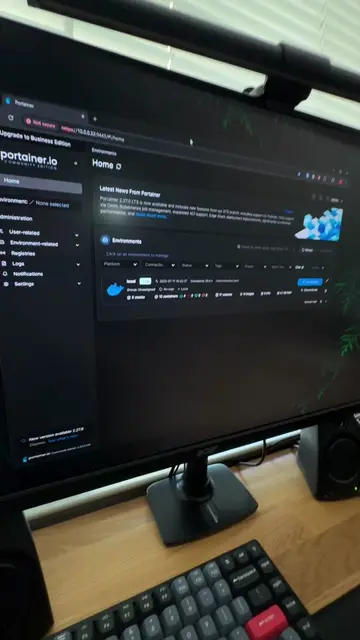
The creator demonstrates the process of installing and setting up Jellyfin on their home server using Portainer. They encounter some performance issues due to resource allocation and discuss potential solutions like migrating to Proxmox.
Structure
- 1Stating the goal of self-hosting media
- 2Showing the installation process in Portainer
- 3Accessing the Jellyfin server setup
- 4Troubleshooting resource limitations
- 5Showing the final working interface
On-screen text
adding jellyfin to the homelab
You're not homelabbing if you aren't troubleshooting 50% of the time!
Transcript
I want to start self-hosting my media. So let's get Jellyfin installed in my homelab. Let's get our containers spun up using Portainer. Navigating to the IP of our Jellyfin server. Here we can do our basic setup. I ran into some issues. Might be due to the limited resources I have allocated for my VM. I might try this on Proxmox, LXC if possible, or just give my VM more resources. This is how the final product should look like. We can add our movies, shows, music, and more.
Original caption
Self-hosted Netflix? Let’s try adding Jellyfin to the homelab. #Homelab #SelfHosted #Jellyfin #TechTok #OpenSource
More from @pjsonthecloud
More breakout videos from this creator.