Loading video…
Sound

original sound - build_in_public
Build in Public · Original audio
0:00–:––
Playing this video’s own audio, so you’ll hear the creator over the sound.
The video provides high-value, actionable technical advice that solves a specific problem for SEO professionals, making the final promotion feel like a natural extension of the content.
The creator demonstrates a specific regex filter technique within Google Search Console to identify informational and e-commerce search queries for a website. He concludes by directing viewers to his website for more SEO tips.
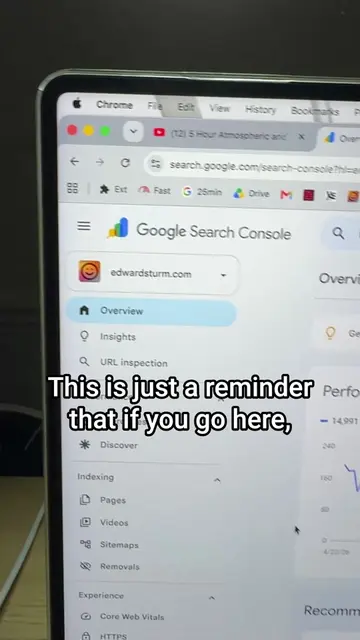
Nobody knows this about Google. If you go to Google Search Console, connect your site to it, go to Performance, then Search Results. Go to Add Filter, then Query. Click Regex. Paste this in: ^(who|what|where|when|why|how|was|did|do|is|are|aren't|won't|does|if)[" "] Hit Apply. Now you can see all the informational searches your site shows on Google for. Informational searches have who, what, where, when, why, how, etc. If you replace that with this: ^(buy|order|purchase|get|best price|cheap|discount|deal|promo|offer|sale|where to buy|how much|cost of|price of)[" "] Now you can see the e-commerce searches your site shows in Google for. More SEO tips just like this at compactkeywords.com. #seotips #seohacks #searchengineoptimization #webdevelopment
Nobody knows this about Google.
Hook about a hidden Google feature
Step-by-step tutorial on using Regex in Search Console
Explanation of how to find informational search queries
Demonstration of how to find e-commerce search queries
Final CTA to visit the website for more SEO tips
The creator mentions and displays his own SEO resource site, Compact Keywords, at the end of the video.
More SEO tips just like this at compactkeywords.com.
Playing this video’s own audio, so you’ll hear the creator over the sound.
Promotes 6 products. Create free account to see more.
Outliers and viral hits: their videos on Overshot, all time.
SEO course and resource teaching customer-focused search strategies for businesses
All time.