Loading video…
All breakouts
5.0Talking HeadWarning hookAI Tools
Hook
PLEASE set this up on your website
@rakos.media
27.1K followers · usually 1.1K views a post
Views
5.2K
Likes
229
Comments
14
Shares
58
Promoted product
Google Analyticsdevelopers.google.com ↗
Why it worked
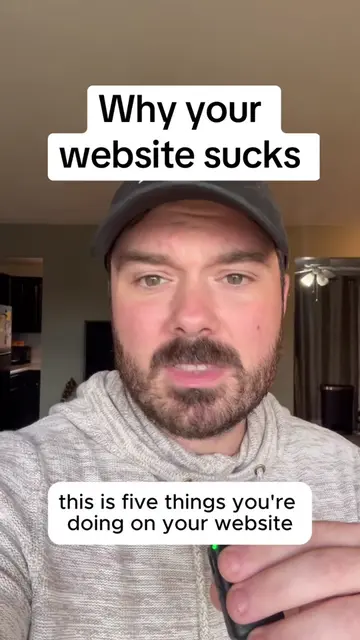
The video provides a concise, step-by-step guide to setting up essential website analytics tools, addressing a common pain point for website owners. The promise of a 60-second setup and the clear explanation of benefits likely drove engagement and shares.
Summary
This video explains how to set up Google Analytics and Google Search Console for a website in under 60 seconds. It covers navigating to the Google developers site, selecting data preferences, and choosing between manual or website builder installation for Google Analytics. For Search Console, it outlines domain verification options, recommending verification through Google Analytics.
Structure
- 1Introduction and importance of Google Analytics/Search Console
- 2Setting up Google Analytics via developers.google.com
- 3Choosing installation method (website builder vs. manual)
- 4Setting up Google Search Console (domain vs. URL prefix)
- 5Verifying ownership via Google Analytics
- 6
Original caption
How to set up Google analytics and Google search console! If you don’t have these set up, you don’t know if your seo is working, you don’t know what you rank for on Google, you don’t know if things are improving or not. You don’t know which webpages are getting tons of clicks and which aren’t, you don’t know how long people visit your site, where they fall off, and SO MUCH MORE. Get GA and GSC on your website today please! #googleanalytics #googlesearch #websitetips #seotips #digitalmarketingtips
More from @rakos.media
More breakout videos from this creator.