Loading video…
All breakouts
25.8App DemoHow-To hookCreator Economy
Hook
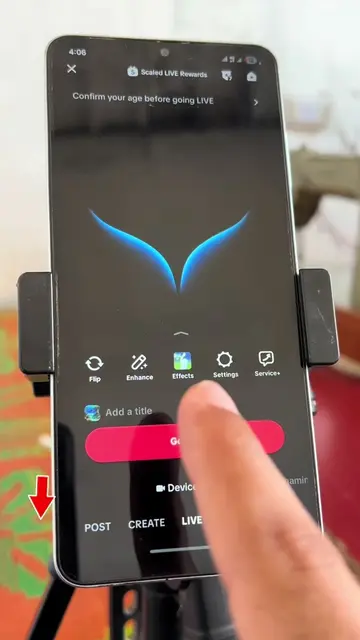
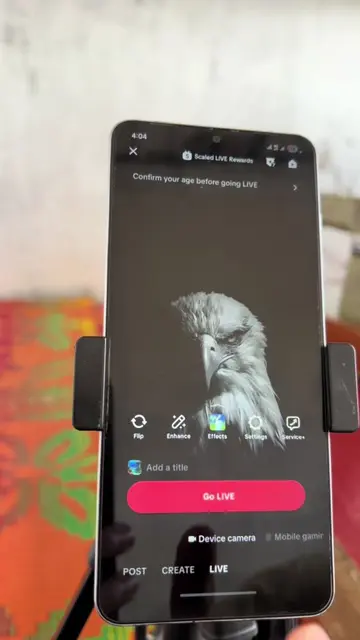
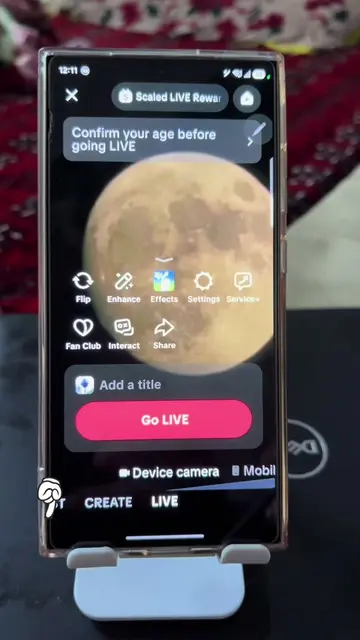
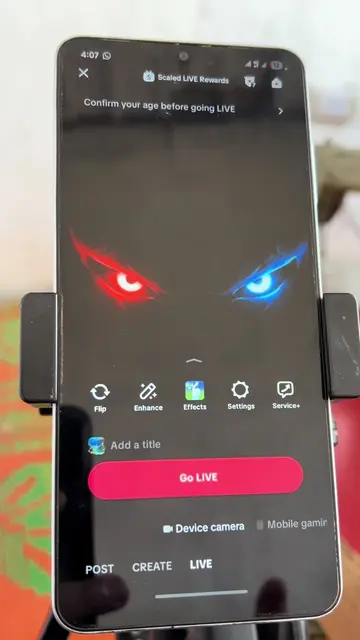
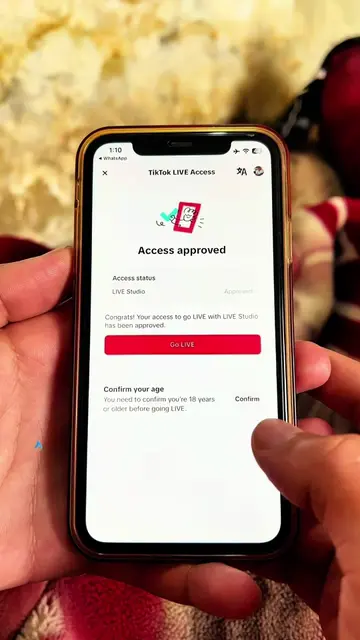
How to fix age verification before going live
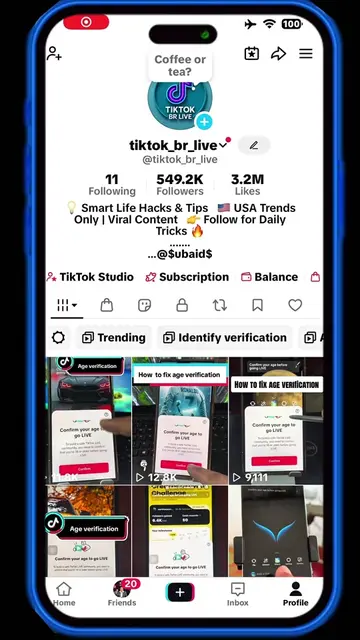
@tiktok_br_live
551.1K followers · usually 2.3K views a post
Views
1.7M
Likes
27.3K
Comments
765
Shares
2.5K
Why it worked
The video addresses a common, high-friction pain point for creators trying to access a specific platform feature, providing a clear, visual solution.
Summary
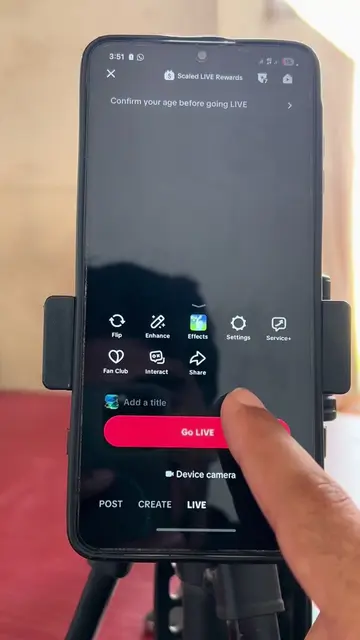
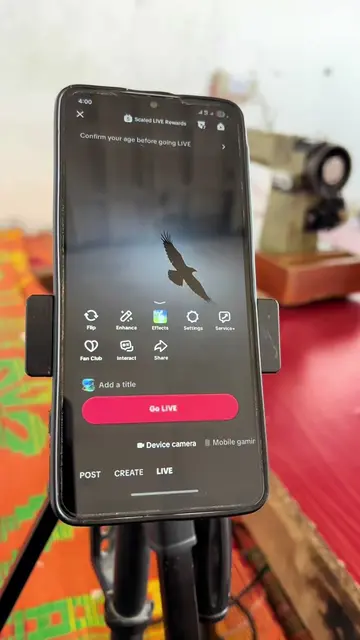
This video provides a step-by-step tutorial on how to complete the age verification process required to go live on TikTok. It demonstrates the facial age estimation method to satisfy the platform's safety requirements.
Structure
- 1Identify the age verification prompt
- 2Select age above 18
- 3Choose facial age estimation method
- 4Grant camera permissions
- 5Align face in frame for scanning
- 6Confirm age and proceed to live
Product placement
TikTok's native age verification feature is the subject of the tutorial.
On-screen text
How to fix age verification before going live
Confirm your age to go LIVE
What's your date of birth?
Choose method
What is facial age estimation, and how does it work?
Tips
Preparing camera
Place your face in the frame
Move closer
Please hold still
Age confirmed
Original caption
Age verification before going live #LIVEIncentiveProgram #LIVEStory #PaidPartnership #ageverification #tiktoktips
More from @tiktok_br_live
More breakout videos from this creator.