Loading video…
Sound

original sound - waqaskafridi
وقاص · Original audio
0:00–:––
- Videos using it
- 17
- Views on those videos
- 6.6M
This video promotes it, but we haven’t matched it to a product page yet, so there are no product figures.
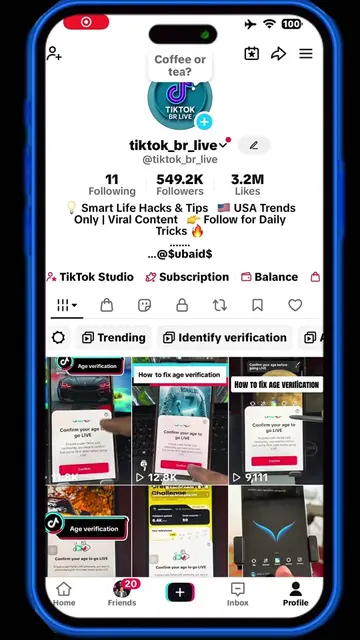
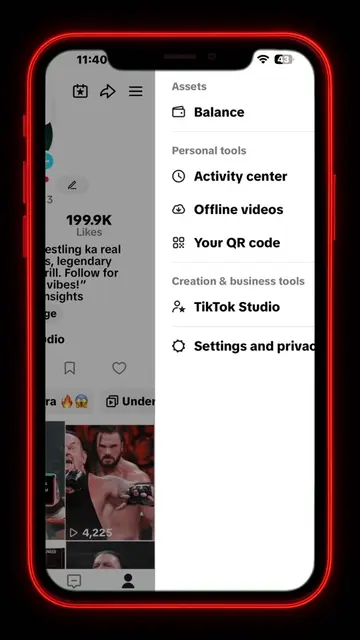
The video addresses a common user friction point (age verification for TikTok LIVE) and provides a clear, step-by-step solution. This practical, problem-solving content is highly shareable and useful for creators looking to utilize the platform's features.
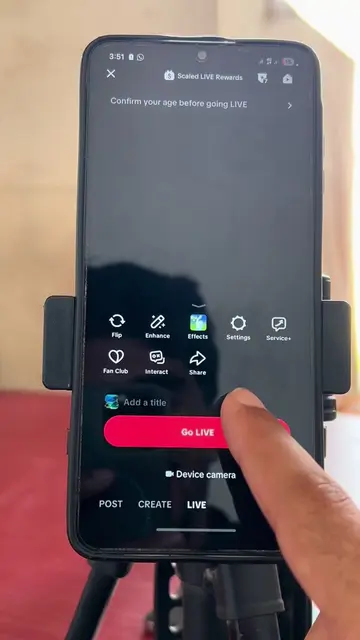
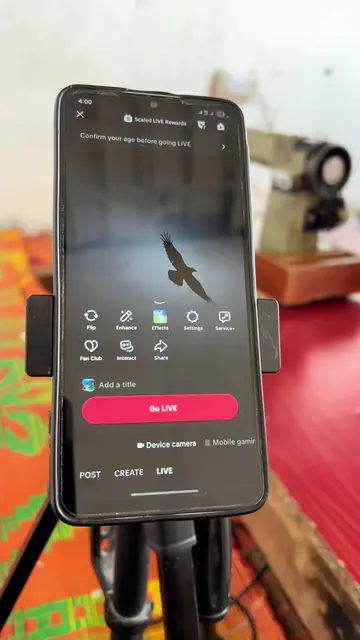
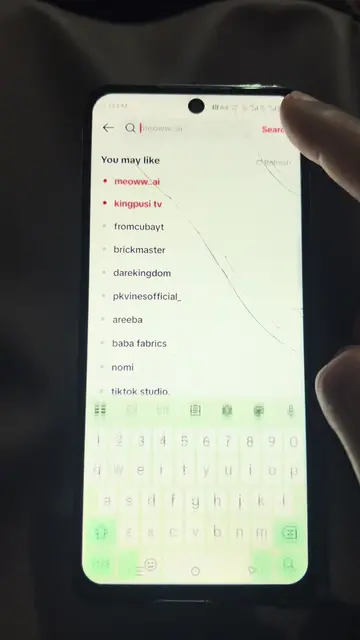
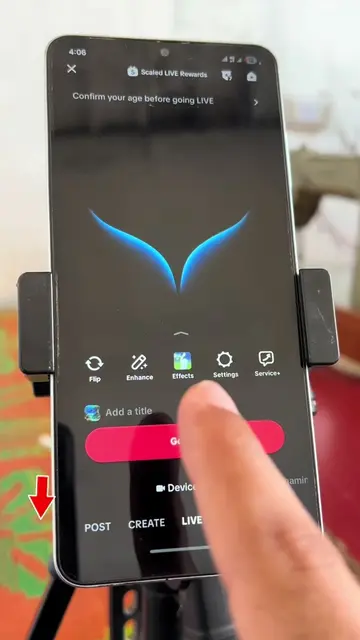
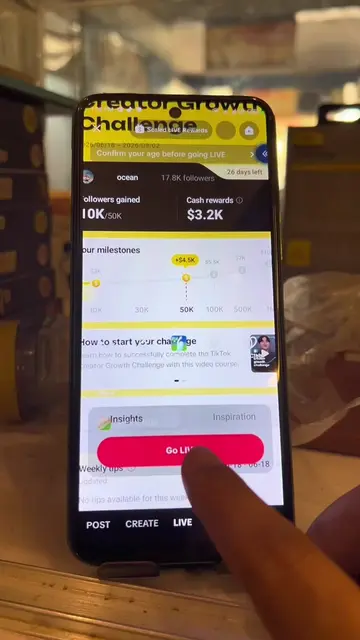
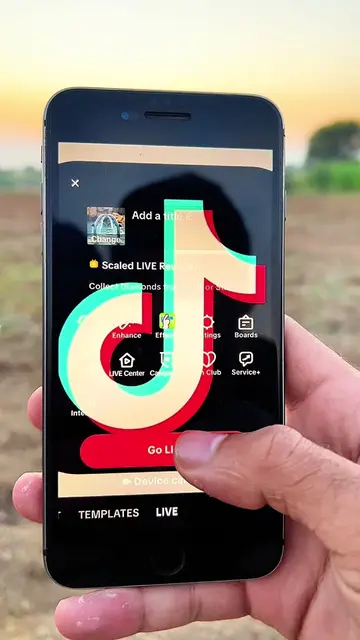
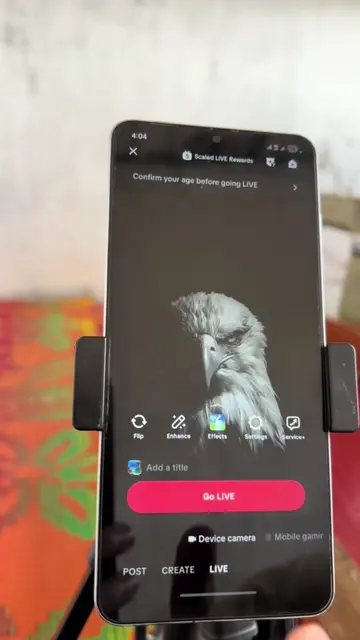
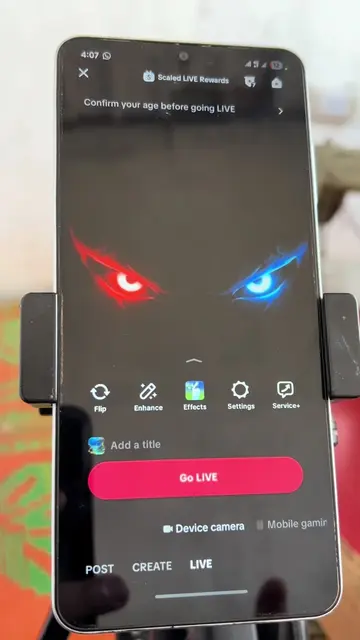
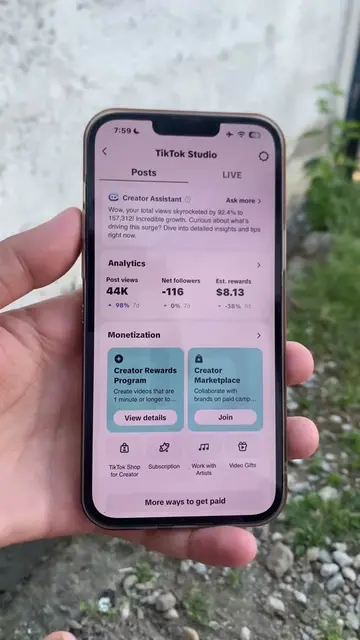
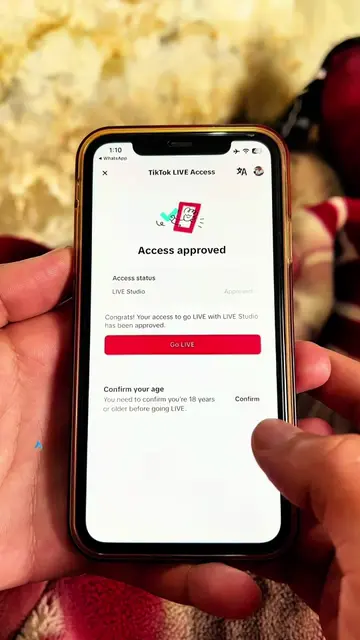
The video demonstrates the process of confirming age on TikTok to go LIVE. It shows the user navigating through age verification steps, including facial age estimation and the option to use a credit card, before successfully confirming their age and proceeding to the LIVE interface.
How to fix age verification #ageverification #JustGoLIVE #LIVEIncentiveProgram #LIVEwithlowfollowers #PaidPartnership
How to fix age verification
Initiate TikTok LIVE setup
Encounter age verification prompt
Choose age confirmation method (facial estimation)
Review tips for age estimation
Age confirmed successfully
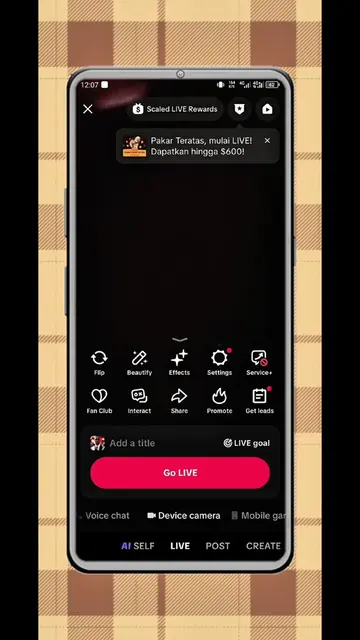
Proceed to TikTok LIVE interface
TikTok: This is a social media platform that allows users to create and share short-form videos. It is used to go LIVE and requires age verification. It ACTS as the platform for the video's content. Removing it would change what happens in the video. Yoti: This is a third-party age assurance service used by TikTok to estimate user age. It ACTS as a verification service. Removing it would change the verification process.
Go LIVE
Outliers and viral hits: their videos on Overshot, all time.