Loading video…
All breakouts
193App DemoHow-To hookCreator Economy
Hook
How to age verification before going live
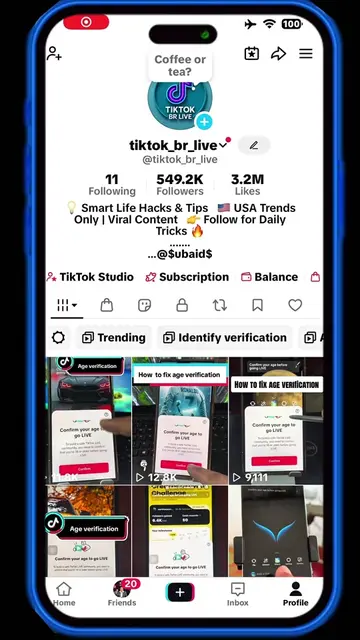
@tiktok_br_live
551.1K followers · usually 2.3K views a post
Views
666.6K
Likes
8.9K
Comments
226
Shares
1.4K
Promoted product
TikToktiktok.com ↗
Why it worked
The video provides a clear, step-by-step demonstration of a necessary but potentially confusing process within the TikTok app, directly addressing a user need related to a popular feature (going live). The use of native app features and clear on-screen text makes it easily understandable and shareable.
Summary
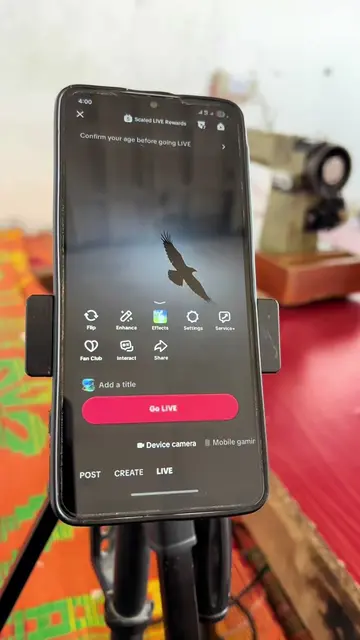
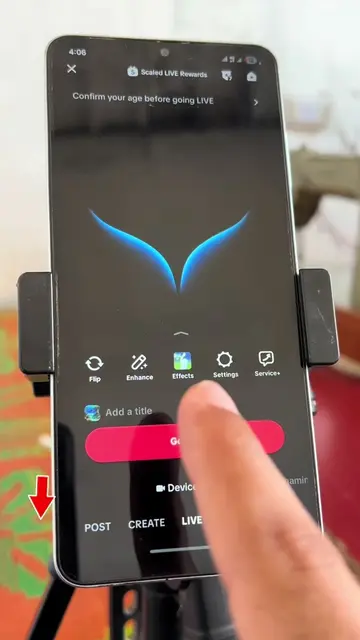
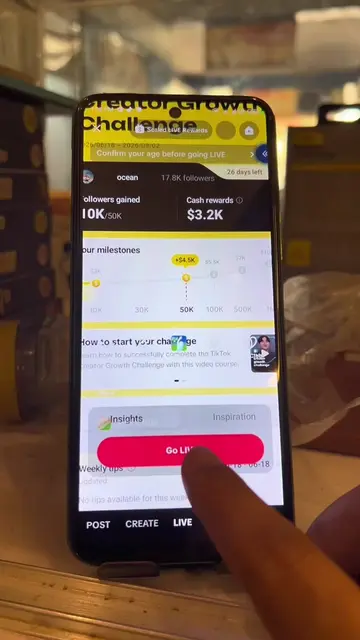
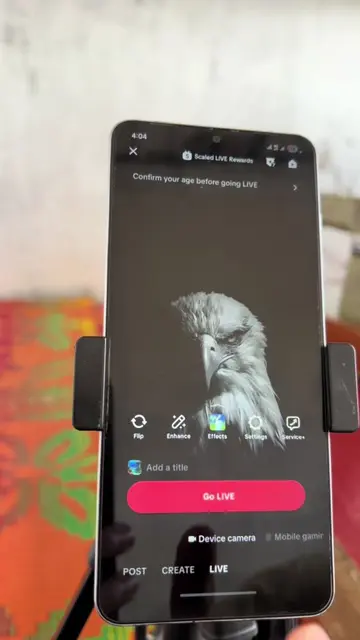
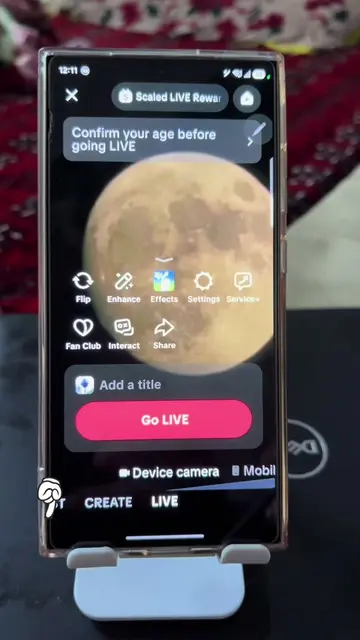
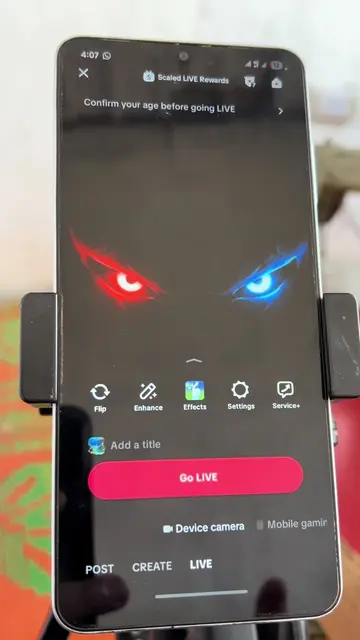
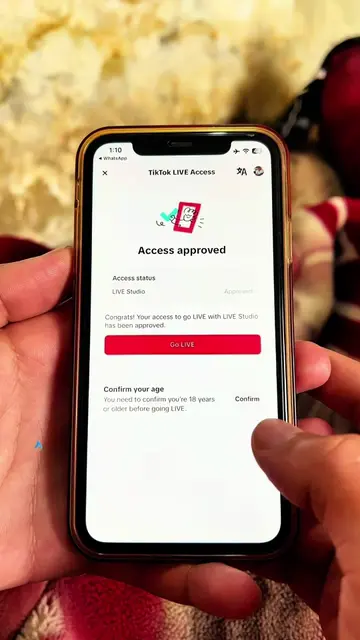
The video demonstrates the process of confirming age on TikTok to go live. It shows the user navigating through the age confirmation steps, including selecting 'Facial age estimation' and then proceeding to take a picture for verification. Finally, it confirms that the age has been verified.
Structure
- 1Initiate live stream setup
- 2Confirm age prompt appears
- 3Select age verification method
- 4Proceed with facial age estimation
- 5Age confirmed
Product placement
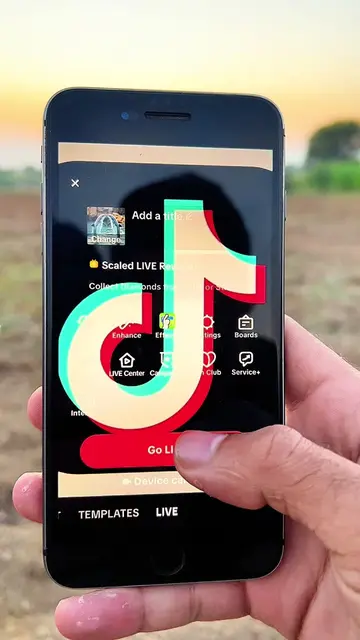
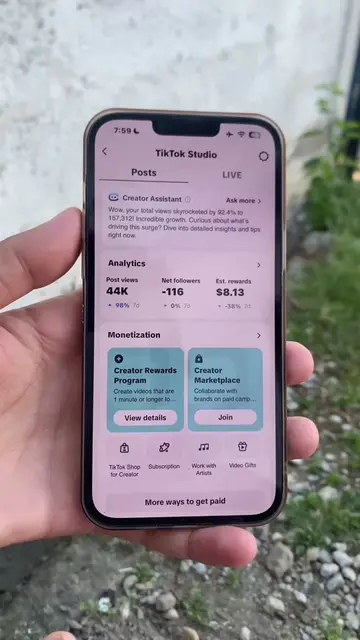
The video shows the TikTok app interface, specifically the process for confirming age to go live, including options for facial age estimation and taking a selfie. The app itself is the subject of the demonstration.
Call to action
Original caption
How to age verification before going live 💯#LIVEIncentiveProgram #JustGoLIVE #PaidPartnership #ageverification #tiktokinformation
More from @tiktok_br_live
More breakout videos from this creator.