Loading video…
Sound

آهات بشرية اسلامية - صمت - Islamic Sound - Calm
Voice of the soul - صوت الروح
0:00–:––
- Videos using it
- 159
- Creators
- 9
- Views on those videos
- 52.7M
This video promotes it, but we haven’t matched it to a product page yet, so there are no product figures.
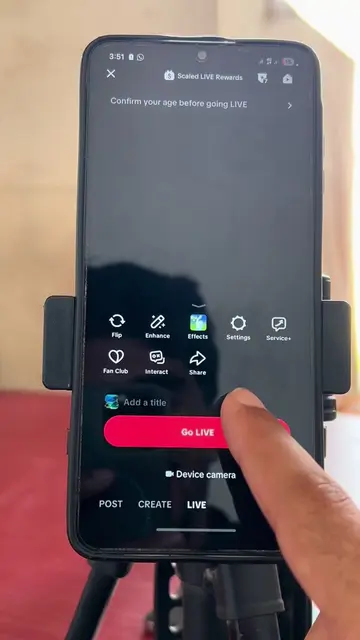
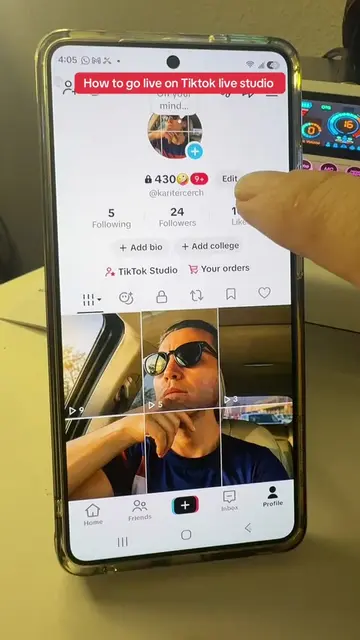
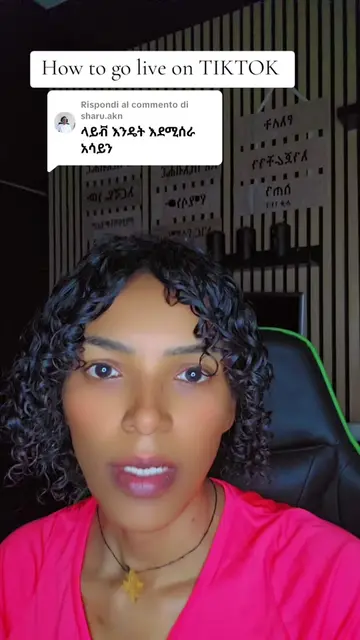
The video provides a clear, step-by-step demonstration of a necessary but potentially confusing process for TikTok users wanting to go live. This practical, problem-solving content is highly shareable and useful for the target audience.
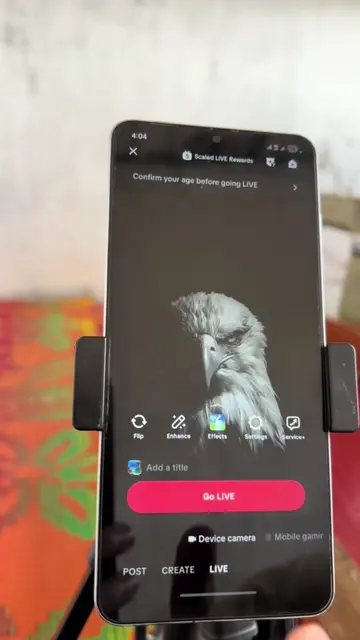
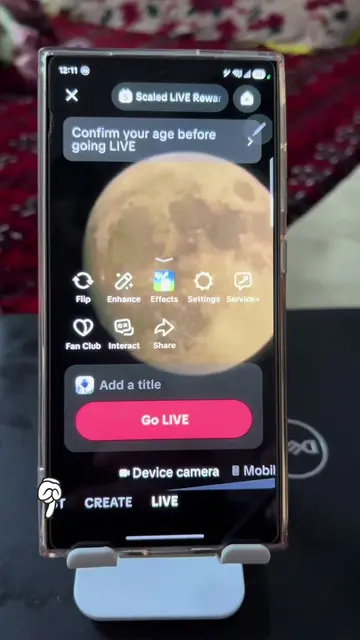
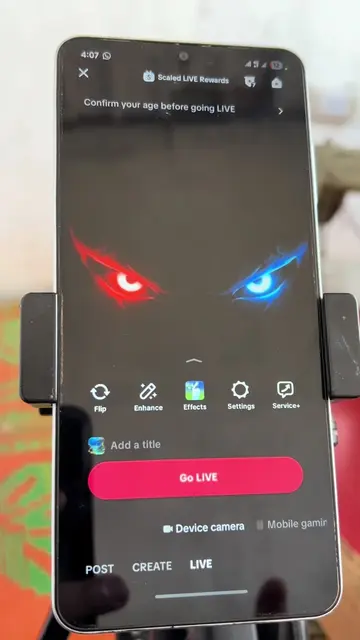
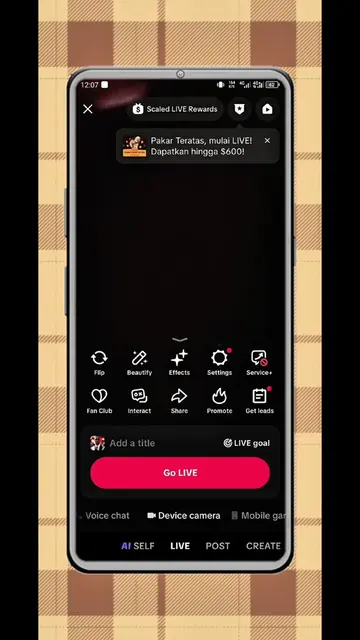
The video demonstrates the age verification process on TikTok required before going live. It shows the user selecting 'Facial age estimation' and then proceeding through the steps, including tips for the process, until their age is confirmed.
How to fix age verification #LIVEIncentiveProgram #LIVECanBeEasy #PaidPartnership ##GoLIVEGrowFast #ageverification
Confirm your age before going LIVE
Initiate going live on TikTok
Select age verification method
Choose facial age estimation
Follow tips for age estimation
Age confirmed
TikTok: This is a social media platform where users can create and share short-form videos. It ACTS as the platform for the video's content. Removing it would fundamentally change the video's context and purpose. Yoti: This is a third-party age assurance service that TikTok uses to verify users' ages. It ACTS as a verification tool within TikTok. Removing it would mean the age verification process shown in the video would not occur. TikTok LIVE: This is a feature within TikTok that allows users to broadcast live video streams. It ACTS as the feature being accessed in the video. Removing it would mean the user could not go live. Scaled LIVE Rewards: This appears to be a program or feature within TikTok related to live streaming rewards. It APPEARS as a header on the screen. Removing it would not change what happens in the video.
Confirm
Outliers and viral hits: their videos on Overshot, all time.