Loading video…
All breakouts
7.8App DemoHow-To hookCreator Economy
Hook
Masking & Curve in Lightroom📸D-1
@aung.ye.yint523
47.9K followers · usually 4.7K views a post
Views
36.6K
Likes
1.8K
Comments
17
Shares
276
Why it worked
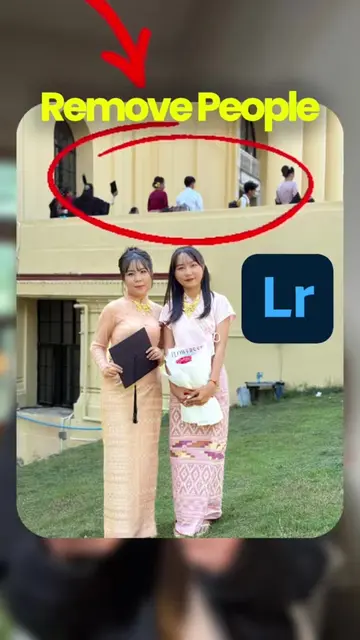
The video effectively showcases the power of Adobe Lightroom's editing tools, particularly masking and curves, by providing a clear before-and-after comparison. The use of a visually appealing subject (a graduation photo) and the inclusion of relevant hashtags likely contributed to its reach.
Summary
This video demonstrates how to use masking and curves in Adobe Lightroom to edit a photo. The creator shows the "before" and "after" of the edits, highlighting the adjustments made to the image.
Free accountLocked — create a free account to open
Transcript, structure and on-screen text
4 beats, a 26-word transcript and 31 lines of on-screen text — the parts you need to write your own version.
Original caption
Masking & Curve in Lightroom📸D-1 ပုံပြင်တယ်ဆိုတာလဲအနုပညာတစ်ခုပါ ပုံကောင်းရချင်ရင် အချိန်ပေးပါ ပုံရိုက်ချင်ရင်@Aung Ye Yint မှာဆက်သွယ်ပါ #adobelightroom #lightroom #photoediting #mobilephotography #iphone17promax @Aung Ye Yint @Aung Ye Yint @Aung Ye Yint
More from @aung.ye.yint523
More breakout videos from this creator.