Loading video…
All breakouts
6.4App DemoOther hookConsumer Apps
Hook
ср. 7 янв.
@kvadrat_tech
16.4K followers · usually 42.4K views a post
Views
222.9K
Likes
2.8K
Comments
258
Shares
57
Why it worked
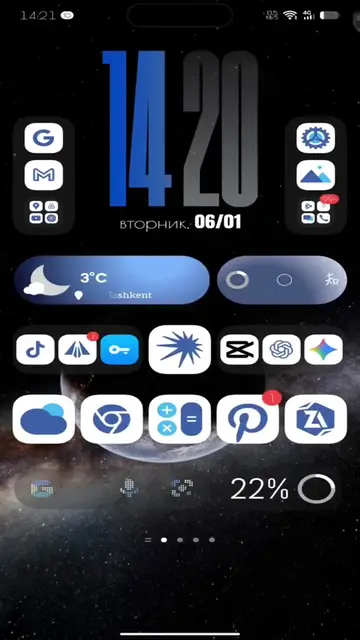
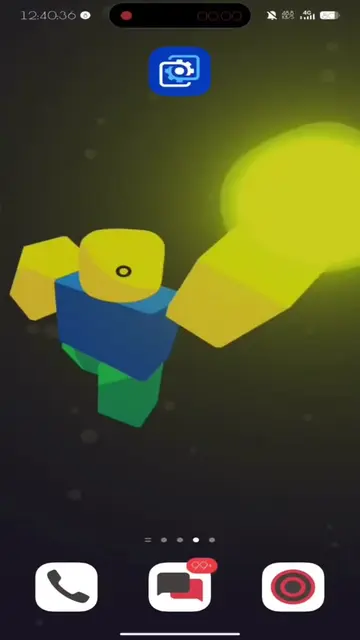
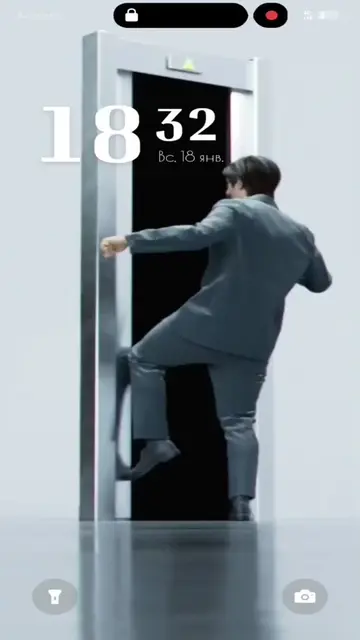
The video provides a clear and concise tutorial on how to customize a phone's Always On Display, a feature that appeals to users looking to personalize their devices. The use of a popular app like Muviz Edge and the promise of a 'hacked' version likely drove engagement and downloads.
Summary
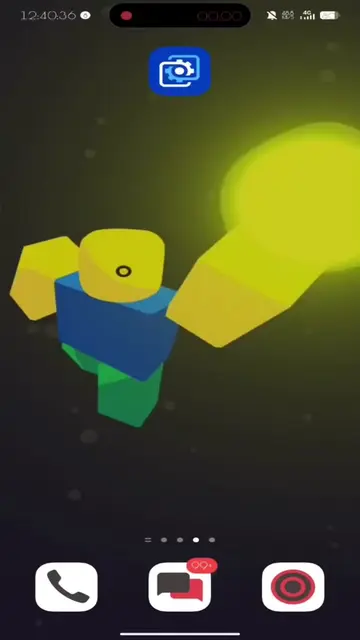
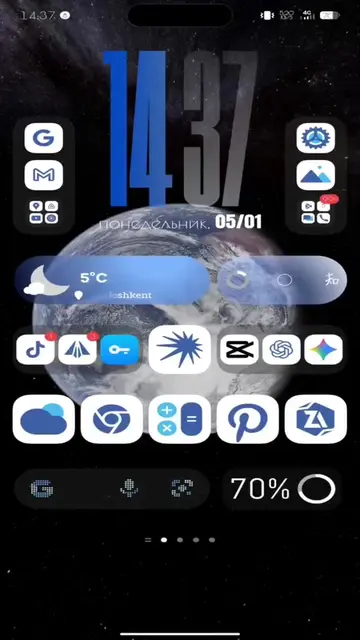
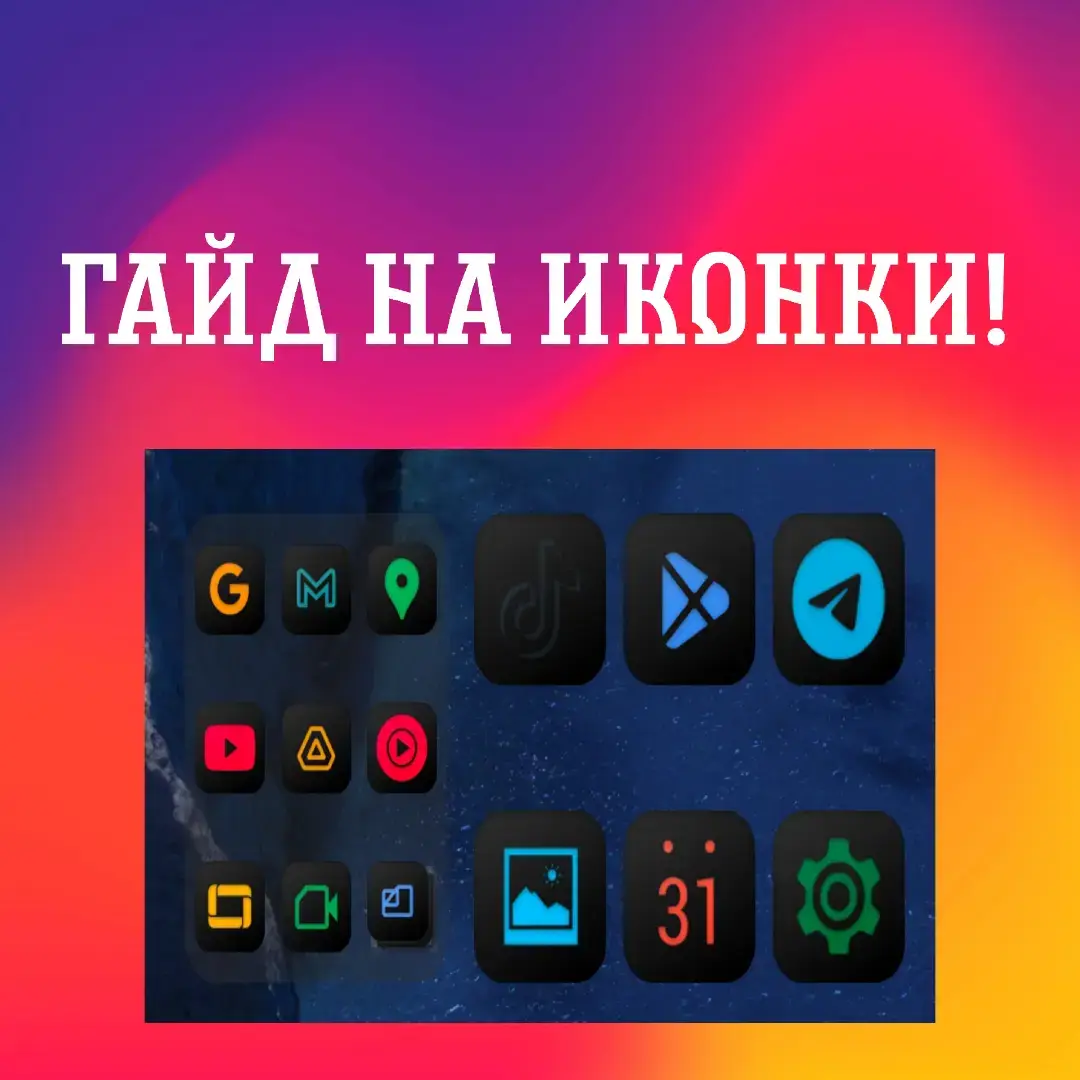
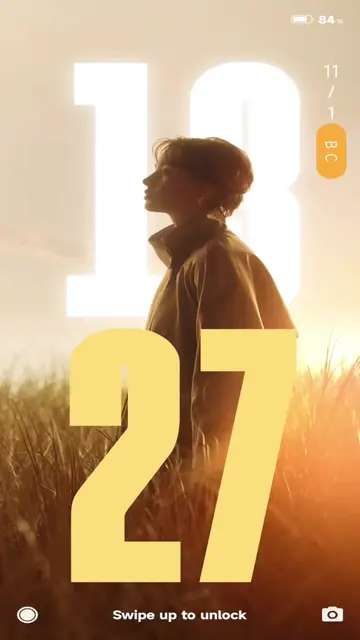
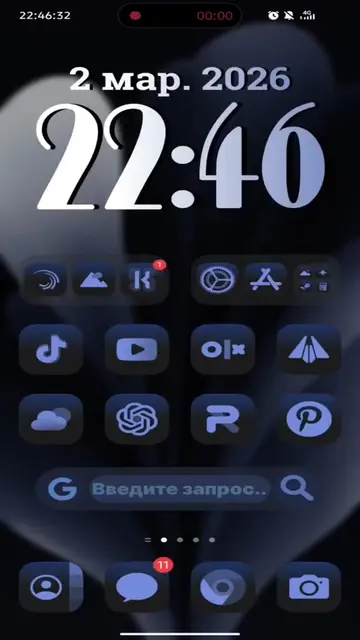
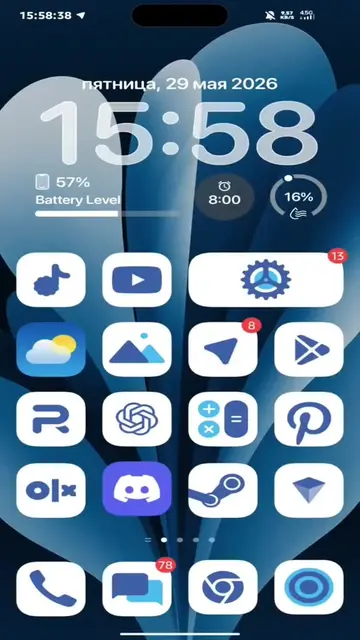
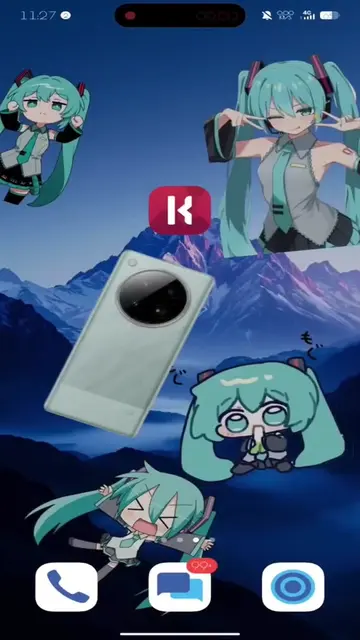
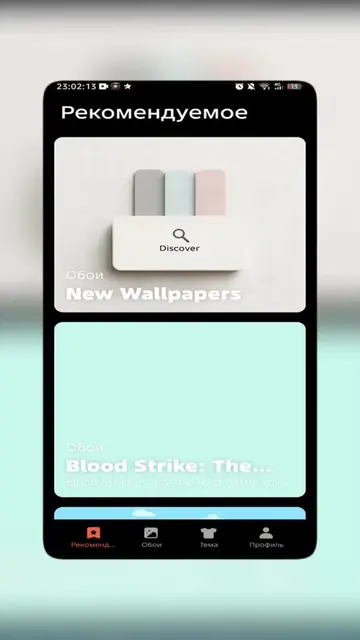
The video demonstrates how to customize the Always On Display (AOD) on a phone using the Muviz Edge app. It shows the process of downloading and applying custom watch faces and edge lighting effects.
Structure
- 1Introduction with date and year
- 2Demonstration of AOD customization options
- 3Downloading and installing Muviz Edge app
- 4Applying custom watch faces and edge lighting
- 5
Original caption
Тутор на кастомизацию AOD! #aod #alwaysondisplay #customization #течток #techtok #fyp #fyppp #кастомизация #туториал #телефоны #phone #infinix #tecno #honor #samsung
More from @kvadrat_tech
More breakout videos from this creator.