Loading video…
All breakouts
9.6App DemoHow-To hookConsumer Apps
Hook
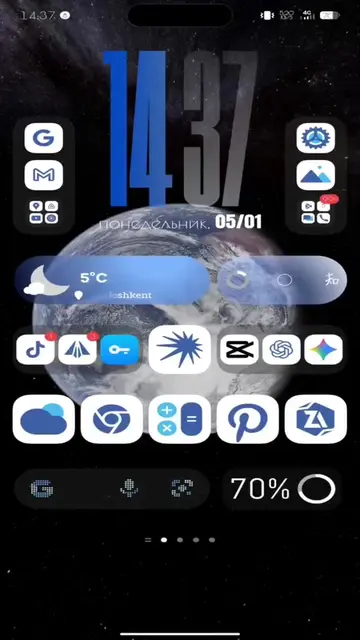
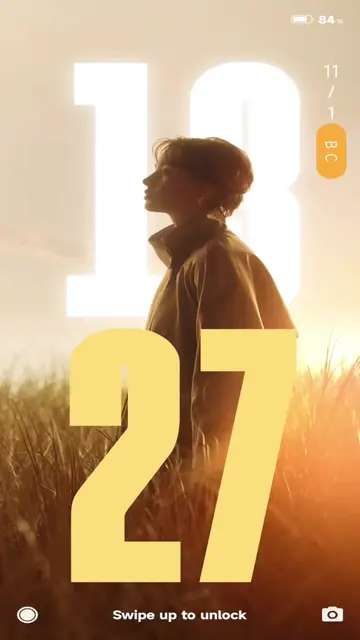
Тutop на такие обои
@kvadrat_tech
16.4K followers · usually 42.4K views a post
Views
327.4K
Likes
5.0K
Comments
460
Shares
246
Why it worked
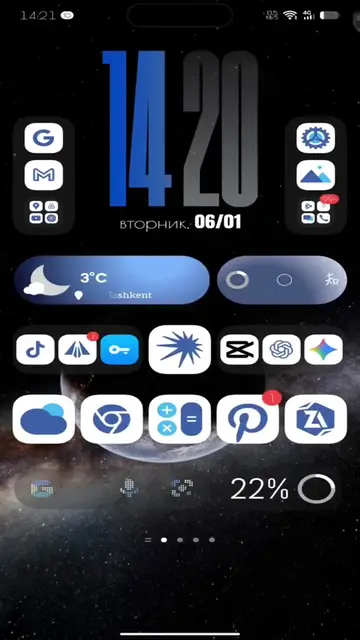
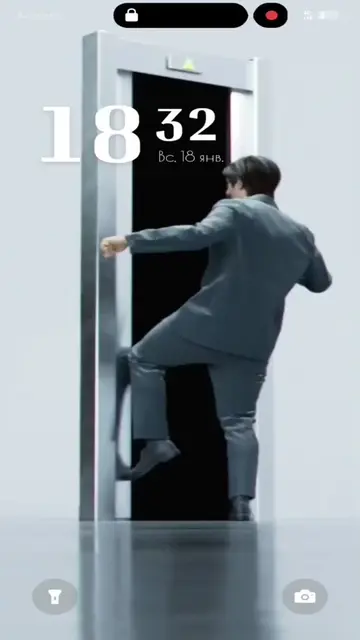
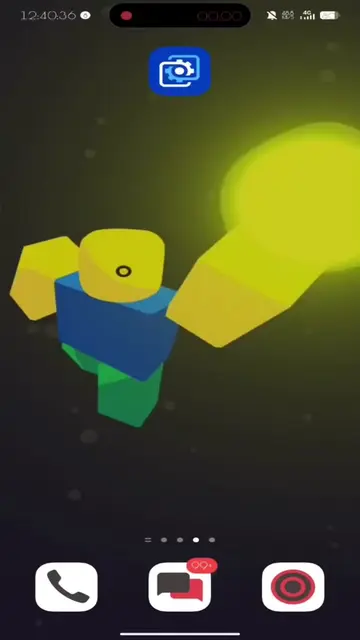
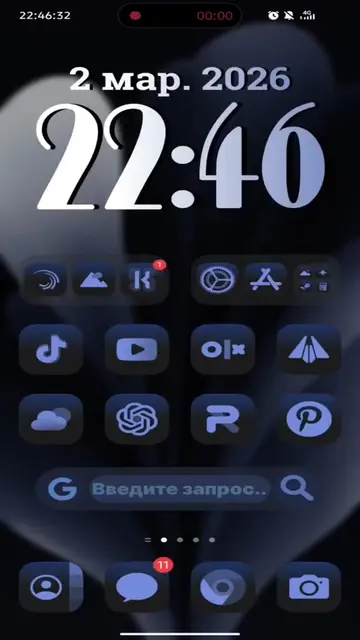
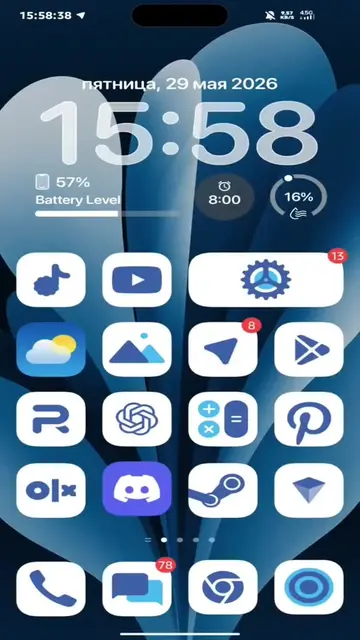
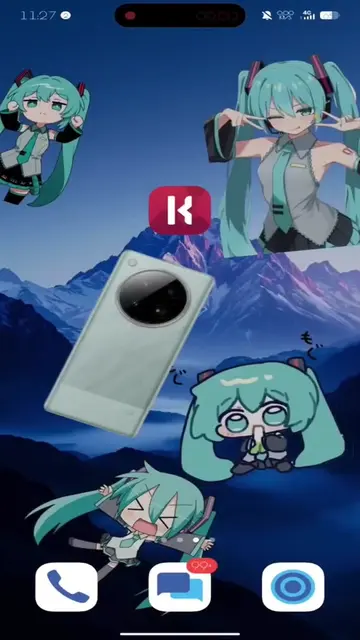
The video provides a clear and concise tutorial on how to achieve a visually appealing customization (video wallpapers) that is likely to be popular among users looking to personalize their devices. The use of popular animated characters and a step-by-step demonstration makes it easy to follow and replicate.
Summary
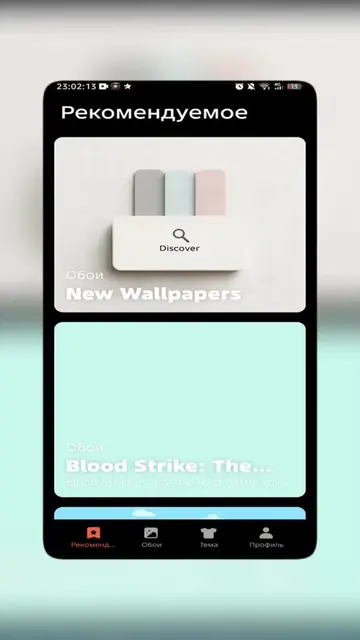
The video demonstrates how to set custom video wallpapers on a phone using the Wallpaper Engine app. It shows the process of downloading the app, finding wallpapers, and applying them to the phone's background.
Structure
- 1Introduction to setting custom wallpapers
- 2Downloading and installing Wallpaper Engine
- 3
Original caption
Больше обоев и полезного для оформления в тгк infinix_techtok😋 #techtok #wallpaperengine #течток #wallpapers #phone #телефоны #custom
More from @kvadrat_tech
More breakout videos from this creator.