Loading video…
Sound

SARAVIA FUNK (Slowed)
RD12 & Dj Funks & DJ DYLANFK & 0to8
0:00–:––
Playing this video’s own audio, so you’ll hear the creator over the sound.
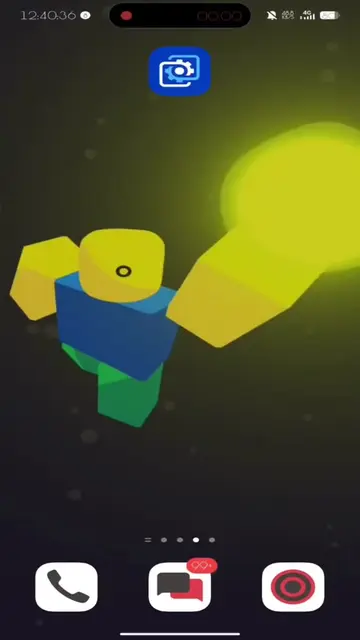
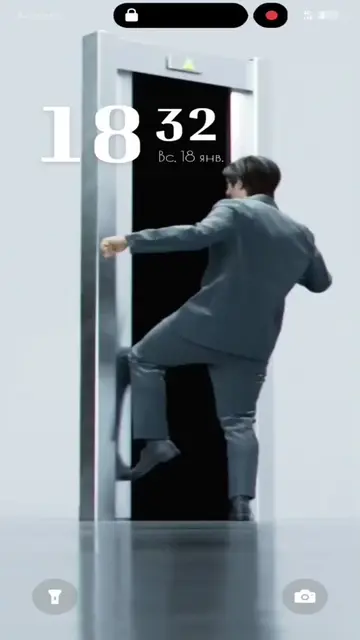
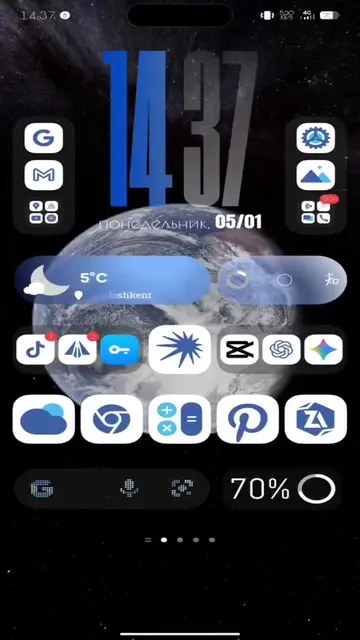
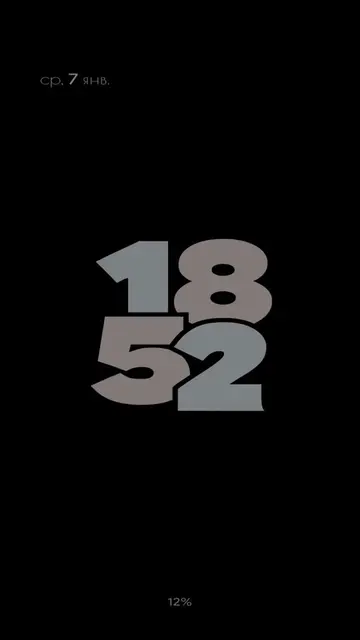
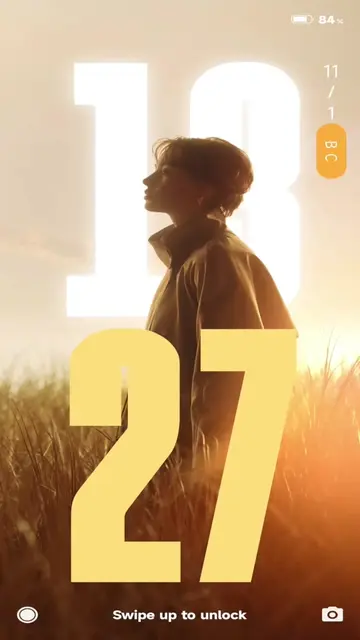
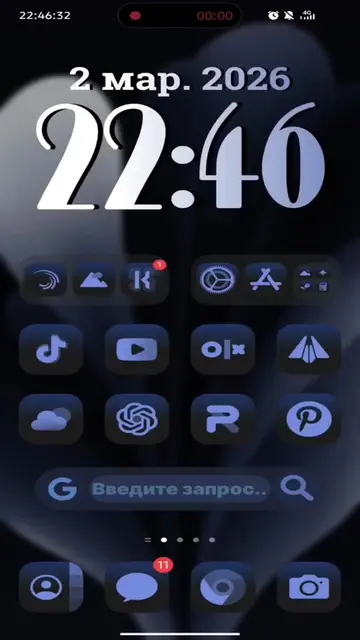
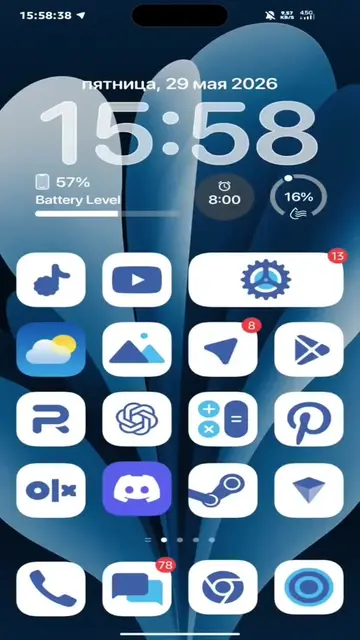
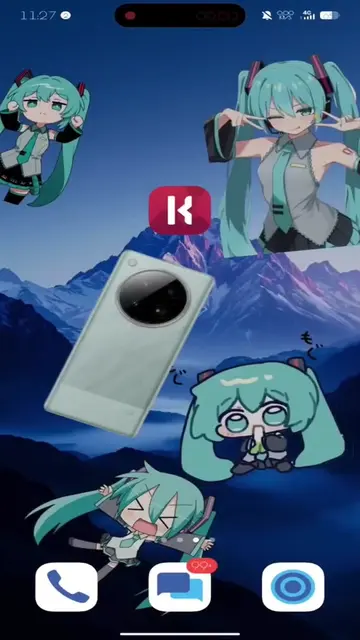
The video provides a clear, step-by-step tutorial on how to achieve a visually appealing customization (video wallpapers) that many users desire for their phones. The use of a popular character and the promise of more tutorials likely contributed to its engagement.
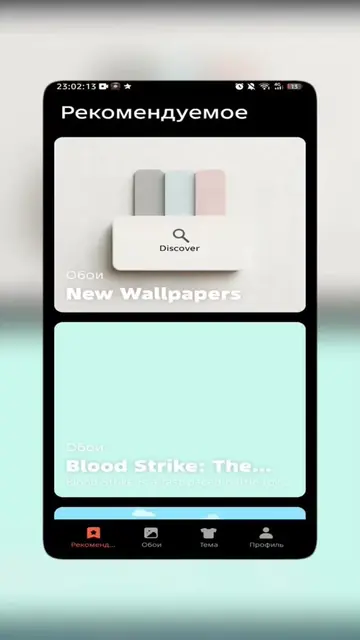
This video demonstrates how to set any video as a live wallpaper on a phone using the Wallpaper Engine app. It guides viewers through downloading the app from the Play Store and then importing their chosen video file.
Большое обоев и полезного для оформления в тгк infinix_techtok #phone #wallpapers #течток #techtok #fyp #wallpaperengine #обои #телефоны #custom
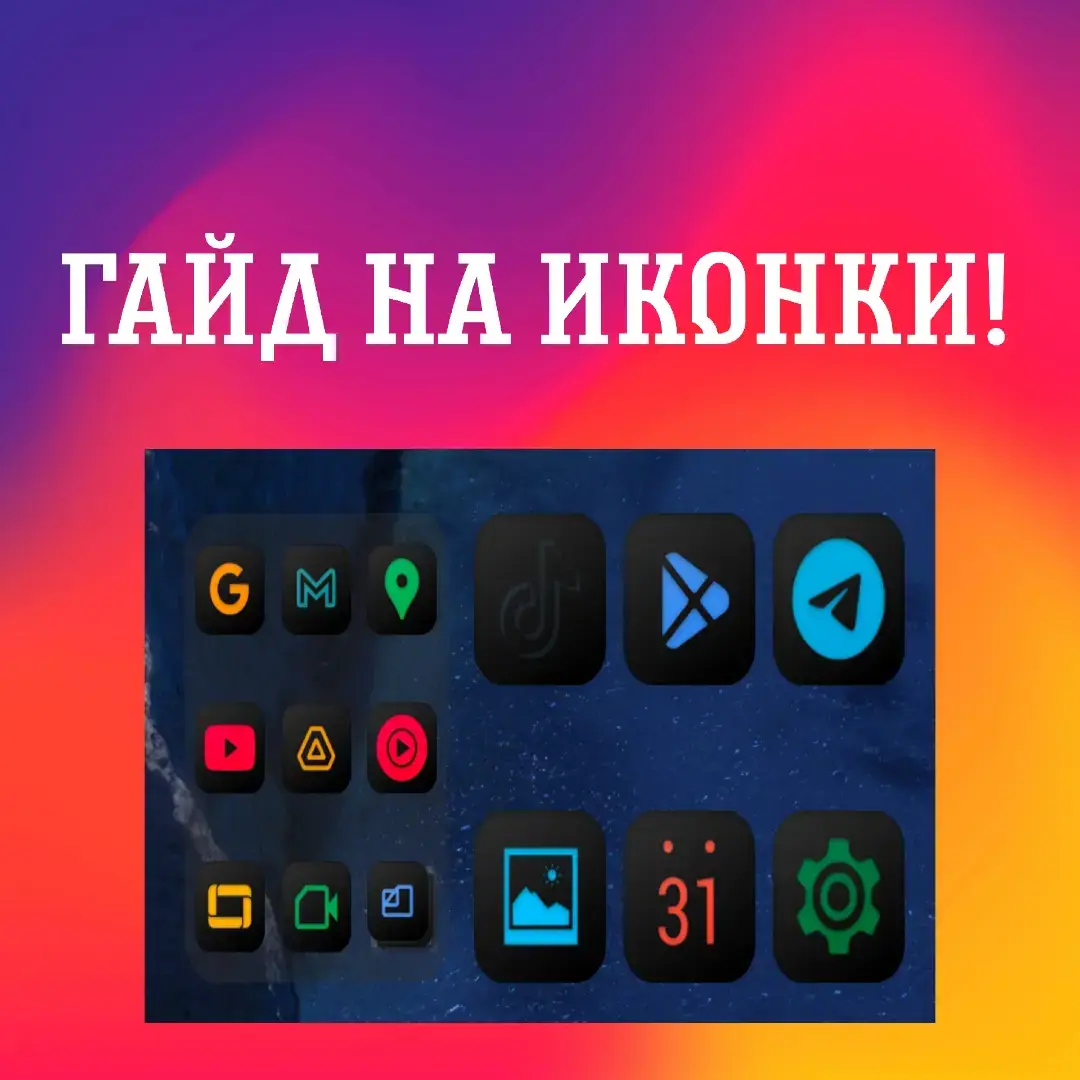
Туттор на такие обои
Introduction to setting video wallpapers
Downloading Wallpaper Engine from the Play Store
Importing a video file into the app
Applying the video as a wallpaper
Confirmation that the process is complete
The video shows the process of downloading and using the "Wallpaper Engine" app to set video wallpapers.
Заходим в мой тгк @infinix_techtok и сохраняем понравившиеся вам обои
Playing this video’s own audio, so you’ll hear the creator over the sound.
Promotes 8 products. Create free account to see more.
Outliers and viral hits: their videos on Overshot, all time.
Desktop software for adding animated wallpapers to computer screens
All time.