Loading video…
All videos
Views
232.2K
Likes
4.0K
Comments
581
Shares
398
Engagement
2.1%
of views
6.7xthis account’s usual viewsOutlier · Viral hit (100K+ views)
This video232.2KUsual views47.3K
The product
The creator
Why it worked
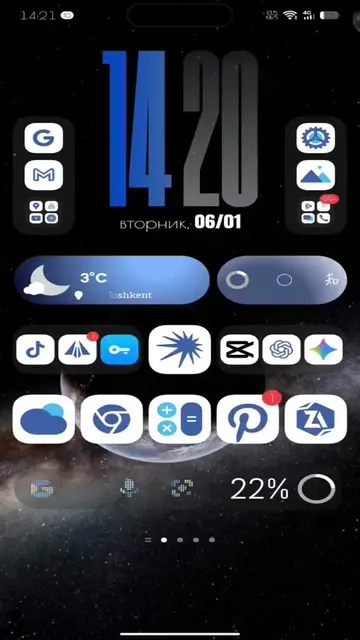
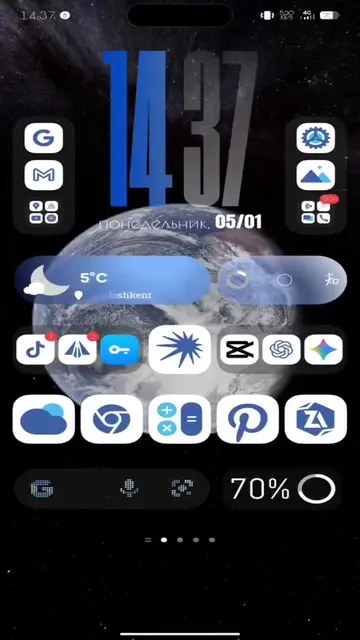
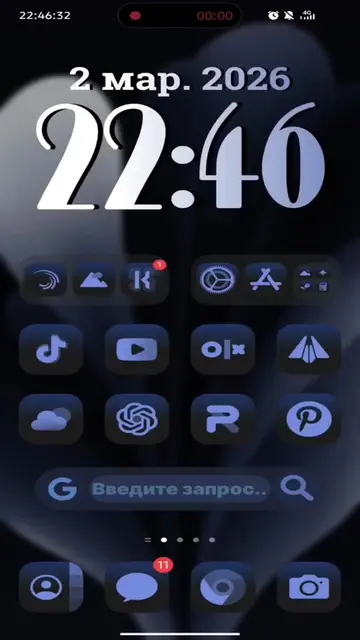
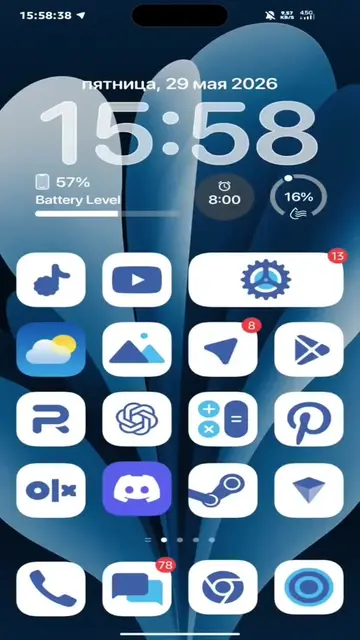
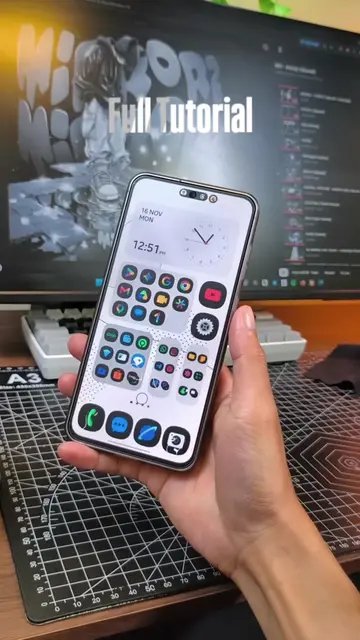
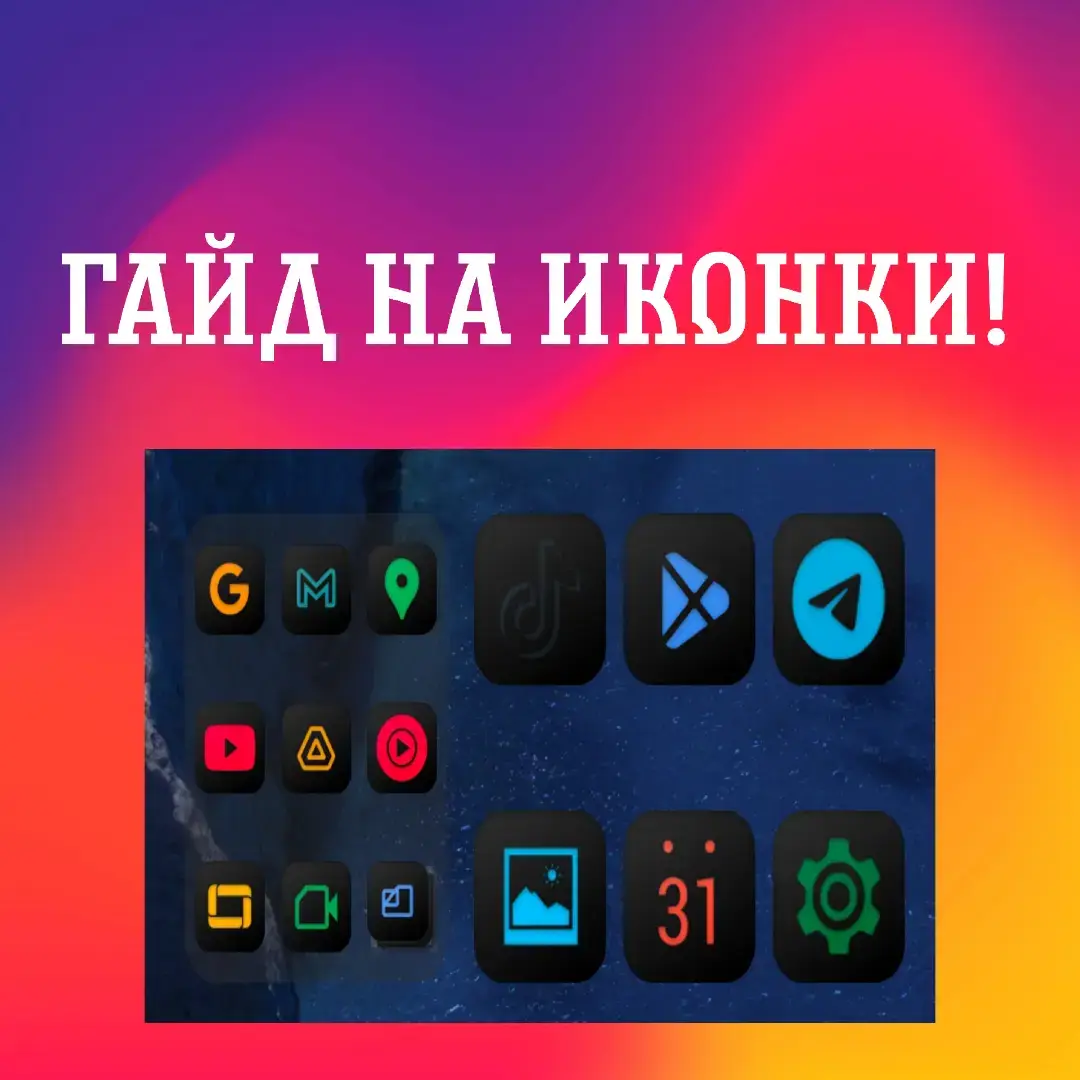
The post provides a clear, step-by-step visual tutorial on how to customize app icons, a popular aesthetic modification for smartphone users. The use of numbered steps and clear on-screen text makes it easy to follow, and the promise of a visually appealing phone interface is a strong motivator for engagement.
What happens
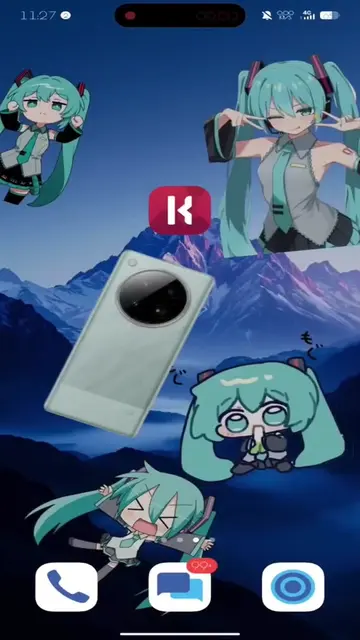
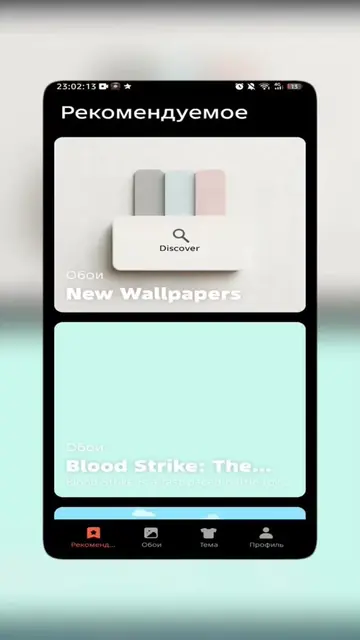
This slideshow provides a step-by-step guide on how to customize app icons on an Android device using the 'Icon Pack Studio' application. It walks the viewer through downloading the app, selecting an icon pack, applying it, and then installing the downloaded file through the phone's file manager and theme application.
The breakdown
Original caption
#туториал #туторнаиконки #виджеты #иконки #android