Loading video…
Sound

original sound - kvadrat_tech
KvadratTech🫧 · Original audio
0:00–:––
Playing this video’s own audio, so you’ll hear the creator over the sound.
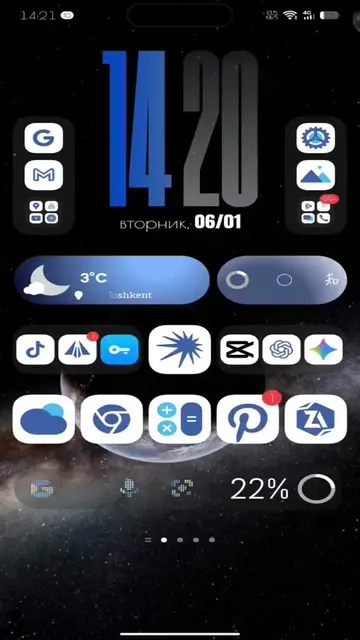
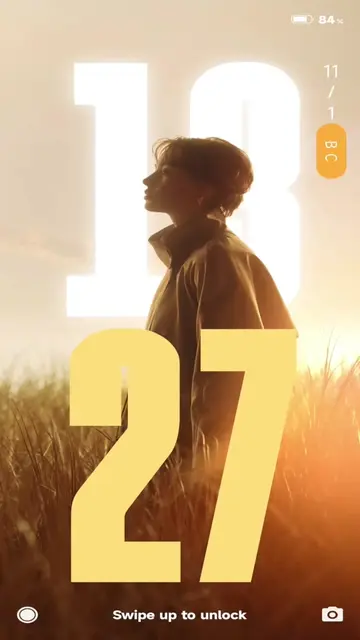
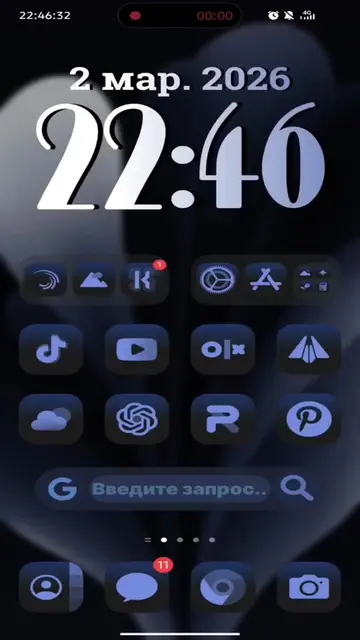
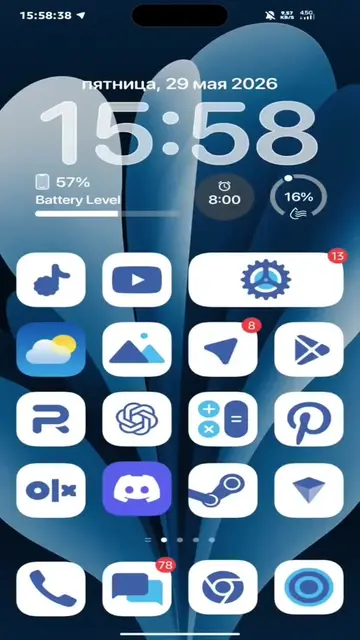
The video provides a clear, step-by-step tutorial for a popular customization task on mobile devices, leveraging trending anime aesthetics (Hatsune Miku) to attract a specific audience.
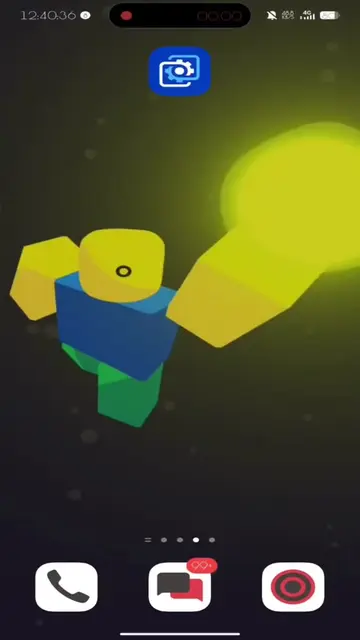
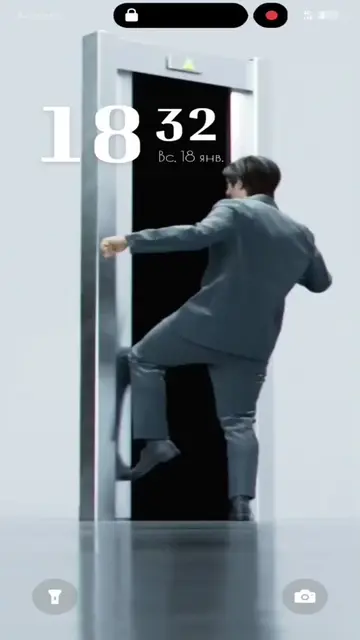
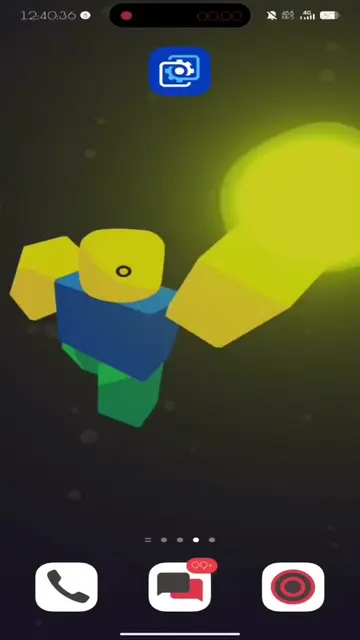
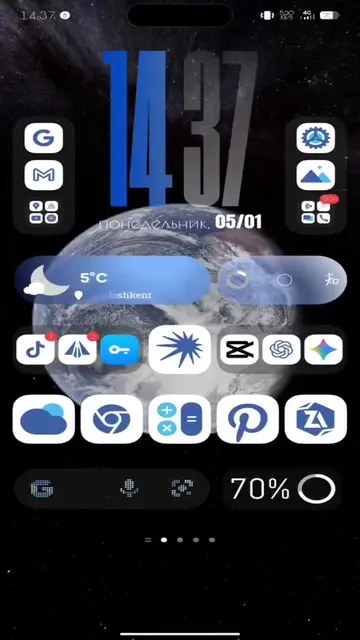
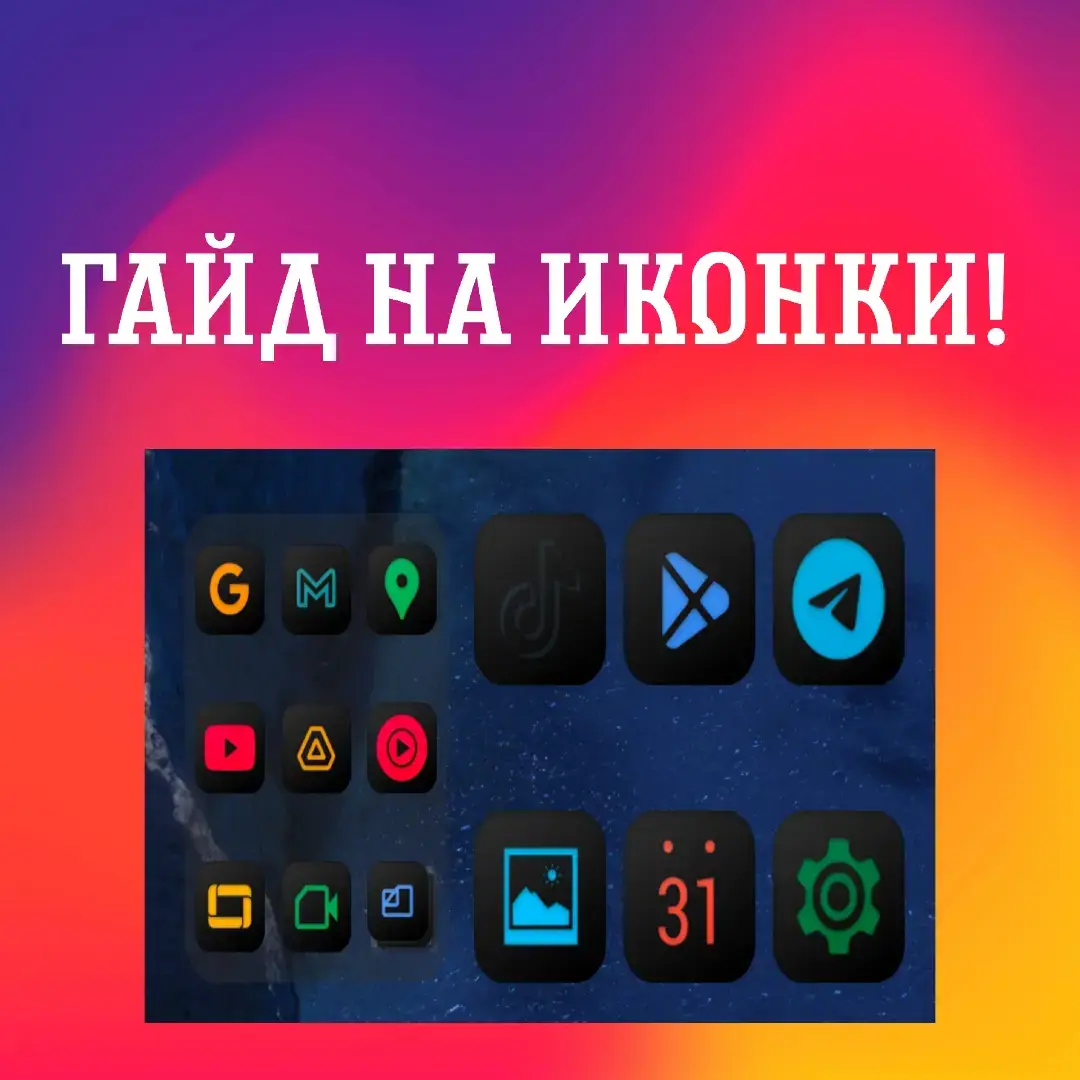
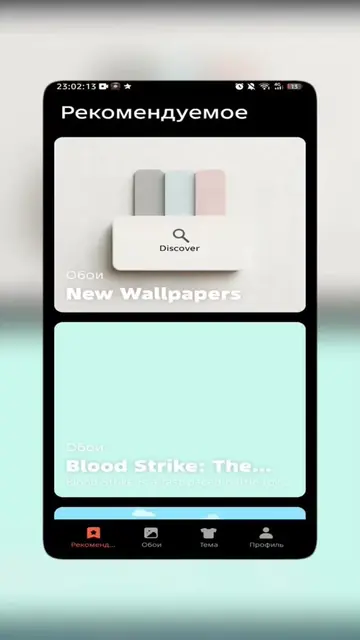
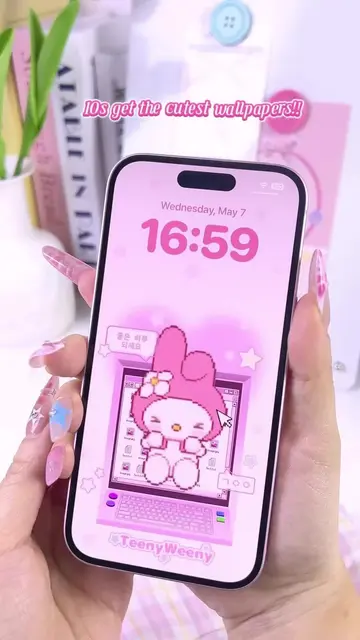
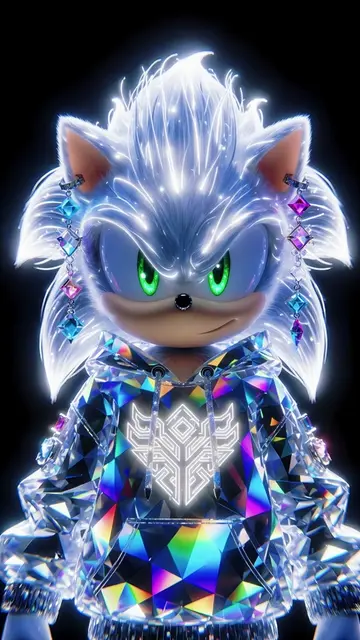
This video demonstrates how to create custom wallpapers using the KLWP app. It guides viewers through downloading images or stickers, importing them into KLWP, and then customizing the wallpaper and individual stickers.
#самсунг #samsung #wallpaper #экран #обои #кастомизация #techtok
Туттор на такие обои, как на Самсунге!
Download images/stickers
Import into KLWP
Customize wallpaper
Customize stickers
Save and apply
K (app icon) - appears, does not change video. Removing it would not change what happens. Infinix - appears, does not change video. Removing it would not change what happens. Pinterest - appears, does not change video. Removing it would not change what happens. KLWP - acts, its interface is operated to create a custom wallpaper. Removing it would change what happens. KvadratTech - appears, does not change video. Removing it would not change what happens.
Заходим в мой тг @infinix_techtok и скачиваем там взломку проги "KLWP" и ещё сохраняем в загрузки один файл
Playing this video’s own audio, so you’ll hear the creator over the sound.
Promotes 8 products. Create free account to see more.
Outliers and viral hits: their videos on Overshot, all time.
Android app for creating and customizing live phone wallpapers
All time.