Loading video…
Sound

original sound - benim_tech
BENM TECH 🌟 · Original audio
0:00–:––
Playing this video’s own audio, so you’ll hear the creator over the sound.
Hook
Posted Feb 15, 2026Video · 0:42by @benim_tech
The video taps into the desire for personalization and aesthetic appeal on smartphones, offering a visually engaging solution that is easy to implement. The demonstration across multiple phone types and the clear instructions for downloading the app make it highly shareable and practical.
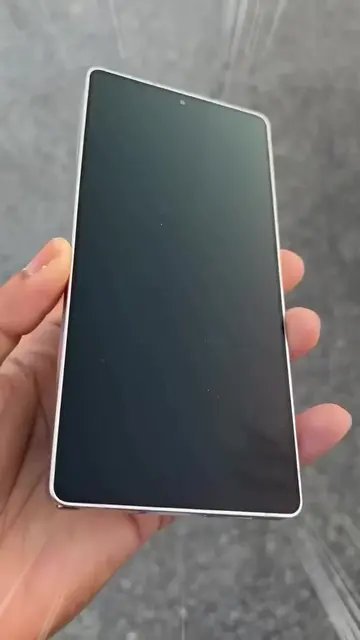
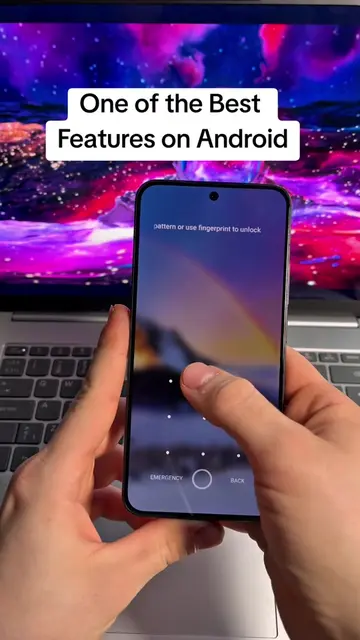
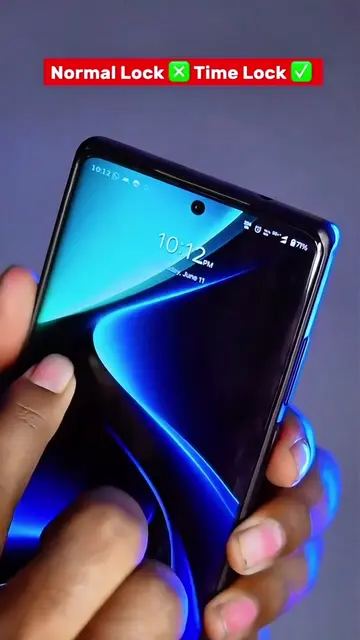
This video demonstrates how to add custom fingerprint animations to any phone using the Eduhelps app. It showcases various cool animations and explains how to download and apply them, making the phone unlock experience more visually appealing.
Add Fingerprint Animation Anywhere #Fingerprintanimations #AndroidCustomization #CoolUnlock #androidapp #TechTrick
Agar aap apne dosto ke samne rola jamaana chahte ho
Introduce the desire for cool phone features
Showcase fingerprint animation app
Demonstrate applying animations on different phones
Explain how to download the app via Google search
Encourage viewers to try it
POCO: This is a brand name visible on a phone case. It merely appears and does not affect the video's content. Removing it would not change what happens in the video. Eduhelps: This is a website/app that provides fingerprint animation themes for phones. It is actively used and demonstrated in the video to show how to download and apply these animations. Removing it would fundamentally change the video's purpose and content.
Download the Eduhelps app from the Play Store or search for "eduhelps" on Google and visit their website to download the fingerprint animation.
Playing this video’s own audio, so you’ll hear the creator over the sound.
Phone app for adding custom fingerprint unlock animations
All time.
Promotes 5 products. Create free account to see more.
Outliers and viral hits: their videos on Overshot, all time.