Loading video…
All breakouts
11.3Talking HeadListicle hookAI Tools
Hook
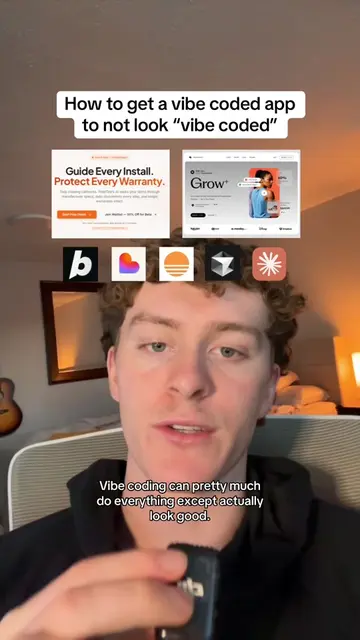
3 ways to make your vibe coded websites look professional
@byjackprice
28.0K followers · usually 7.1K views a post
Views
70.7K
Likes
4.7K
Comments
146
Shares
336
Why it worked
The video provides actionable, high-value advice for a trending topic (vibe coding) while solving a specific pain point (AI-generated sites looking unprofessional), making the product recommendation feel like a natural part of the solution.
Summary
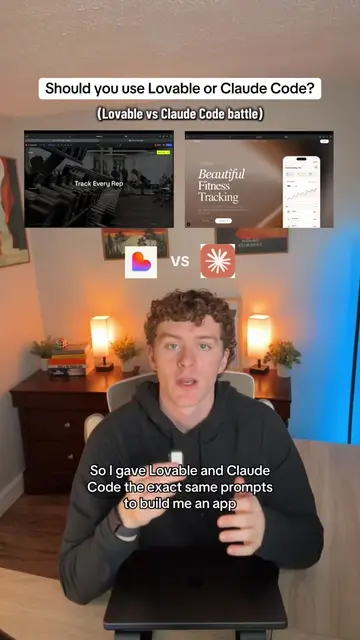
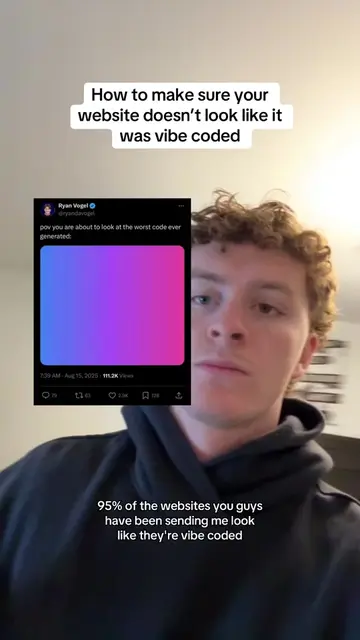
The creator explains how to improve the professional appearance of AI-generated websites by using a structured workflow involving Claude and specific design component libraries. He demonstrates the process by building a landing page for a cookie company and incorporating a globe component from 21st Dev.
Structure
- 1Identify the problem of low-quality AI-generated websites
- 2Explain the workflow of using Claude for PRD generation
- 3
Original caption
Here are 3 ways to make your vibe coded apps look professional. #vibecoding #coding
More from @byjackprice
More breakout videos from this creator.