Loading video…
All breakouts

16.0App DemoProblem Callout hookAI Tools
Hook
This is why RAM costs 900$
@chris.creates.7
264.7K followers · usually 5.1K views a post
Views
102.0K
Likes
346
Comments
7
Shares
38
Why it worked
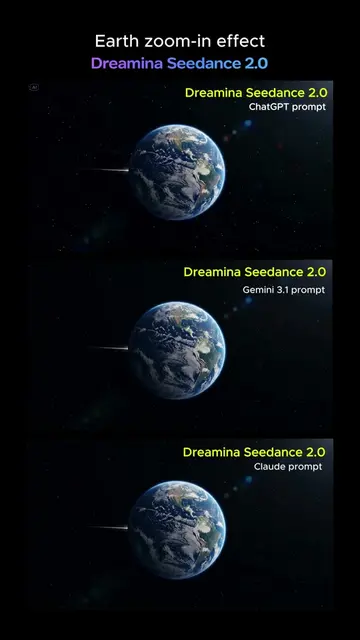
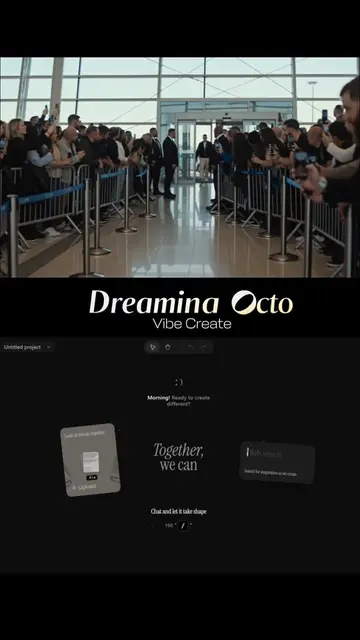
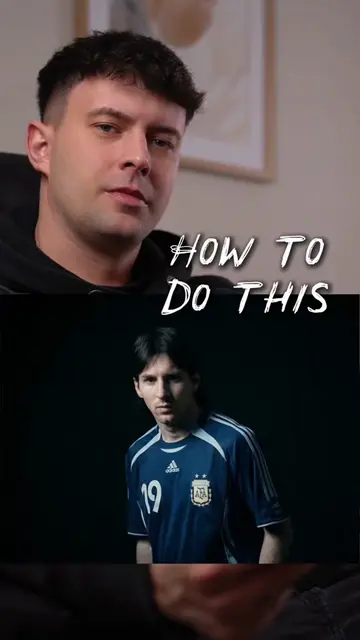
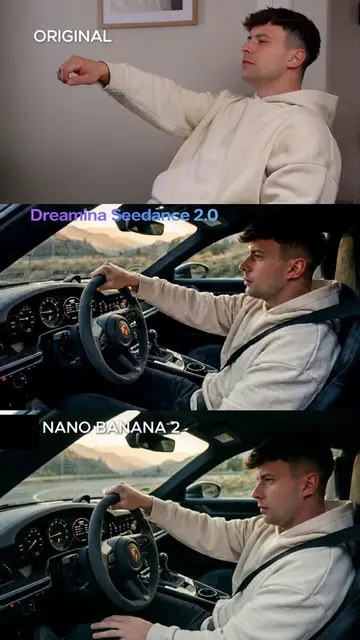
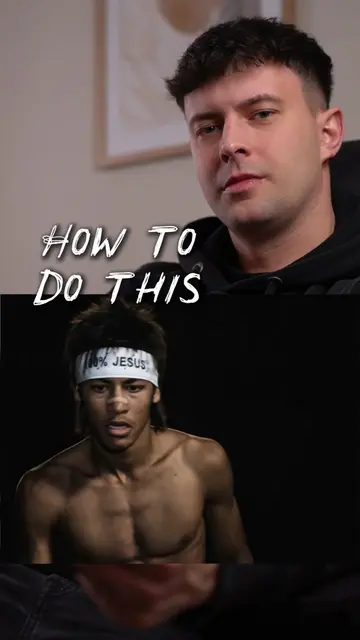
The video uses a high-interest, viral-style visual hook (face swapping celebrities) to demonstrate the capabilities of the tool, making the tutorial feel like a 'hack' rather than a standard advertisement.
Summary
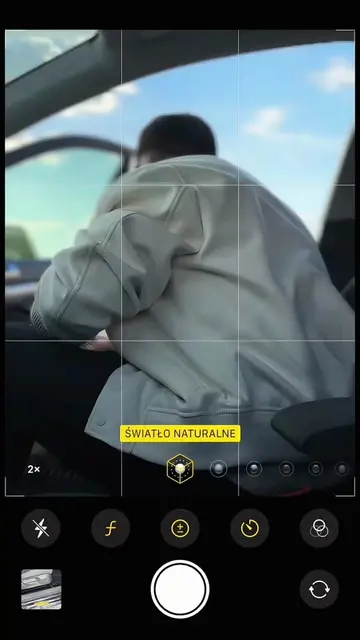
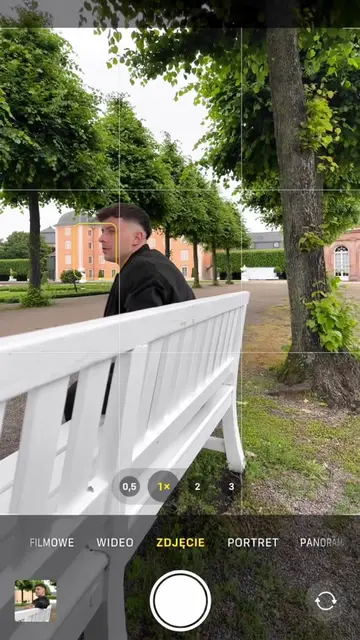
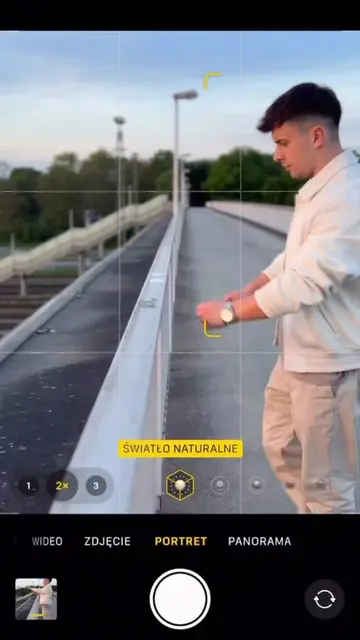
The creator demonstrates how to use the Pollo AI app to perform a face-swap effect on a video. The tutorial guides the viewer through selecting the 'Pollo Mimic' feature, uploading assets, and applying a prompt to generate the final result.
Structure
- 1Hook with a provocative claim
- 2Showcase of the AI-generated face swap results
- 3Step-by-step screen recording of the app workflow
- 4Final result and call to action
Product placement
The video is a direct tutorial for the Pollo AI app, specifically the Pollo Mimic feature.
Call to action
Link in bio
On-screen text
This is why RAM costs 900$
Pollo.ai
TU
TUTORIAL
Pollo.
Pollo.ai APP
SELECT POLLO MIMIC
ADD CHARACTER IMAGE
ADD YOUR RECORDED VIDEO
SELECT PRO MODE
PASTE THE PROMPT
POLLO AI
LINK IN BIO
Original caption
Simple tutorial on how to create this viral effect from @Pollo AI_Official 🔥 #polloai #pollomimic #kling3 #viral #fyp
More from @chris.creates.7
Their other posts in the index, biggest breakout first.