Loading video…
All breakouts

59.0App DemoHow-To hookAI Tools
Hook
Claude Code for beginners
@radnolan
363.1K followers · usually 14.7K views a post
Views
827.1K
Likes
56.4K
Comments
211
Shares
3.3K
Why it worked
The video provides high-utility, step-by-step technical instruction that solves a specific pain point for developers, making the product feel indispensable rather than just advertised.
Summary
The creator demonstrates how to use Claude Code to build an app from scratch by starting with a product requirements document (PRD) and integrating Figma design system links. The video guides the viewer through terminal commands and the iterative process of using AI to generate a functional prototype.
Structure
- 1Introduction to Claude Code and terminal setup
- 2Creating a PRD file for project context
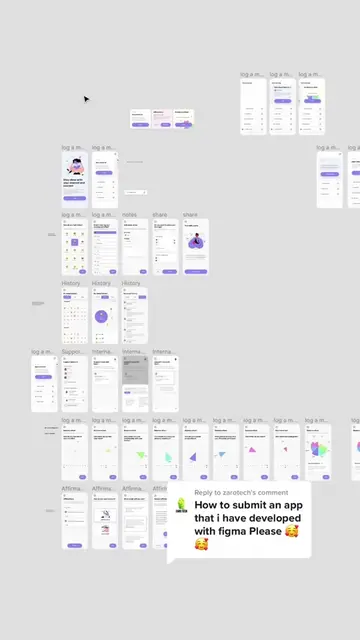
- 3Integrating Figma design system components
- 4Generating the app prototype using Claude Code
- 5Final result showcase
Product placement
Claude Code is the central tool demonstrated throughout the video for coding and project management.
Original caption
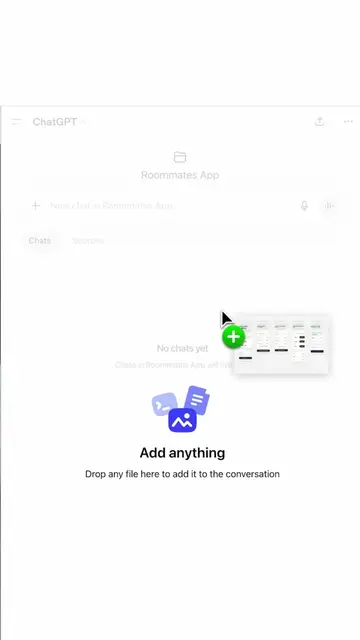
If you're building your own app, here's how to setup a new project from scratch in Claude Code. The biggest challenge is being comfortable in terminal, but it's easy once you know how to do it. From there, spend 5 minutes writing a solid PRD before touching any code. Drop your screenshots into Claude, tell it what you're building (native vs web, stack, database, monetization), and have it interview you before writing the doc. That one file becomes your North Star across every session. Then connect your Figma design system, point Claude Code at the PRD, and you're ready to build your prototype. From there, run your prompt pushing Claude Code to use the PRD and you're ready to start refining! #claudecode #appdevelopment #appdesign
More from @radnolan
Their other posts in the index, biggest breakout first.