Loading video…
Sound

original sound - radnolan
Nolan · Original audio
0:00–:––
Playing this video’s own audio, so you’ll hear the creator over the sound.
This video promotes it, but we haven’t matched it to a product page yet, so there are no product figures.
The video effectively demonstrates a practical problem (design errors) and provides a clear, actionable solution using a specific tool (Figma annotations and a coding agent), appealing to users looking for efficient design workflows.
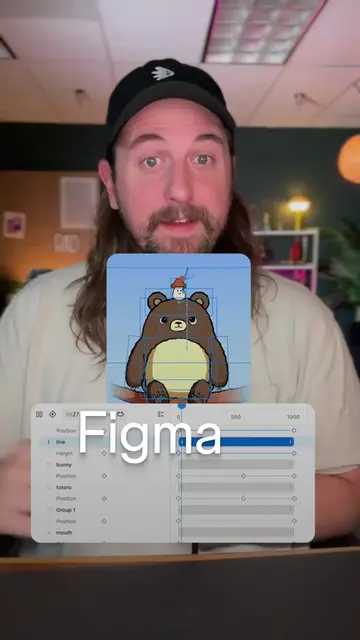
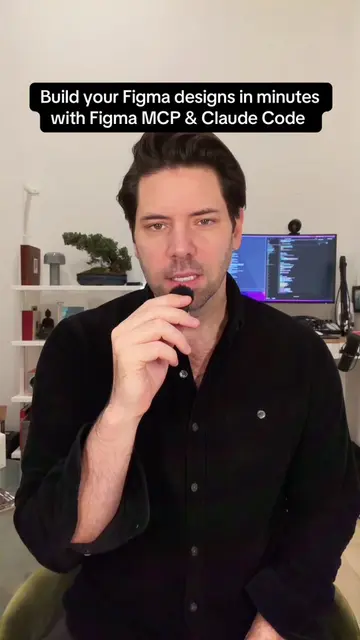
The video demonstrates how to use Figma's annotation feature to identify design flaws and then use a coding agent to automatically fix them. It highlights the process of creating annotations, copying the Figma link, and pasting it into a coding tool for automated design correction.
Annotate your Figma frame, paste the link into your coding agent, and let it fix the design. #figma #vibecoding #figmamcp #aitools
Figma MCP for beginners
Introduce Figma MCP for beginners
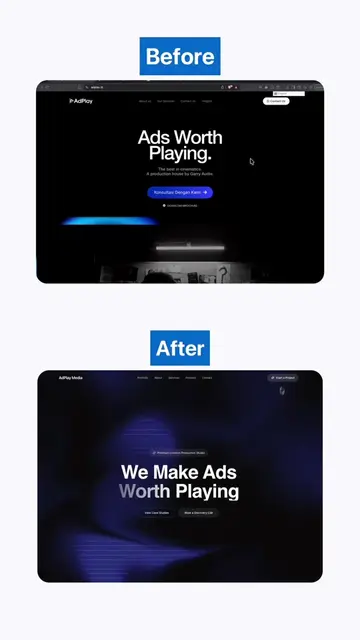
Showcase a design with errors after a prompt
Explain how to use Figma annotations
Copy the Figma link and paste into a coding agent
Demonstrate the automated fix and successful result
Figma: ACTS - The user operates the Figma interface to create and annotate a design. Removing it would change what happens in the video.
Playing this video’s own audio, so you’ll hear the creator over the sound.
Promotes 7 products. Create free account to see more.
Outliers and viral hits: their videos on Overshot, all time.