Loading video…
All breakouts
4.0App DemoHow-To hookAI Tools
Hook
Rive for beginners
@radnolan
363.0K followers · usually 14.7K views a post
Views
58.5K
Likes
3.5K
Comments
28
Shares
176
Why it worked
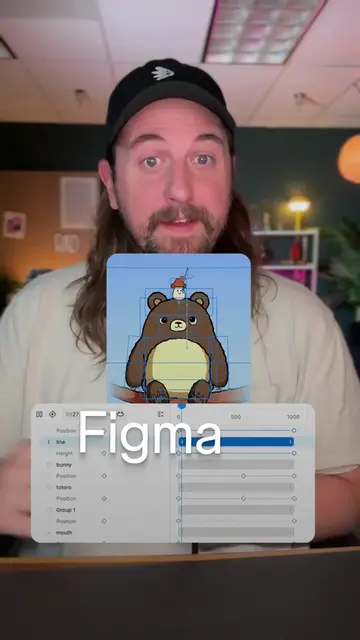
The video effectively demonstrates a practical application of Rive by creating an engaging and interactive animation of a recognizable character. The step-by-step tutorial format, combined with clear on-screen text and concise explanations, makes complex concepts like state machines accessible to beginners.
Summary
This video demonstrates how to create dynamic animations using Rive, an animation tool for apps and websites. It shows how to set up keyframes, use state machines to blend animations, and control them with inputs for interactive motion design.
Structure
- 1Introduction to Rive for beginners
- 2Entering animation mode and creating keyframes
- 3Setting up multiple timelines for different eye movements
- 4
Original caption
If you’re a designer, you can make dynamic animations for your apps and websites with #rive. And the most important thing to learn is state machine. Make some animation timelines with one keyframe each, rig them up in state machine blend animations, and you’ve got dynamic motion design that you can use as interactive animations. #motiondesign #motiongraphics
More from @radnolan
More breakout videos from this creator.