Loading video…
Sound

original sound - lauraaad0
laura · Original audio
0:00–:––
Playing this video’s own audio, so you’ll hear the creator over the sound.
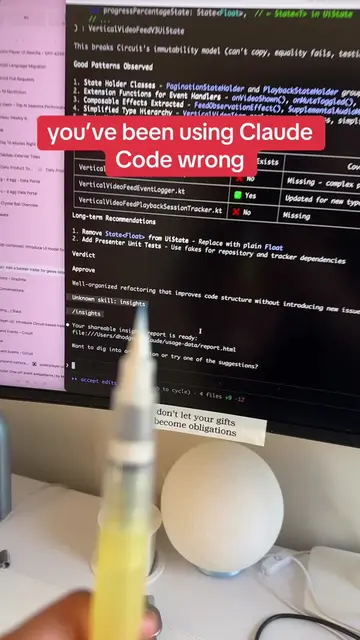
The video effectively breaks down a complex AI tool into three distinct, easy-to-understand use cases, addressing a common point of confusion and providing clear guidance on how to leverage the tool effectively.
The video explains the three different modes of Claude: Code, Cowork, and Projects. It details when to use each mode, such as building applications with Code, performing tasks on your computer with Cowork, and saving workspaces for recurring tasks with Projects.
nobody explains the difference between these three and it actually matters 👇 claude code vs cowork vs projects — same AI, completely different use cases 🧑💻 code → use this when you want to BUILD something. apps, websites, tools. it writes and saves the actual code for you. 🖥️ cowork → use this when you want claude to DO things on your computer. create files, audit your instagram, research, deep work sessions that don't break. 📁 projects → use this when you want claude to REMEMBER things. upload your stuff once and every new chat already knows your context. the tldr: building something → code doing real work → cowork recurring tasks → projects #aitools #vibecoding #techgirlies
no one talks
Introduction to Claude's three modes
Explaining Claude Code for building
Explaining Claude Cowork for task execution
Explaining Claude Projects for saved workspaces
Summarizing when to use each mode
The video showcases the Claude AI tool and its three modes: Code, Cowork, and Projects, explaining their functionalities and use cases.
Playing this video’s own audio, so you’ll hear the creator over the sound.
Promotes 2 products. Create free account to see more.
Outliers and viral hits: their videos on Overshot, all time.
AI assistant for people solving work and creative tasks
Views and creators: posted in the last 30 days (English videos). Videos: all time.