Loading video…
All breakouts
3.8App DemoProblem Callout hookAI Tools
Hook
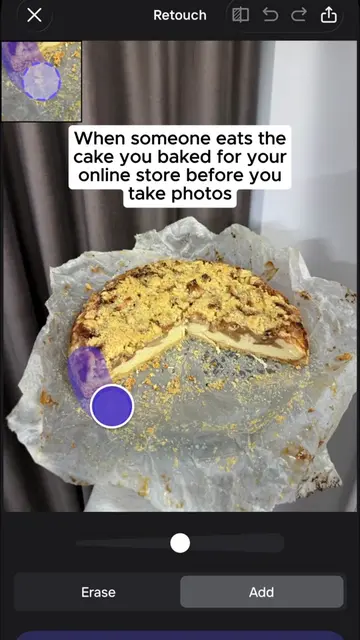
When someone eats the cake you baked for your store before you take photos
@createwithmarta
1.1K followers · usually 854 views a post
Views
3.2K
Likes
57
Comments
2
Shares
0
Why it worked
The video addresses a common problem for online sellers (damaged product photos) and provides a clear, visual solution using an AI editing tool, making it relatable and demonstrating the tool's effectiveness.
Summary
The video demonstrates using Photoroom to edit a photo of a cheesecake. It shows how to remove a bite taken from the cake and then re-add toppings, effectively fixing the photo before it's synced to Shopify for sale.
Structure
- 1Show cake with a bite taken out
- 2Use Photoroom to remove the bite
- 3Add toppings to the cake
- 4
Original caption
I baked it for my store, and now it’s ruined… but thank God I know how to fix it! #photoroom #aiphotos #aiforbusiness #aiphotoediting #productphotos
More from @createwithmarta
More breakout videos from this creator.