Loading video…
Sound

Stories 2
Danilo Stankovic
0:00–:––
- Videos using it
- 130
- Creators
- 92
- Views on those videos
- 87.6M
The video provides practical, actionable tips (shortcuts) for a specific tool (Claude Code) used by a niche audience (developers). The clear, concise demonstrations and the focus on saving time and improving workflow make it highly valuable and shareable content.
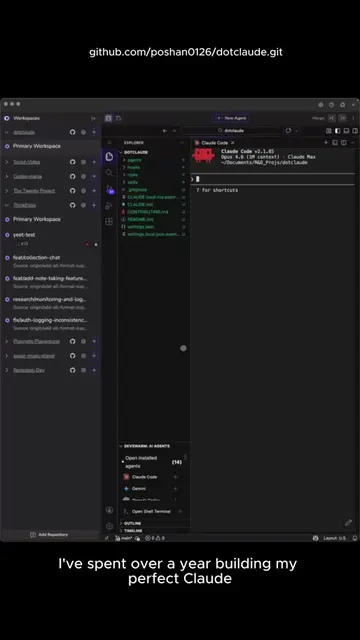
The video showcases 10 shortcuts for Claude Code, an AI coding tool, demonstrating how they can save developers time and improve workflow. It highlights features like asking questions mid-task, compacting conversations, undo functionality, context visualization, voice input, planning code before writing, switching modes, clearing context, file autocompletion, and initializing the codebase.
10 shortcuts I wish I knew when I started using Claude Code. #ClaudeCode #AIcoding #DevProductivity #CodingTips #vibecoding
I spend 8+ hours a day in claude code
Introduction to Claude Code and the need for shortcuts
Demonstration of /btw, /compact, Esc+Esc, /context, /voice, /plan, Shift+Tab, /clear, @files, and /init shortcuts
Explanation of how each shortcut improves productivity and workflow
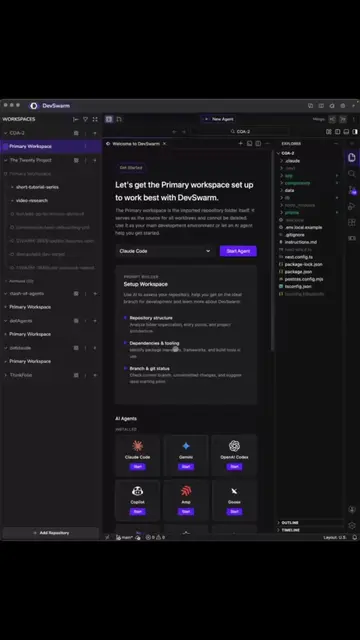
Mention of DevSwarm as the platform and its benefits for managing sessions
Call to action to try DevSwarm
Claude Code: ACTS - This is the primary software being demonstrated and used throughout the video. Its interface is operated, and its features are explained. Removing it would fundamentally change the video. DevSwarm: ACTS - This is the platform on which Claude Code appears to be running, and it is presented as a way to manage multiple sessions. Removing it would change the context of the demonstration.
try it at devswarm.ai or the link in my bio
Promotes 7 products. Create free account to see more.
Outliers and viral hits: their videos on Overshot, all time.
Desktop platform for running parallel AI coding agents, for software developers
All time.