Loading video…
All breakouts

61.6App DemoOther hookCreator Economy
Hook
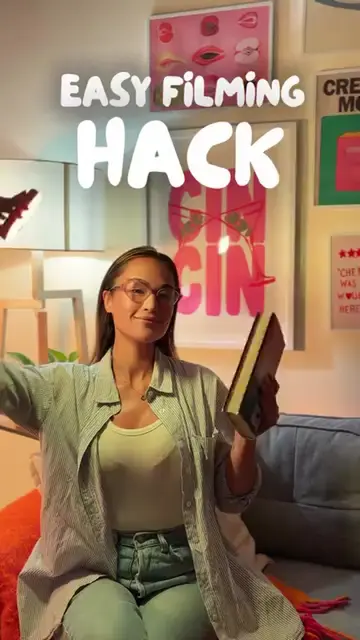
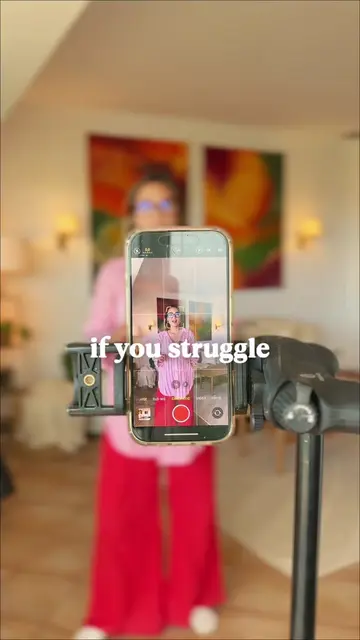
This is your sign to make an introduction video of yourself
@thesocialcreativesclub
262.9K followers · usually 3.7K views a post
Views
217.6K
Likes
8.9K
Comments
100
Shares
1.1K
Why it worked
The video provides high-value, actionable technical knowledge in a fast-paced, easy-to-follow format that solves a specific creative problem for content creators.
Summary
The creator demonstrates a step-by-step tutorial on how to create a freeze-frame introduction video effect using the CapCut mobile app. The video uses a screen recording of the app's interface to guide the viewer through the editing process.
Structure
- 1Hook with visual example
- 2Step-by-step screen recording tutorial
- 3Applying effects and keyframes
- 4Final result and CTA
Product placement
The entire video is a screen recording of the CapCut mobile app being used to edit a video.
Call to action
Follow for more easy mobile edits that you'll actually use.
On-screen text
This is your SIGN to make an INTRODUCTION video of yourself
EMMA
So...
First, POSITION the playhead where you want the FREEZE FRAME to happen.
Then TAP on FREEZE
DUPLICATE that STATIC FRAME
Now SELECT it and TAP OVERLAYS so that they are stacked on TOP of EACH OTHER.
Now tap your OVERLAY and tap REMOVE BACKGROUND and AUTO REMOVAL
Then TAP on STROKE and CUSTOMIZE the stroke to how you LIKE IT.
Now GO to the BEGINNING of the static frame and TAP the KEYFRAME BUTTON
and then GO to the END and INCREASE the SIZE of the SUBJECT
Now TAP the MAIN CLIP
Go to EFFECTS
VIDEO EFFECTS
COMICS and find RETRO CARTOON
Finally, just ADD your TEXT
Follow for more easy MOBILE EDITS that you'll ACTUALLY USE
Original caption
This intro video effect is a fun way to introduce yourself and instantly add personality to your content 👀 Quick steps 👇 1️⃣ Place the playhead where you want the freeze frame 2️⃣ Tap Freeze and duplicate the frame 3️⃣ Move one layer as an overlay 4️⃣ Use Remove Background → Auto Removal 5️⃣ Add a stroke around the subject 6️⃣ Add keyframes to scale the subject slightly 7️⃣ Apply the Retro Cartoon effect and add your text 📌 Save this to try later 📲 Follow for easy mobile edits you’ll actually use 💬 Comment THAT CREATOR to get my CapCut Crash Course 📖 COMMENT "library" to get access to The Tutorial Library (step-by-step text tutorials of ALL my edits) #capcuttutorial #mobileediting #introvideo #editinghacks
More from @thesocialcreativesclub
Their other posts in the index, biggest breakout first.