Loading video…
All breakouts
6.5App DemoHow-To hookEducation
Hook
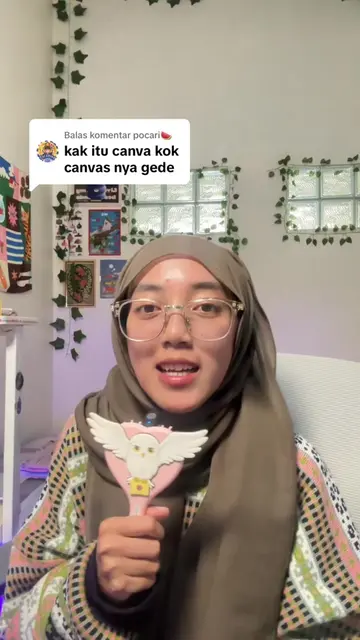
How To make Perspective On canva
@rafakhira
96.1K followers · usually 11.8K views a post
Views
67.9K
Likes
5.6K
Comments
36
Shares
322
Promoted product
Rewarp
Why it worked
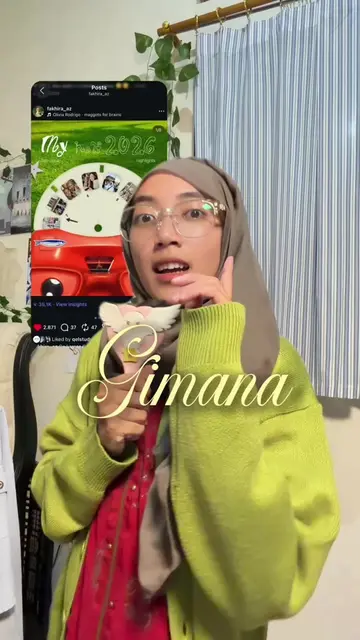
The video likely performed well due to its clear and concise tutorial format, addressing a specific design need (perspective effect) and offering a solution using a readily available tool (Canva with an app integration). The use of a popular platform like Canva and the visual appeal of the final result would also contribute to its reach.
Summary
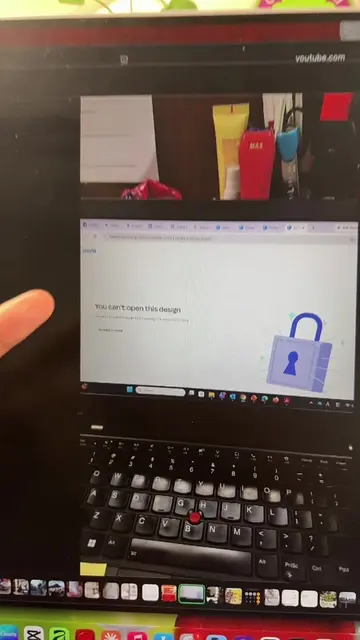
The video demonstrates how to create a perspective effect on Canva using an app called Rewarp. It shows the process of uploading an image, applying the warp effect, and adjusting the settings to achieve the desired look.
Structure
- 1Introduction to the tutorial
- 2Demonstration of the Rewarp app
- 3Applying the warp effect to an image
- 4Adjusting blend mode and strength
- 5Finalizing the design
Original caption
Reshape udah lama ilang? No worries SEKARANG UDAH ADA GANTINYA GAISSS ❤️🔥🔥 pake rewarp 🫰🏻
More from @rafakhira
More breakout videos from this creator.