Loading video…
All breakouts
 229 videos128 creators
245Text-HeavyHow-To hookCreator Economy
Hook
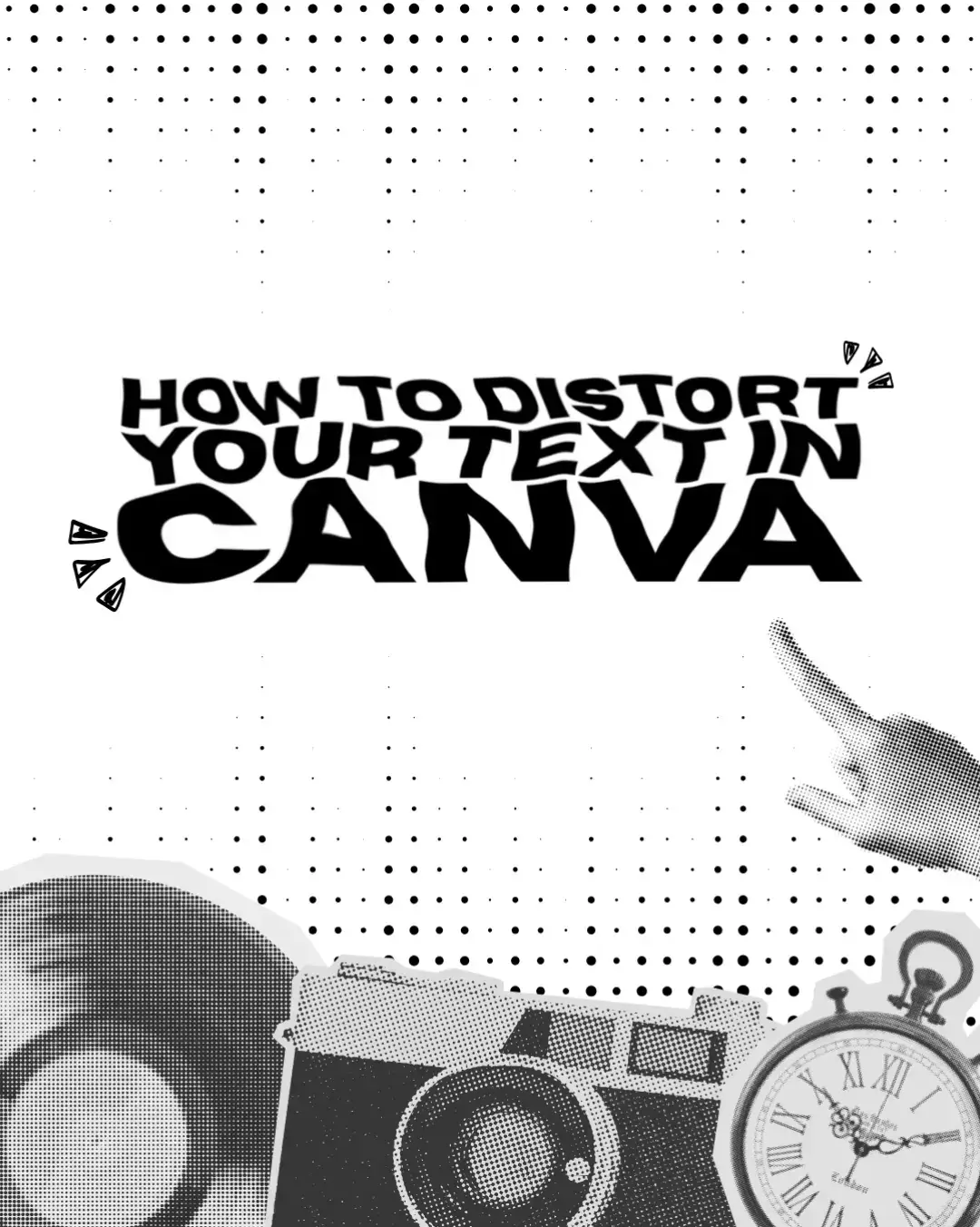
HOW TO DISTORT YOUR TEXT IN CANVA
@bellacreatesph_
1.9K followers · usually 1.2K views a post
Views
274.3K
Likes
22.3K
Comments
32
Shares
914
Promoted product
Canvacanva.com
Why it worked
The tutorial provides a clear, step-by-step visual guide to achieving a specific design effect (text distortion) using a popular and accessible tool (Canva), making it highly shareable and useful for creators.
Summary
This tutorial demonstrates how to distort text within Canva using the Warp Brush app. It guides users through adding text, saving it as a PNG, re-uploading it, and then applying various warp effects to achieve a distorted look.
Structure
- 1Title slide introducing the tutorial
- 2Step 1: Open your design
- 3Step 2: Add text
- 4Step 3: Save text as PNG
- 5
Original caption
Just follow these 6 easy steps and you're good to go!😵💫✨ #canva #canvadesign #canvatutorial #canvafonts #fyp #digitalmarketing #digitalproduct #up #happy #canvatypograpghy #canvadistort
More from @bellacreatesph_
More breakout videos from this creator.