Loading video…
All breakouts
 229 videos128 creators
15.8App DemoWarning hookCreator Economy
Hook
Don't do this!
@raket.ph
159.3K followers · usually 6.9K views a post
Views
108.8K
Likes
4.4K
Comments
31
Shares
404
Promoted product
Canvacanva.com
Why it worked
The video solves a specific, common design pain point (making flat images look 3D) using a quick, actionable 'hack' that provides immediate visual value.
Summary
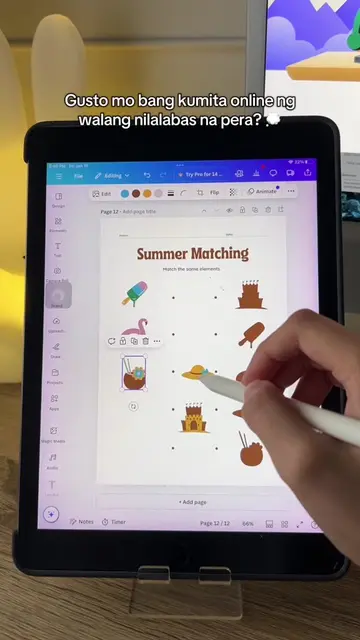
The video demonstrates a tutorial on how to use the 'Skew Image' app within Canva to add a perspective effect to images. It shows a before-and-after comparison of flat images versus images skewed to look like they are sitting on a surface.
Structure
- 1Identify the problem with flat image placement
- 2Introduce the Skew Image app in Canva
- 3Demonstrate adjusting horizontal and vertical skew
- 4Show the final result with multiple images
Original caption
💡 [Tutorial] - Here's a trick on how to add a perspective effect to your images on Canva! (The invitation templates used in the video are for tutorial purposes only. Credits to the original creators of the designs) #raketph #fyp #canvatutorial #canvatips #canva #canvahacks #perspectiveeffect #skewimage
More from @raket.ph
More breakout videos from this creator.

![[Tutorial] Here’s how to create a digital scrapbook on Canva! #raketph #fyp #pa](https://tiktokspy.sfo3.digitaloceanspaces.com/covers/7463408608244501778.jpg)