Loading video…
Sound

original sound - astraltech
Astral · Original audio
0:00–:––
Hook
Posted Jun 10, 2026Video · 0:31by @astraltech
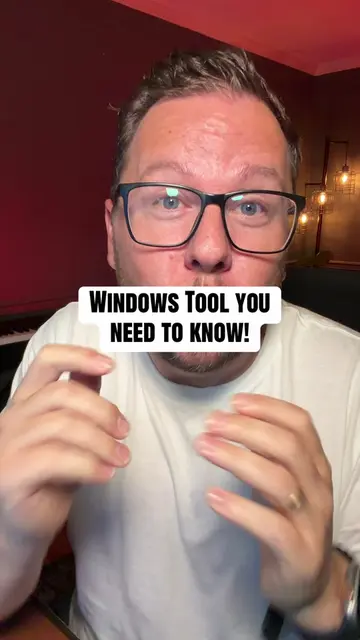
The video offers a practical, actionable tip for PC users by revealing a hidden, built-in Windows tool that can diagnose performance issues. This appeals to a broad audience experiencing common computer slowdowns, and the "hidden gem" aspect creates intrigue.
This video demonstrates a built-in Windows tool called the Resource and Performance Monitor that can scan a PC for issues slowing it down. The creator shows how to access the tool and interpret its report, highlighting that it identifies problems like overloaded memory, broken drivers, and problematic startup applications.
Here's a Windows tip that could actually SAVE your PC pt. 3 😳 #pc #windows #TechTips #windows11 #pctips
Here's a Windows tip that could actually SAVE your PC
Introduce the Windows tip
Explain the tool's function
Demonstrate accessing the tool
Show the scan and report
Explain the report findings
Conclude with a call to action
The video demonstrates the use of the built-in Windows tool 'Resource and Performance Monitor' by showing how to access it via the Run dialog (Win+R) and inputting 'perfmon /report'. The tool's interface and diagnostic report are displayed on screen.
Do this right now and follow for more tips.
Reference article for the perfmon command, which starts the Windows Reliability and Performance Monitor in a specific standalone mode.
All time.
Promotes 1 product. Create free account to see more.
Outliers and viral hits: their videos on Overshot, all time.