Loading video…
Sound

original sound - juliabroome
julez | social media · Original audio
0:00–:––
Playing this video’s own audio, so you’ll hear the creator over the sound.
The video provides actionable, easy-to-implement tips for a common pain point (organization and productivity). The creator's energetic and relatable delivery, combined with clear visual demonstrations, makes the advice engaging and trustworthy.
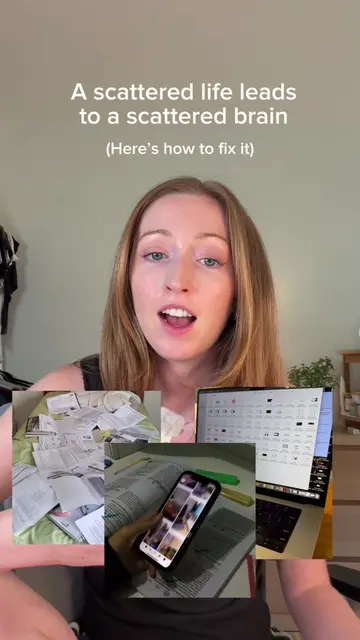
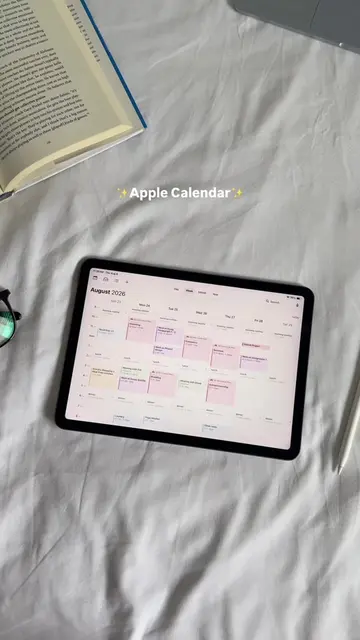
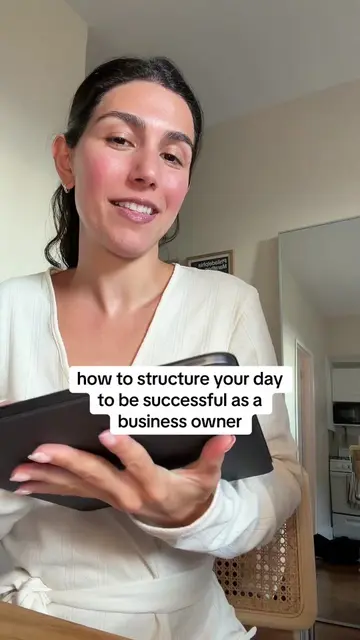
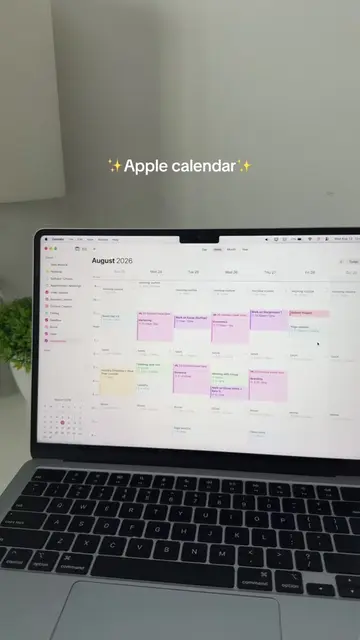
The creator explains how to organize a Google Calendar for better productivity. She demonstrates creating multiple calendars for different aspects of life, using color-coding as labels, and setting up recurring events for task batching.
CREATOR + CEO CALENDAR SET UP 👩🏼💻🗓️🧚🏼♀️ #calendarorganization #productivity #fypシ
CALENDAR ORGANIZATION
Introduce calendar organization as a sign of taking business seriously.
Explain creating micro-calendars for different aspects of work and life.
Demonstrate setting up calendars and using color-coding for labels.
Introduce the 'four-quarter system' for daily goals.
Explain using recurring events for task and content batching.
Conclude with encouragement to trust the system.
Google Calendar: ACTS - it is used to organize the creator's schedule and tasks. Removing it would change what happens in the video. It is the primary tool used in the video.
Playing this video’s own audio, so you’ll hear the creator over the sound.
Promotes 1 product. Create free account to see more.
Outliers and viral hits: their videos on Overshot, all time.
Digital calendar app for planning events and organizing daily schedules
All time.